
Prusa Core One Review – Brilliant Branding, Smart Workflow, and a Printer That Knows Exactly Who It’s For
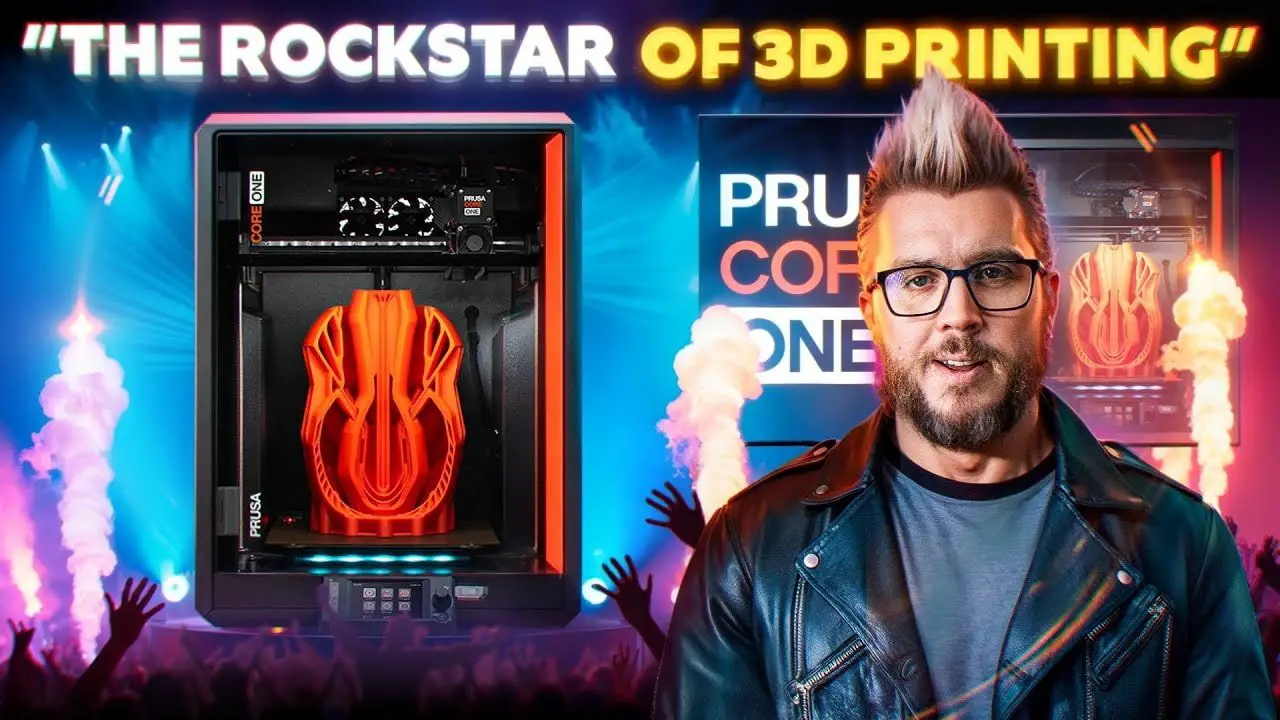
The Prusa Core One is one of those machines that creates a reaction before you even start printing. Partly because it is new, partly because it carries the Prusa name, and partly because Prusa as a brand has built a level of loyalty that most 3D printing companies can only dream of. There are printer brands people buy, and then there are printer brands people actively champion. Prusa sits firmly in the second group.
That also makes reviewing the Prusa Core One a bit awkward, because this is not a machine that wins solely on a spec sheet. If you line it up against plenty of similarly priced printers and compare build volume, speed, convenience features, or value-for-money extras, there are absolutely areas where other machines look stronger. In a few places, much stronger.
And yet, that still doesn’t really explain the experience of using it.
This is a printer I kept returning to. Not because it wowed me with flashy tricks, but because it quietly slotted into a workflow that made me want to keep printing. That distinction matters. The Prusa Core One is not really trying to be the most exciting printer in the room. It is trying to be the printer you trust to keep going.
If you’re already deep into the hobby and comparing options, you may also want to check our broader guide to the best 3D printers for miniatures, because context matters a lot with a machine like this.
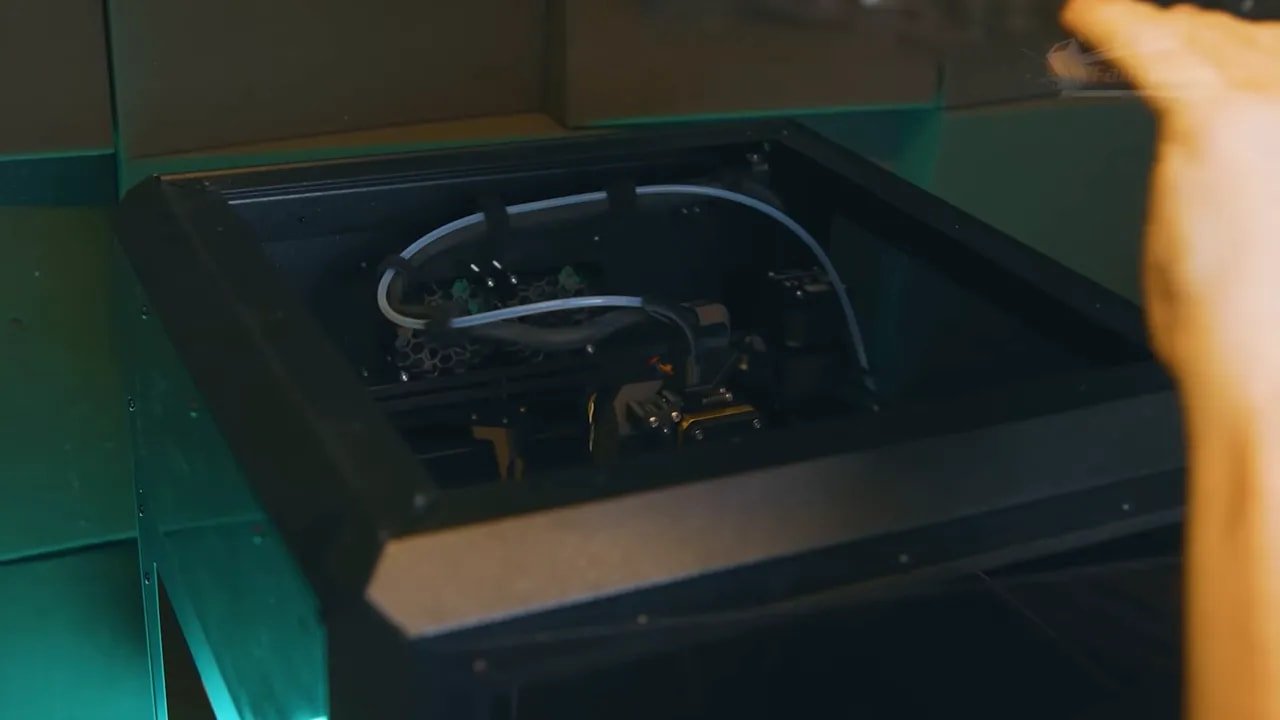
So this review is going to focus less on technical chest-beating and more on what this printer is actually like to live with. The good, the mildly irritating, the surprisingly clever, and the bigger question behind all of it: who is the Prusa Core One really for?
Please Note: This site uses affiliate links. Our Affiliate Partners are shown below
(Affiliate links will result in compensation to the site on qualifying purchases)
Click this link & buy your hobby stuff from Element Games for the UK & Europe to support FauxHammer.com – Use Code “FAUX2768” at the checkout for double reward points.


Our Affiliates / Hobby Stores
- UK: Element Games, The Outpost, Wayland Games, Mighty Lancer, Goblin Gaming, Forbidden Planet, Model Scenery Supplies, eBay, Amazon
- US/Canada: MTechCave, GameKastle, eBay (US), eBay (CA), Amazon
- Germany: Taschengelddieb
- Europe: eBay (DE), eBay (FR), eBay (ES), eBay (IT), Amazon
- Australia: eBay, Amazon
- Global: RedGrass Games, Warcolours
- 3D Printers: Phrozen 3D, Elegoo, Anycubic
FauxHammer – Latest Video on YouTube
Prusa Core One – Summary
If you just want the short version, here it is.
The Prusa Core One is a very good printer, but not in the same way some of its competitors are very good. It does not feel obsessed with flashy features. It does not seem desperate to win the race on maximum speed. It does not throw every modern convenience into the box just because the market expects it.
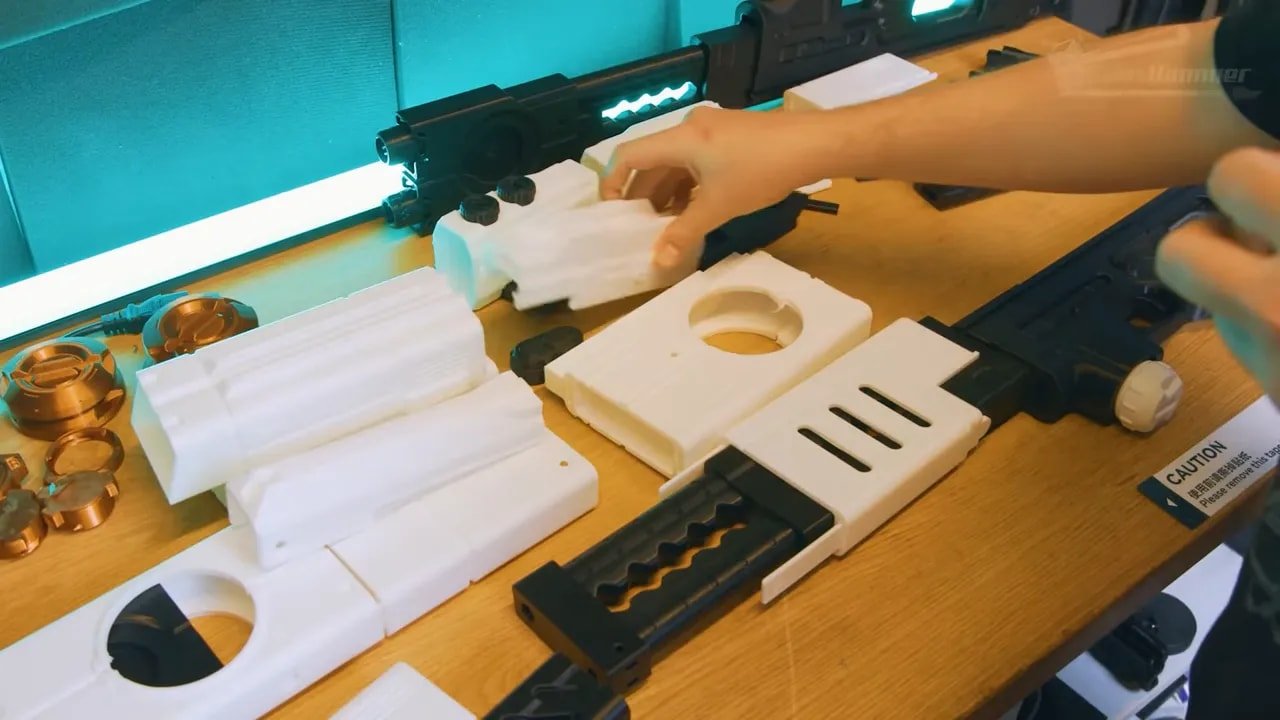
Instead, it feels like a machine designed by people who care more about reliability, repeatability, maintenance, upgrade paths, and keeping printers running continuously.
That has upsides:
Excellent overall build quality and presentation
A genuinely attractive design
Very tidy print queue workflow
Reliable day-to-day use
Strong repairability and upgrade philosophy
Solid, dependable print output
It also has downsides:
Build volume feels a bit limited against rivals
Several convenience features are missing
The UI feels dated
PLA chamber cooling appears less effective than expected
Print profiles seem conservative on speed
Current PLA overhang performance feels underwhelming versus the Mark 4S
The key thing is this: the Prusa Core One makes more sense for a prosumer, workshop, or farm-style user than for the average hobbyist who wants every modern creature comfort in a single home machine.
That does not make it bad for home use. Far from it. It just means its priorities are different.
Prusa Core One – Unboxing and First Impressions
Prusa has become one of the few printer brands where the unboxing itself feels part of the premium experience. The Prusa Core One continues that trend.
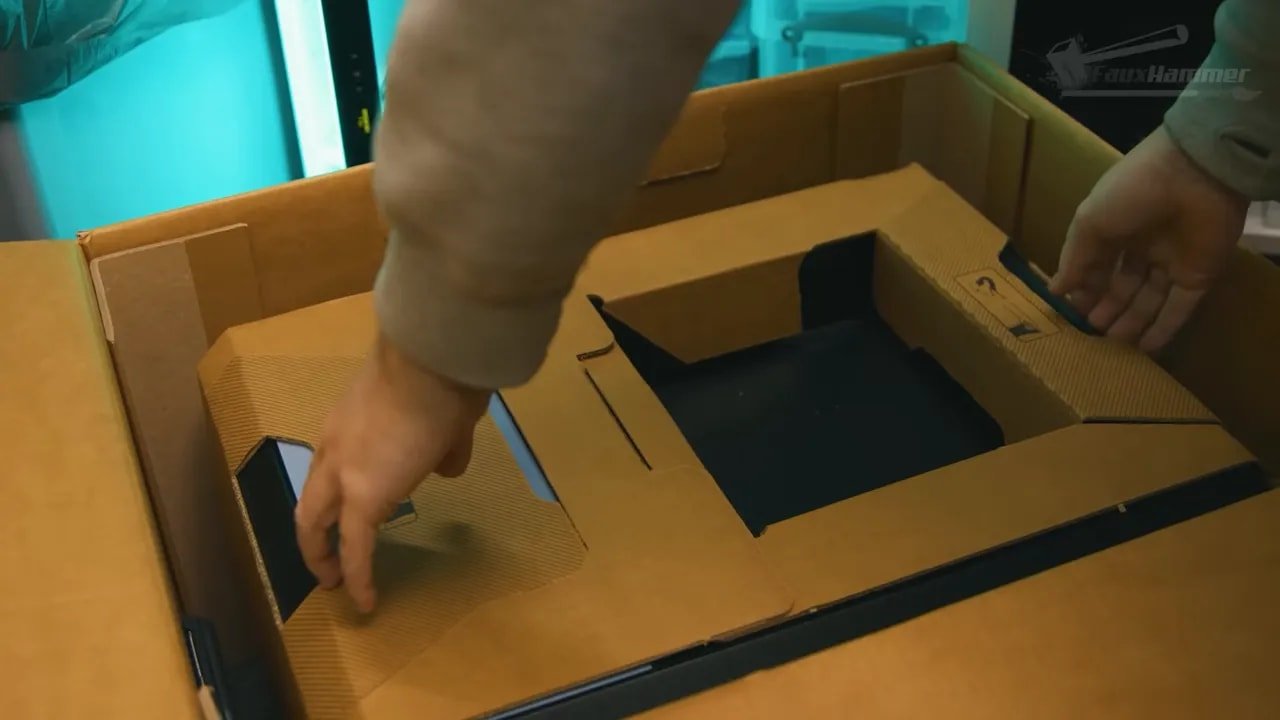
The product presentation is excellent. The packaging is clearly considered, the internal pictograms are useful, and the whole process feels planned rather than improvised. A cardboard lifting frame helps remove the printer from the box, which is especially welcome when you are dealing with a smooth 23kg enclosed cuboid that is not the sort of thing you want to awkwardly wrestle out by hand.
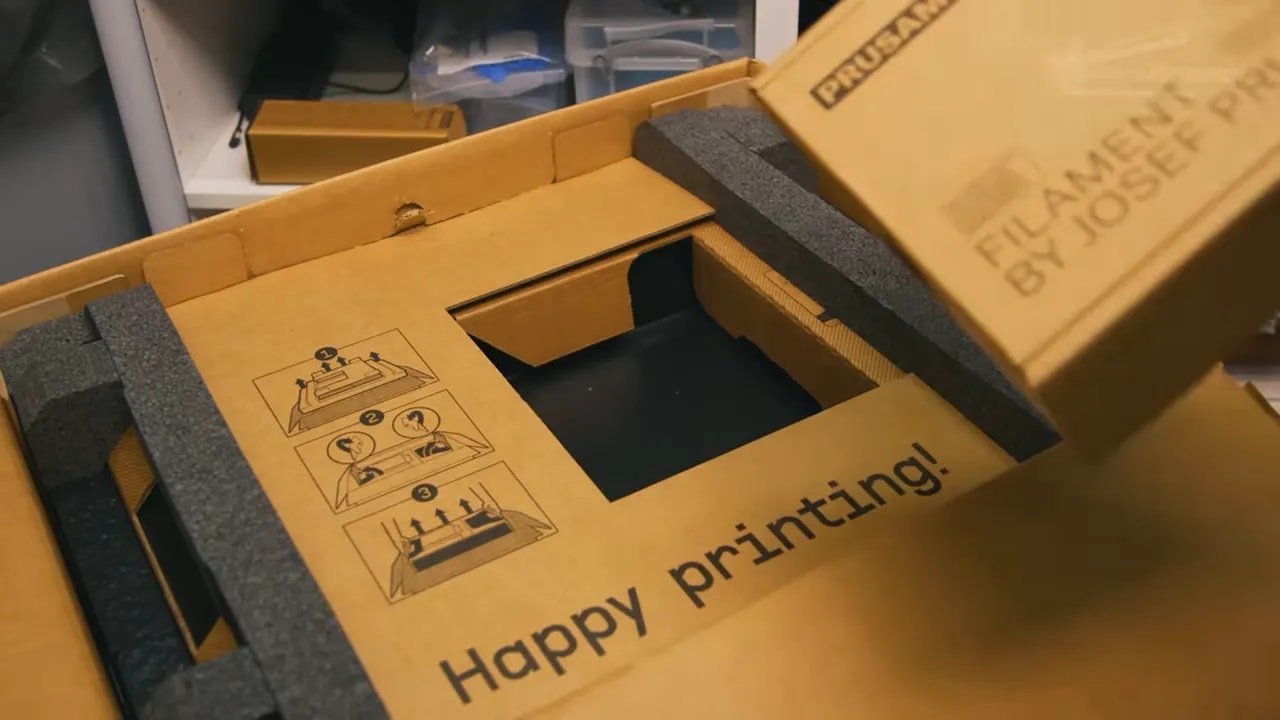
It is practical, tidy and, importantly, recyclable. That combination suits the brand very well.
And yes, being a Prusa machine, there are Haribo in the box. At this point, the sweets are practically part of the setup process. There is a running joke that with a Prusa printer you are really buying expensive Haribo and getting a free machine with it. It is silly, but it says a lot about the community and the brand culture surrounding these printers.
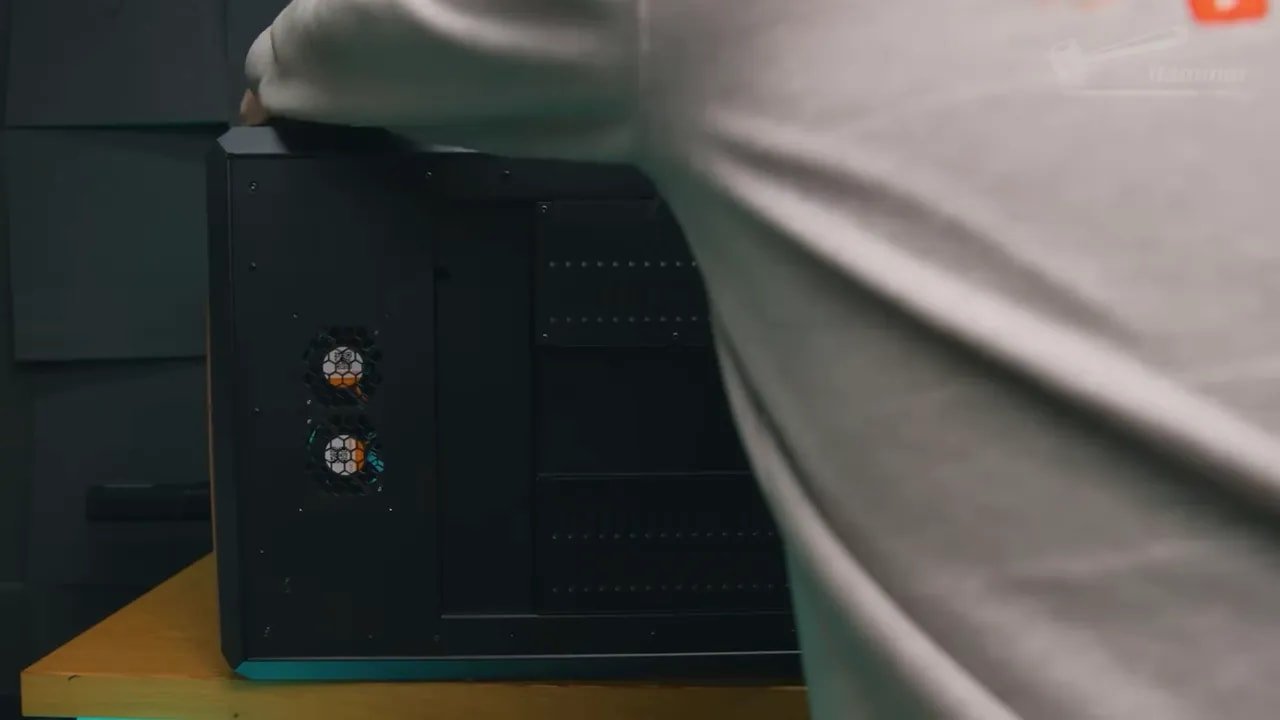
That said, the out-of-box experience is not flawless. One of the first irritations is that the rubber feet are not pre-installed. They are in the box, but you have to attach them yourself. This is a small complaint, but it is still a valid one. On a premium machine, having to stick the feet on yourself makes this essential little detail feel more like an afterthought than a fully integrated part of the design.
It also matters because if you miss them, or ignore them, you can very easily scratch your worktop. Which is exactly the kind of silly avoidable annoyance that sticks in the mind more than it should.
Still, once the Prusa Core One is out of the box and standing properly, the immediate visual impression is superb.
Prusa Core One – Design and Build Quality
This is, quite simply, one of the nicest looking 3D printers around.
The Prusa Core One has a clean, modern, almost furniture-like presence that many enclosed printers completely miss. Plenty of machines are functional. Some are industrial. A few are sleek. Very few are attractive enough that you would not mind them sitting somewhere more visible in the house.
This one gets surprisingly close.
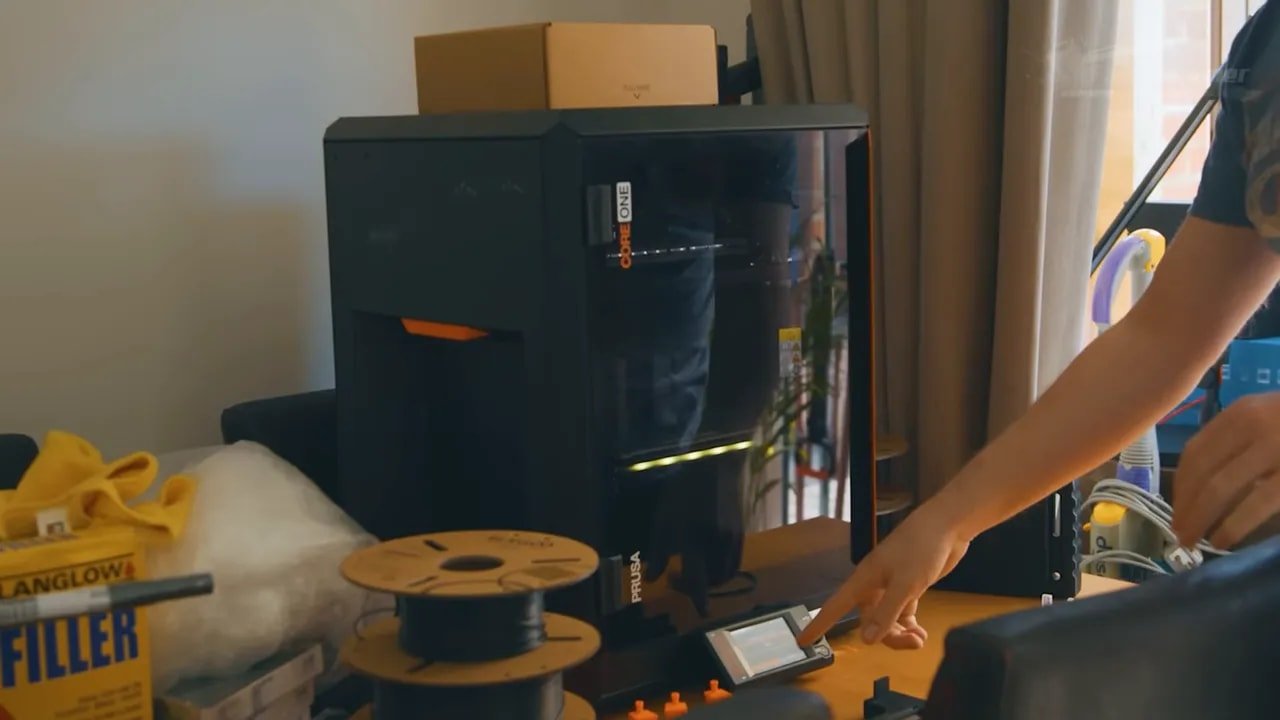
It has the kind of aesthetic that feels more considered than most 3D printers: dark panels, a tidy chassis, restrained use of color, and just enough Prusa identity without turning into a branding exercise on every surface. It looks like a product, not just a workshop appliance.
There is also an appealing honesty to the way it is made. Rather than relying heavily on molded plastics, the machine uses sheet metal, 3D printed parts and dark Perspex-style panels pinned into place with plastic studs. That gives it a slightly more engineered, practical feel.
Of course, that construction method also reveals some of the limits of producing outside the giant Chinese manufacturing ecosystem. There are places where the printer feels cleverly assembled rather than luxuriously finished. Whether you see that as charming or compromised probably depends on what you value most.
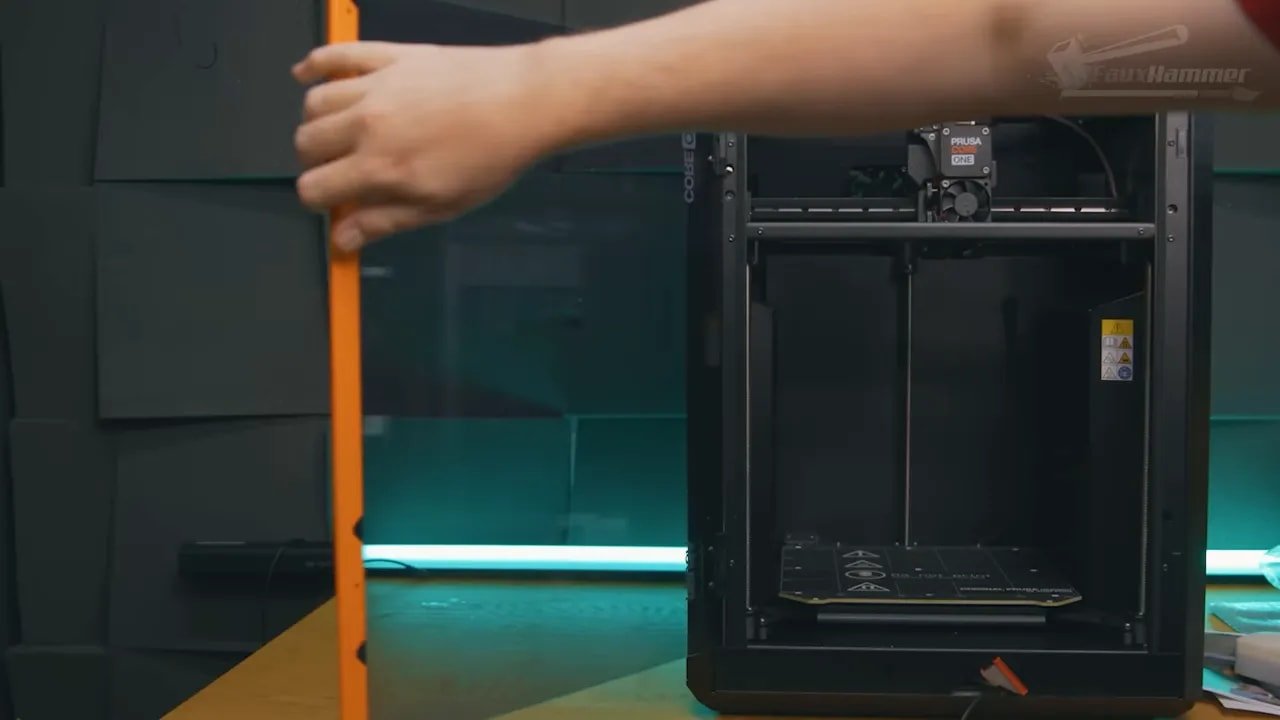
The one place this construction becomes more than an observation is the top cover. Unlike many enclosed printers, the lid is pinned in place rather than clearly intended to be removed regularly. Yes, you can remove the pins. Yes, you can effectively treat it as removable if you choose. But the point is that it does not feel designed around frequent hotend access, which is odd on a machine where routine maintenance should have been a front-and-centre consideration.
It is a mild frustration rather than a deal-breaker, but it is still worth calling out. If a cheaper printer shipped with that design choice, people would absolutely complain about it.
Prusa Core One – Build Volume, Layout and Practical Design Choices
Where the Prusa Core One starts to become divisive is in its practical footprint and print volume.
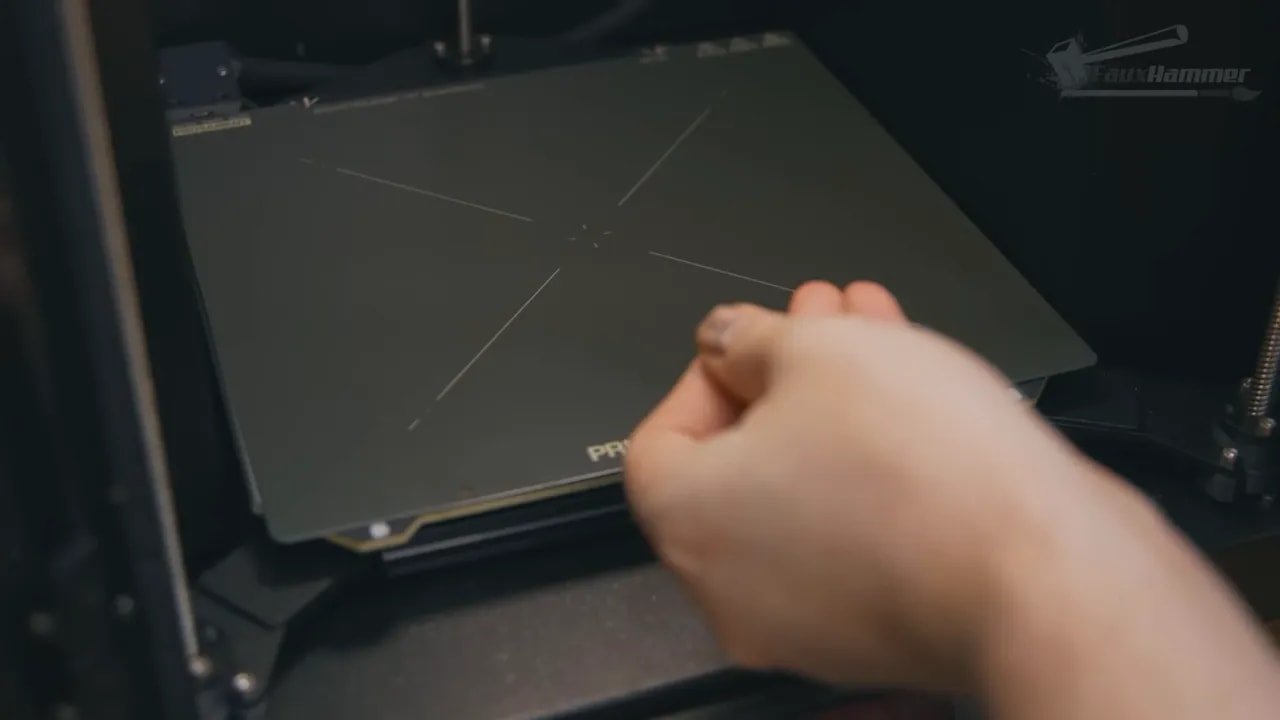
The build area matches the Mark 4S at 250 x 210mm, while the enclosed CoreXY format increases build height to 270mm from the previous 220mm. That means there is a meaningful gain in Z-height, but overall volume still lands on the smaller side compared with many competing enclosed CoreXY machines.
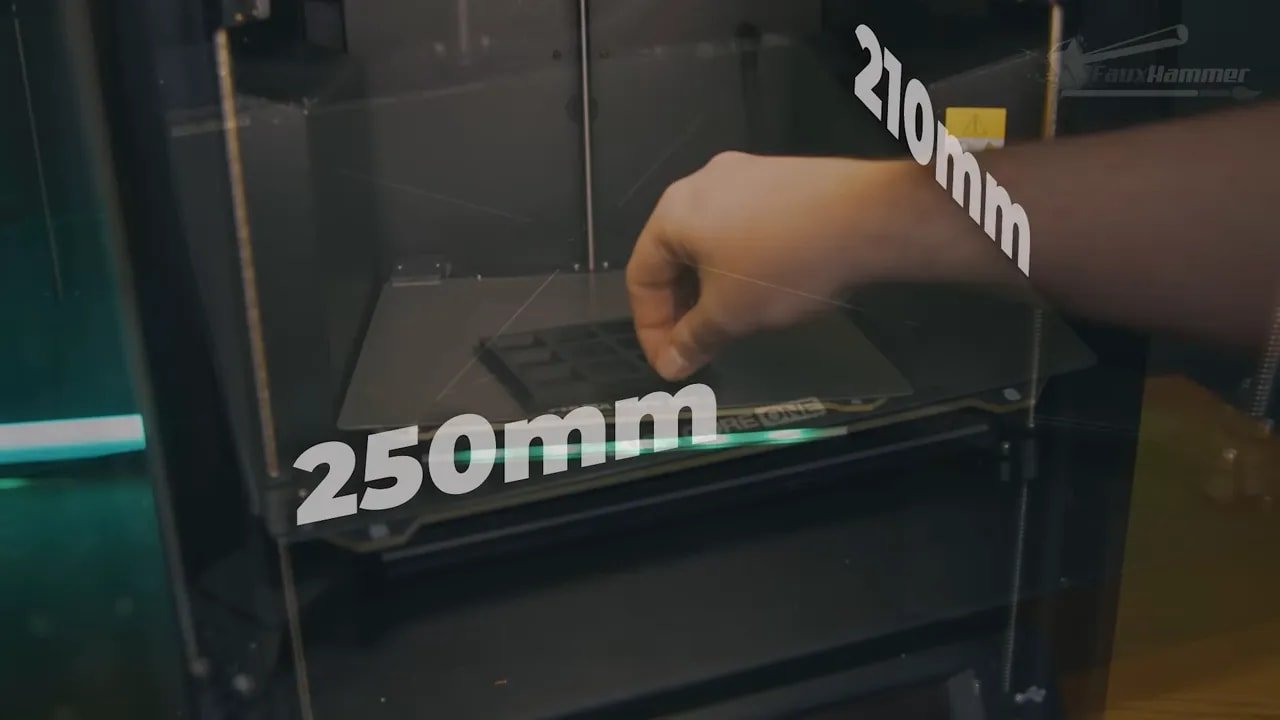
For some people, that will not matter in the slightest. For others, it absolutely will.
If you mostly print smaller components, functional parts, hobby bits, or repeated production pieces, this may be fine. If you print larger props, terrain sections, or multi-part builds and want to reduce the number of plate clear-downs, the missing space is noticeable, especially on the Y-axis.
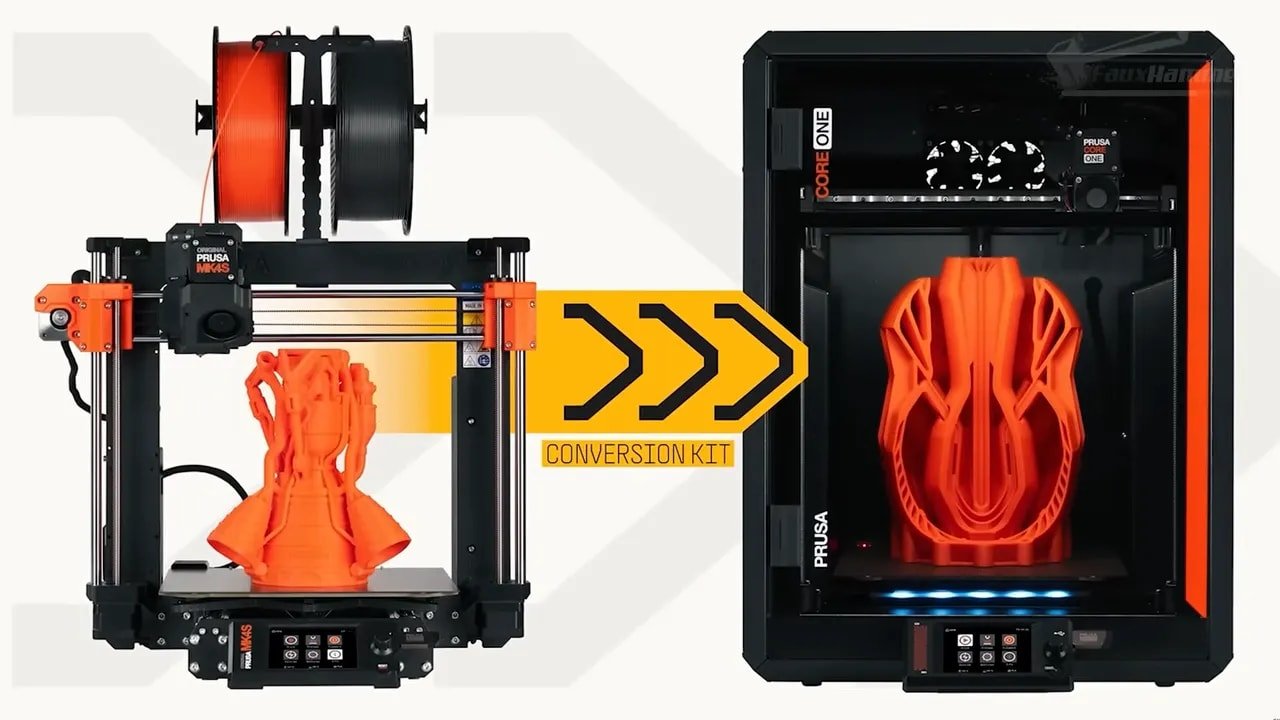
It is worth remembering why it is this size. One of the strongest ideas behind the Prusa Core One is upgrade continuity. It is designed around compatibility with earlier i3-derived hardware and upgrade paths, and that continuity is one of the most “Prusa” things about it. The company would rather let an existing customer move into the next generation than force a totally fresh purchase.
That is admirable. It is also limiting.
The side-mounted spool holder is another example of this balance between tidy design and practical compromise. The reel sits recessed into the right-hand side of the machine, feeding neatly into a PTFE path. In use, it is actually tidier than expected and helps preserve the clean look of the printer. It also costs internal space.
There is clearly a pattern emerging with the Prusa Core One: elegance and continuity often come with trade-offs in convenience or capacity.
For tinkerers, there is good news. The magnetic case and growing ecosystem of mods make the machine highly customisable. It is easy to imagine filament doors, side storage, and various quality-of-life additions appearing quickly, because Prusa users are exactly the sort of people who will build them.
Prusa Core One – Setup, UI and Connectivity
On paper, the Prusa Core One is reasonably well connected. It includes Wi-Fi and Ethernet and supports both Prusa Link and Prusa Connect for local or cloud-based printing and monitoring. That part works and fits the wider Prusa ecosystem nicely.
What feels less modern is the setup experience and interface.
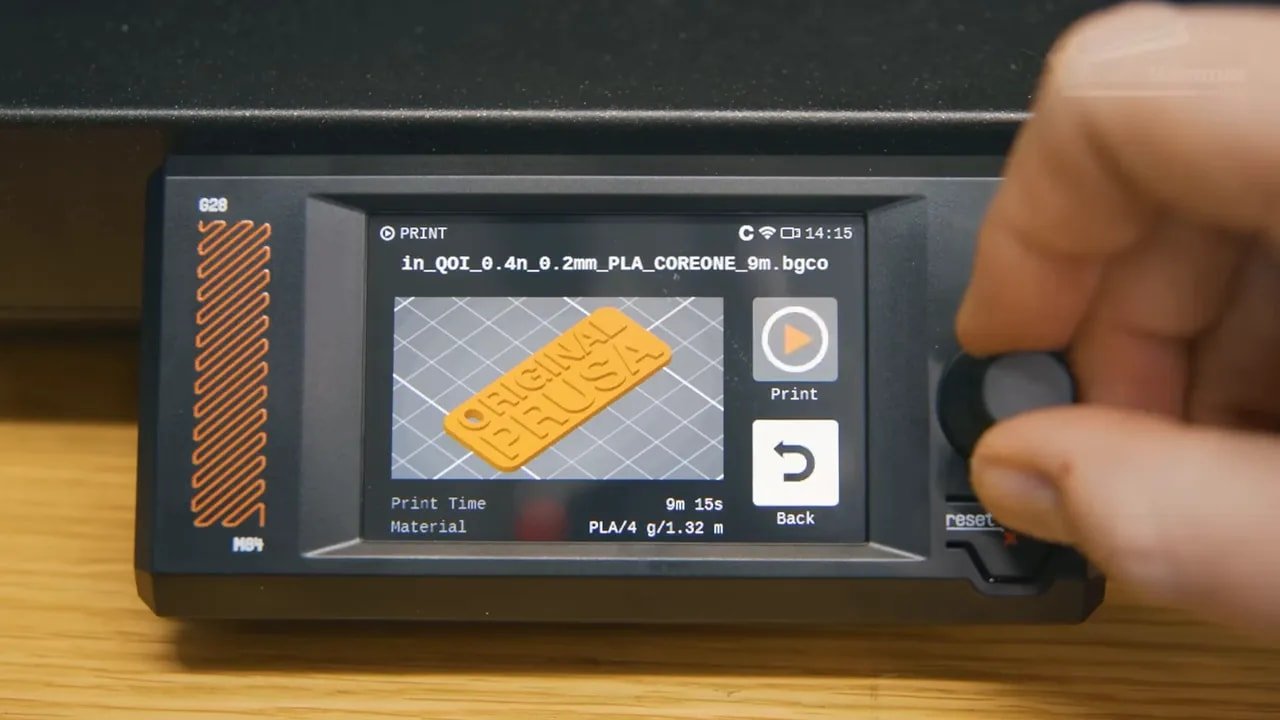
There is an NFC reader on the back which, in theory, should let you pass Wi-Fi credentials from a compatible phone to the printer. In practice, that is only useful if it works smoothly and does something meaningful beyond one-time setup. Here, it did not work as intended, which immediately makes the reader feel like redundant hardware.
That becomes a bigger issue because the alternative is typing Wi-Fi credentials manually using the on-screen keyboard and control dial. On a touchscreen printer in 2025, that feels old-fashioned very quickly.
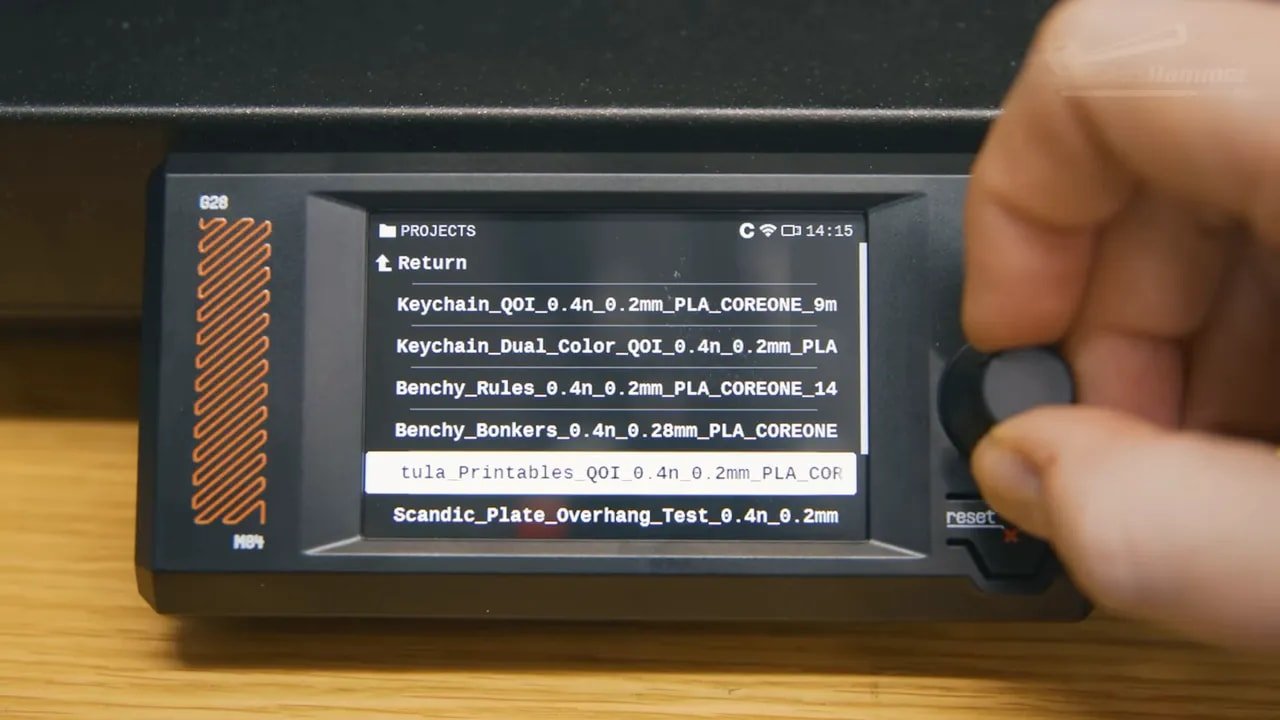
The interface itself continues a familiar Prusa approach. It is list-based, functional and dependable, but compared with newer infographic-style touchscreen UIs it feels legacy. You can tell that the design has been built around the continued use of the physical control dial, and that makes the software feel more utilitarian than elegant.
It works. It just does not feel especially current.
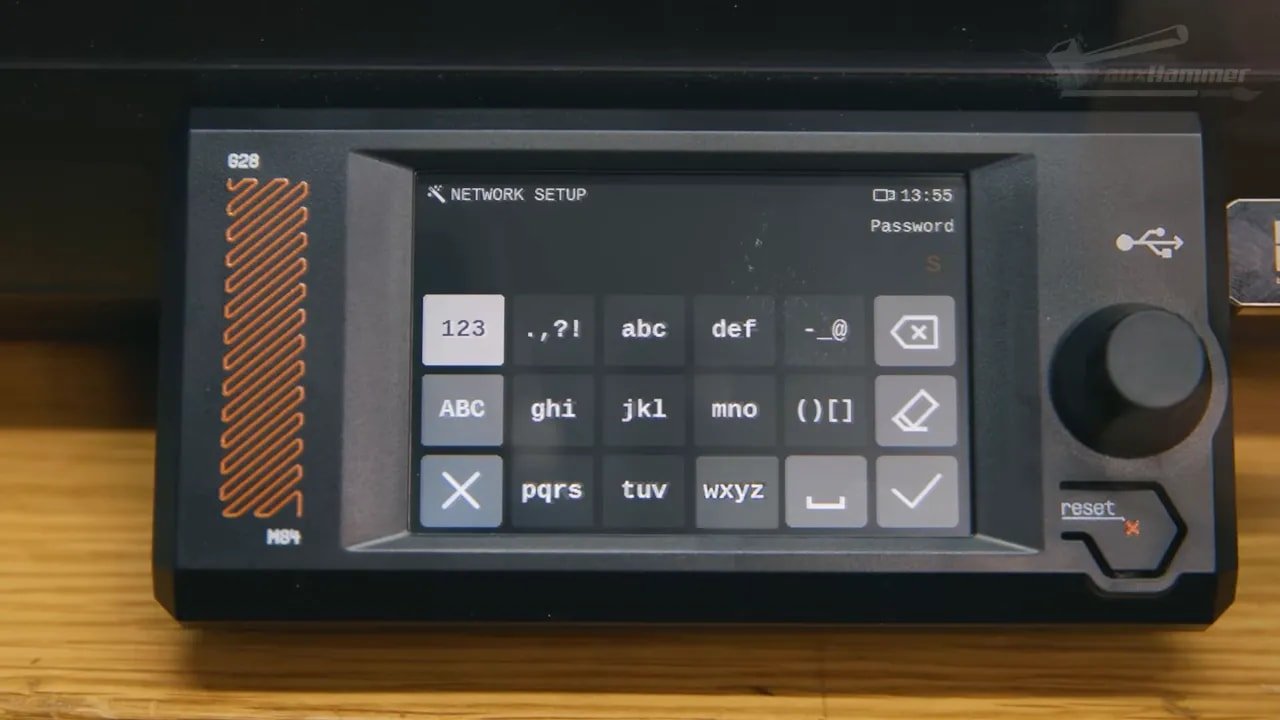
This also extends into the question of included hardware. There is no built-in webcam as standard, although mods already exist and Prusa is releasing its own solution. Whether that bothers you depends entirely on your use case. Some users will be glad not to pay for a camera they do not need. Others will see it as another omission in a premium printer that already costs serious money.
That is probably the fairest way to describe much of the Prusa Core One: not bad, but selective. It picks what it thinks matters.
Prusa Core One – Missing Convenience Features
This is where the review becomes a bit more critical.
The Prusa Core One has several little workflow shortcomings that are not disastrous, but are hard to ignore because cheaper printers have already solved them.
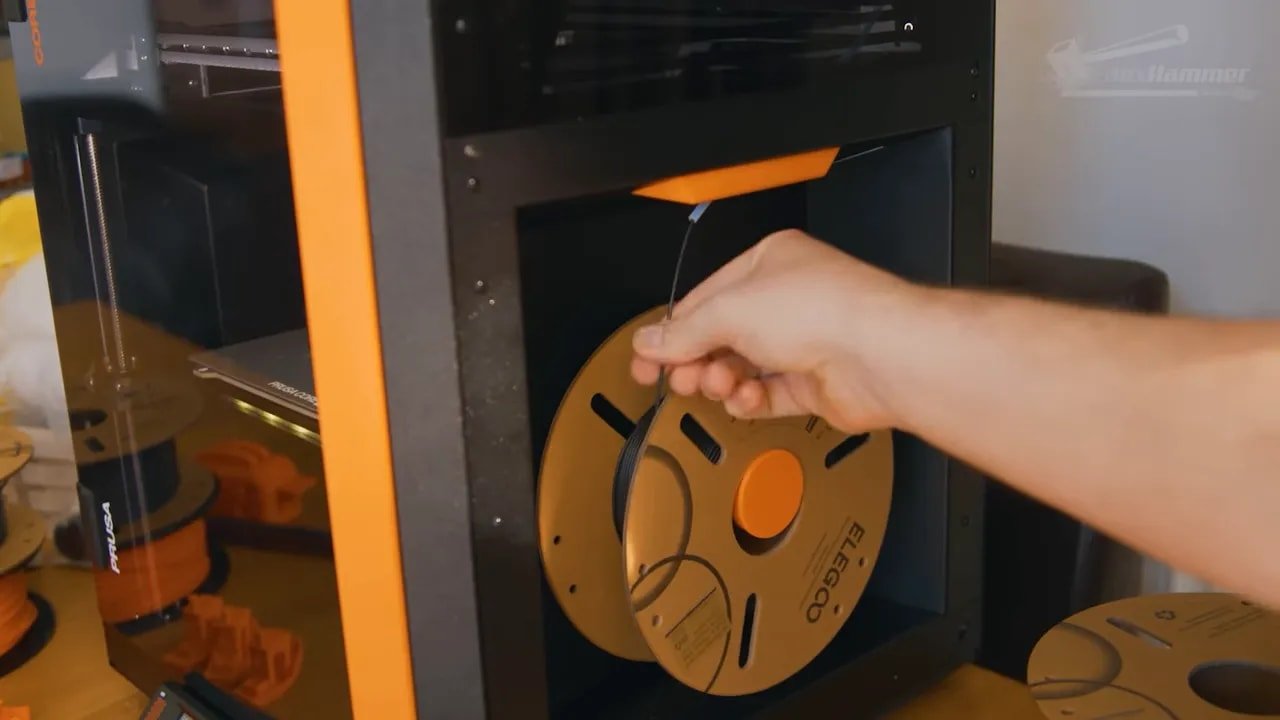
For example, filament runout detection appears to happen as the filament enters the PTFE path on the side rather than near the hotend. The practical result is that every filament change involves retracting a full PTFE tube’s length of material. It works, but it feels clumsy.
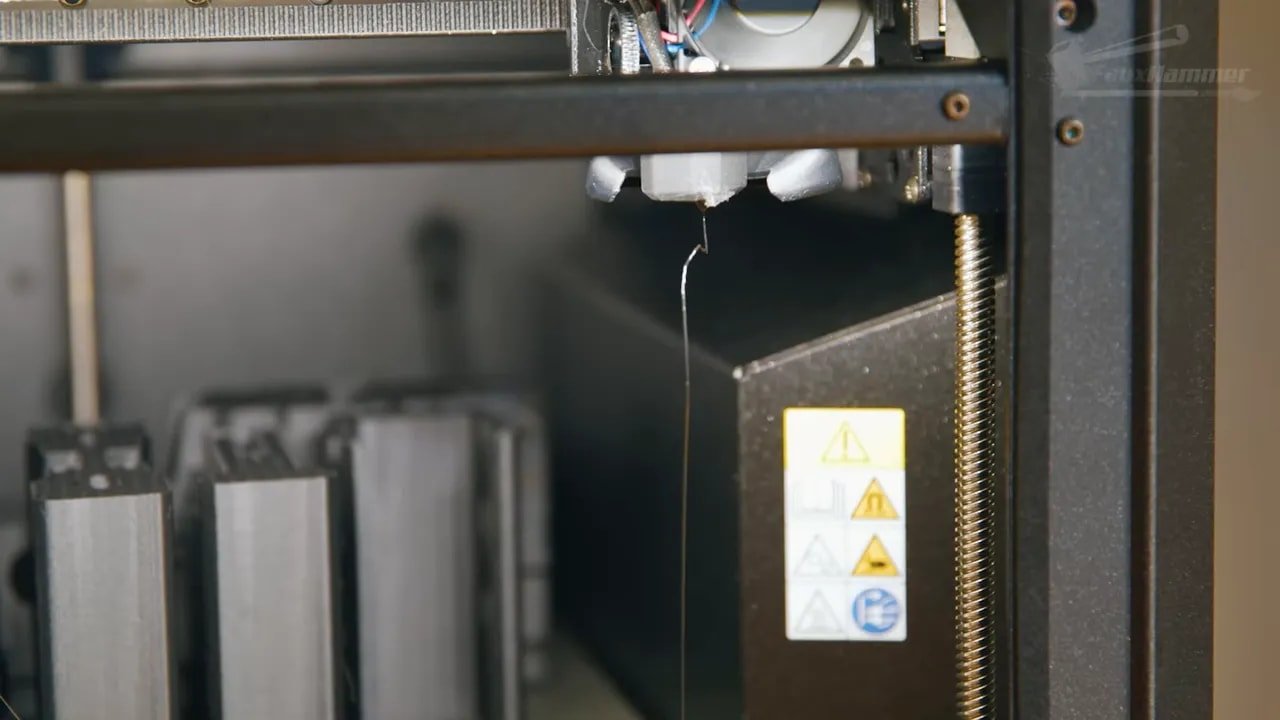
Then there is the absence of a purge chute and nozzle wiper. Again, neither of these is essential in the strictest sense. But both are extremely nice to have, and both meaningfully improve day-to-day quality of life. On a machine positioned as premium, their absence stands out.
The door sensor is another example. Every time the door is opened during a filament change, the printer throws a full-screen warning and pauses interaction at exactly the moment you want to confirm the purge color and continue. From a safety and chamber-control perspective, the logic is understandable. From a home-use perspective, it is irritating enough that it becomes one of the first things worth disabling when printing PLA.
This is really important context for the Prusa Core One. Many of the complaints are not catastrophic. They are friction points. The kind of thing that makes you stop and think, “Why has this not been handled more elegantly when less expensive machines manage it just fine?”
None of these issues ruin the printer. But enough of them together shift the user experience away from luxurious and toward functional.
Prusa Core One – Cooling, Enclosure and PLA Performance
The enclosed CoreXY format should bring obvious benefits, especially around chamber control and material flexibility. PLA generally prefers cooler conditions, while materials like ABS benefit from a warmer enclosed environment. So the thermal management of the Prusa Core One matters a lot.
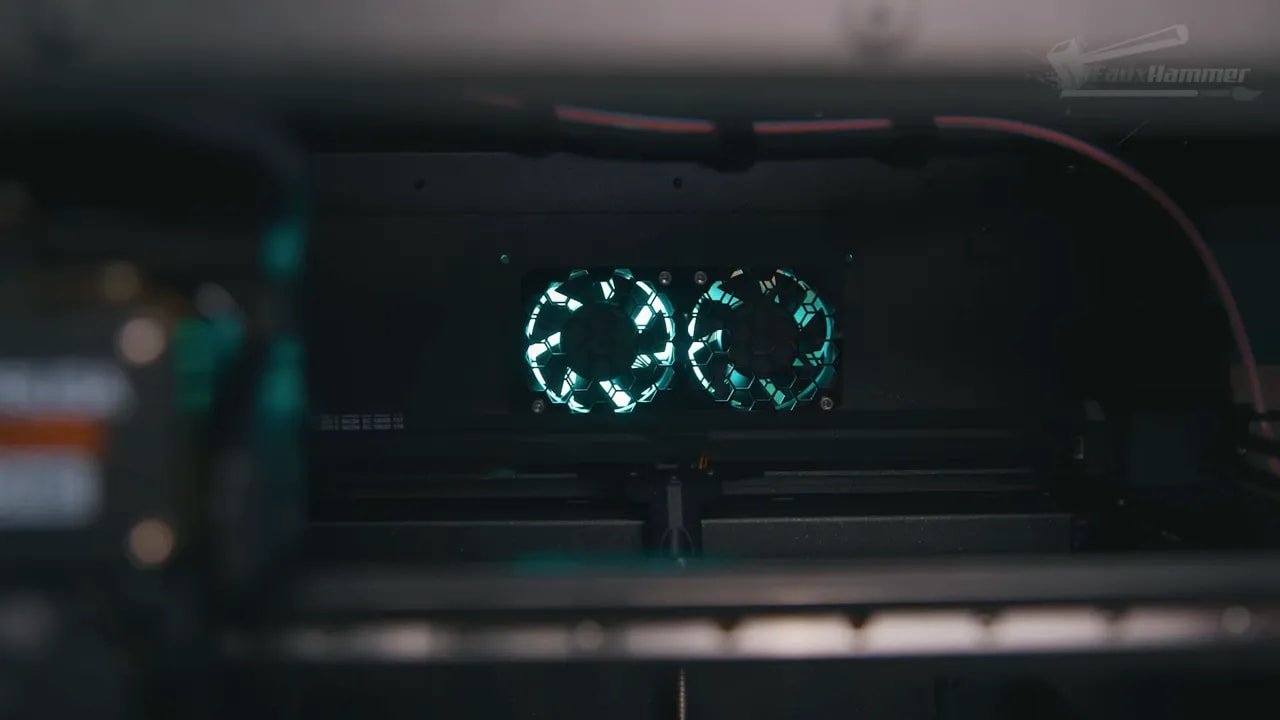
The machine includes two rear chassis fans and a chamber temperature sensor, with airflow moving through the rear and in through a manually adjustable top vent. On paper that sounds sensible.
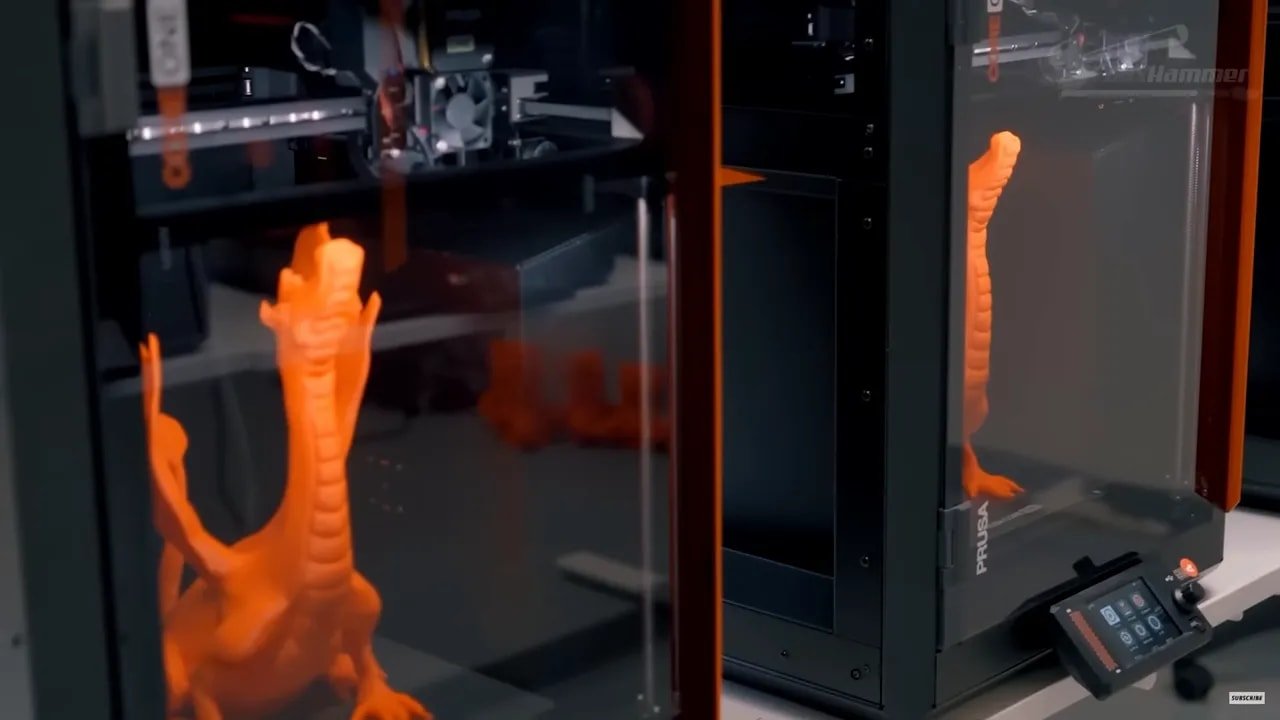
In practice, there are signs that PLA cooling may not be as effective as hoped.
The chamber appeared to struggle to stay below 30°C, even in a cool room with a nearby open door and ambient temperature closer to 15°C. For the prints being done, this was still acceptable and did not create outright failures, but it raises questions. If a chamber is staying relatively warm under those conditions, it is reasonable to wonder how the printer behaves in hotter rooms, denser setups, or multi-machine farms.
This matters because some of the print quality observations point in the same direction. The Prusa Core One uses what is essentially the same hotend family as the Mark 4S, yet overhang performance in PLA did not appear to match the previous machine. A toaster overhang test showed that the 70-degree results, which were notably impressive on the Mark 4S, looked only okay here rather than standout.
Not bad. Not disastrous. Just a bit worse than expected.
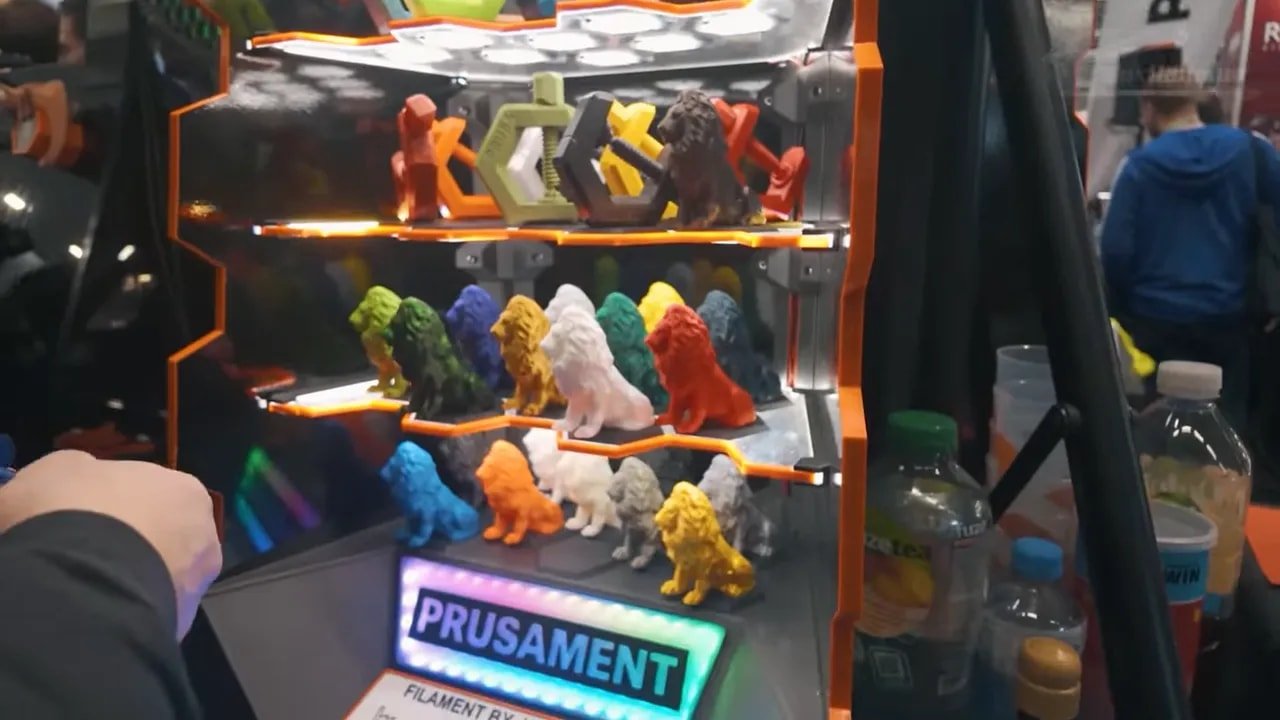
That is particularly awkward because Prusa made overhang capability a heavily praised part of the previous machine’s story. If one generation is celebrated for near-flawless handling in an area, the next generation really needs to at least match it.
There are reports and community discussions around this already, which suggests the observation is not isolated. That also means it may well be something improved through profile or firmware tuning in the future. But as it stands, the Prusa Core One feels a little underwhelming on PLA cooling-sensitive performance compared with what the brand itself set as the benchmark.
Prusa Core One – Slicer Experience and Print Speed
For slicing, the intended software is PrusaSlicer, and that is the right place to judge the printer because it reflects the official workflow. The software is powerful, proven and familiar to many users, but it also feels more technical and less polished in day-to-day workflow than OrcaSlicer.
After extended use, the layout and usability difference becomes clearer. Orca simply feels better organised for common actions. PrusaSlicer is capable, but it can be a little more workmanlike.
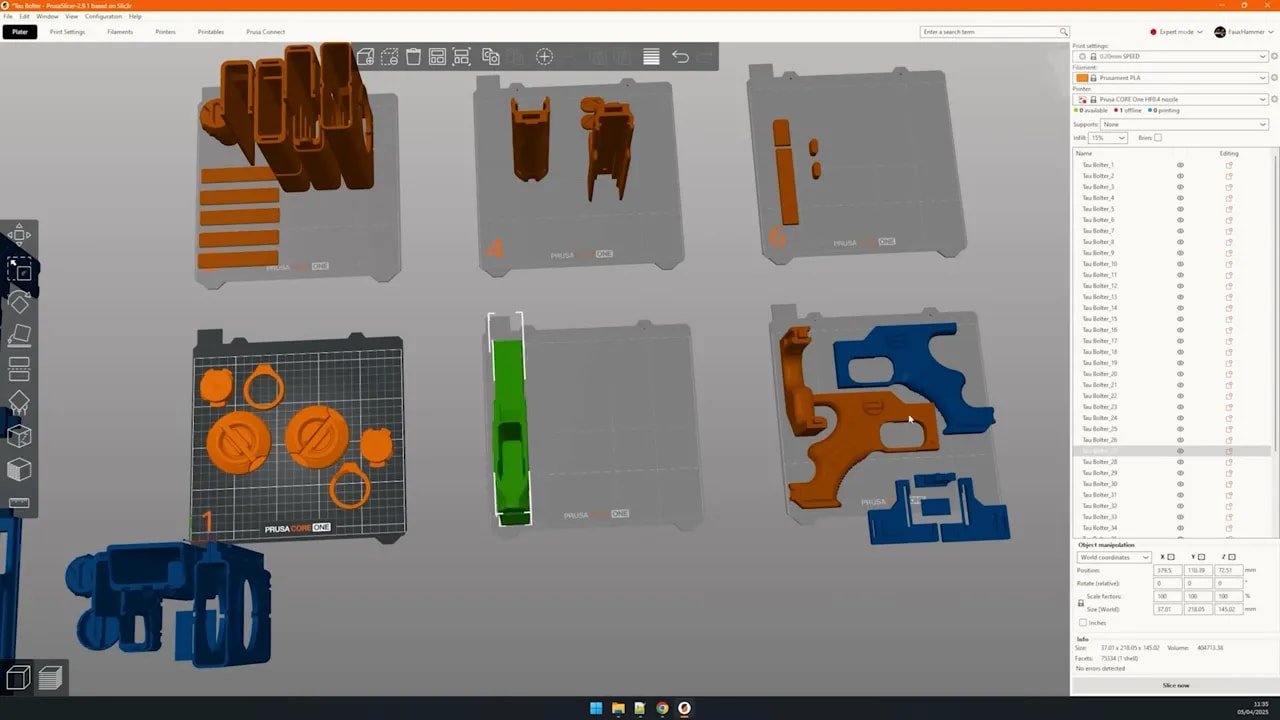
That said, this is where software preference and printer philosophy start to intertwine. Prusa tends to favour reliability and consistency over rushing into fashionable changes, and that ethos carries into the slicer as well.
On speed, the Prusa Core One also feels conservative. The profiles are not painfully slow, but they are notably slower than many direct rivals, often in the 20–30% range by estimate. Again, this is consistent with the wider approach. Prusa is not trying to produce the fastest benchmark hero. It is trying to produce dependable output.
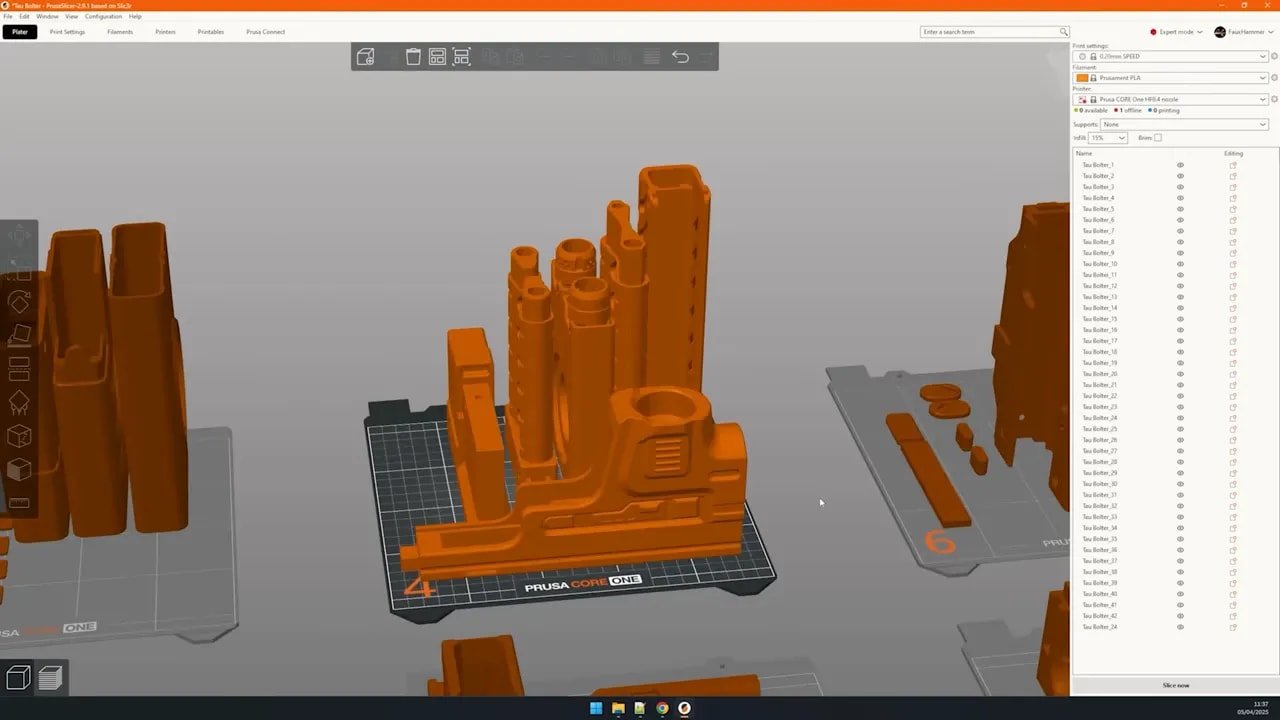
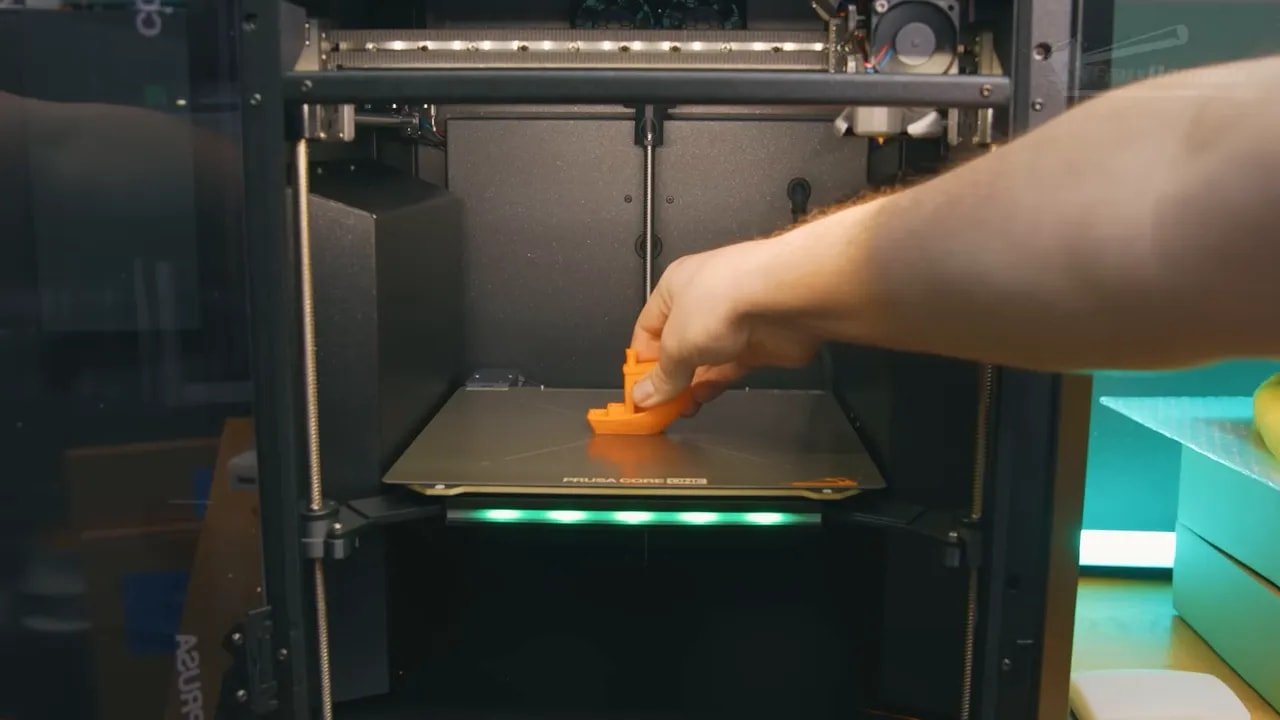
The loaded Benchy is quick enough, but not especially impressive in finish. Fast prints tend to compromise quality on most machines, and that seems true here too. The quality is solid, but “solid” is very much the operative word for this entire printer. Not astonishing. Not class-leading in every metric. Solid.
If your buying decision is heavily based on maximum throughput per hour, the Prusa Core One may look less compelling. If your buying decision is based on repeated, dependable output without constant fuss, the conversation shifts.
Prusa Core One – Real-World Workflow and Why It Wins You Over
This is the part where the Prusa Core One makes its case properly.
After lots of printing over more than three weeks, including multiple plates of large multi-part model components, one thing became very clear: the printer’s workflow is addictive in a very specific way.
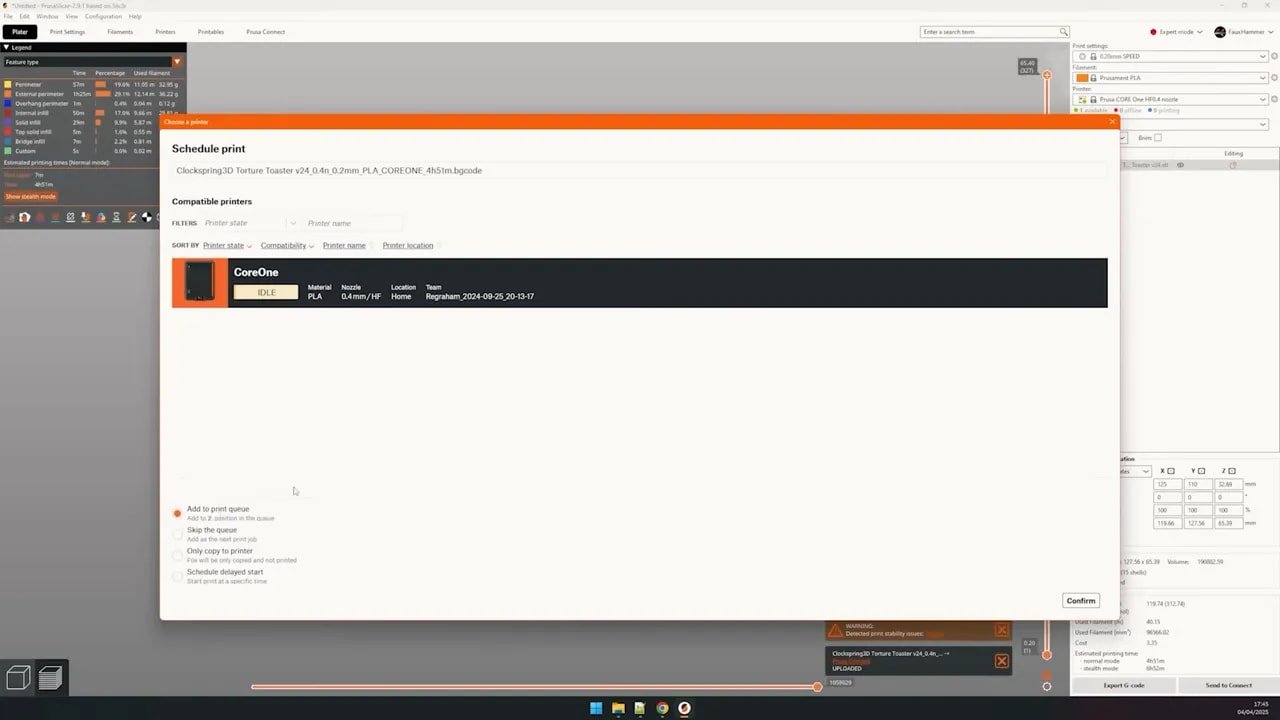
Using Prusa Connect, plates can be prepared in advance and added to a queue. Once a print finishes, you clear the bed, reinsert the plate using the guiding pins at the rear, hit the ready prompt on the screen, and the next print begins immediately. It is simple, obvious and very efficient.
That may not sound exciting on paper, but in use it changes behaviour. Instead of treating each print as a separate task, you start building a rolling pipeline. One more plate. One more part. One more quick job before stopping. And then another.
This is where the machine reveals its true audience.
The Prusa Core One is not really aimed first at the average hobbyist who wants to constantly swap materials, colours and projects while enjoying every modern convenience feature under the sun. It is aimed at the prosumer. The small business. The print farm owner. The serious user who values a queue, clear status lighting, easy plate turnaround and a printer that is always ready for the next job.
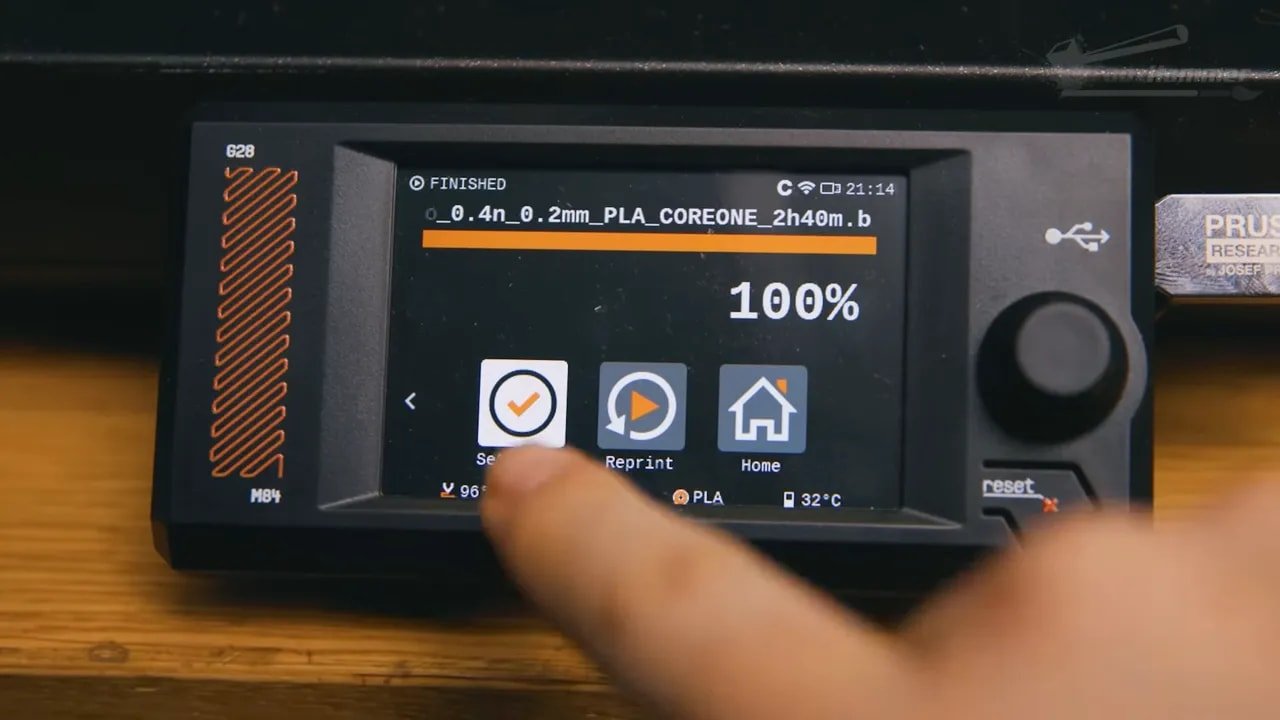
The bright LED bar at the front, the emphasis on status readability, the queue-first flow, the no-nonsense operational design — all of it makes far more sense when you imagine rows of these printers being checked and cleared throughout the day.
That is also why many of the missing features start to make more sense. In a farm environment running the same material repeatedly, who cares about enclosed spool boxes, purge chutes for frequent color swaps, or hobbyist niceties aimed at constant tinkering? Those are home-user desires. The Prusa Core One has a businesslike perspective instead.
Prusa Core One – Who Should Buy It?
If you are looking at the Prusa Core One, the most important question is not “is it good?” The answer to that is yes. The more important question is “is it good for you?”
You should seriously consider the Prusa Core One if:
You value reliability over headline specs
You want a printer that fits a repeatable production workflow
You care about support, updates and repairability
You already buy into the Prusa ecosystem and upgrade philosophy
You are running, or planning, a semi-production or farm-style setup
You may want to look elsewhere if:
You want the biggest build volume possible for the money
You expect every modern convenience feature as standard
You prioritise top-end speed and flashy hardware extras
You mainly want the best-value single home hobby machine on features alone
That last point is crucial. If you compare the Prusa Core One to rivals on paper, many will appear to beat it in various categories. More speed, more volume, more features, lower price, and often all at once. But people rarely buy Prusa just because a chart told them to.
They buy it because of trust.
They know someone who has had a good experience. They value continued firmware support. They like the idea of repairability. They want a machine they can maintain rather than replace. They want investment rather than impulse.
If that sounds like you, the Prusa Core One starts to make a lot of sense. If it does not, then there are likely better-value choices elsewhere.
If you are ready to price one up, you can find the official product page for the Prusa Core One here.
Prusa Core One – Final Thoughts
The Prusa Core One is a strangely easy printer to criticise and an equally easy printer to like.
It has several omissions that feel unnecessary. It has a few pieces of UX friction that cheaper machines have already solved. The interface feels older than it should. PLA cooling and overhang performance currently leave a bit of room for improvement. And if all you care about is feature density for your money, it does not exactly dominate the field.
But that is not really what Prusa is selling.
Prusa is selling trust, continuity, serviceability, reliability, and a mature idea of what a printer should be over the long term. The Prusa Core One does not always feel exciting, but it does feel deliberate. It knows what it is trying to be. More importantly, it seems built to keep doing it.
That is why this machine is easier to appreciate after three weeks of actual use than after ten minutes reading a spec sheet. The workflow sticks with you. The consistent behaviour sticks with you. The sheer lack of drama sticks with you.
And in 3D printing, that may be the most premium feature of all.
If you want the newest toy with every convenience and every shiny extra, this probably is not the machine to beat. If you want a dependable enclosed CoreXY printer from a company with a very particular philosophy, the Prusa Core One is one of the clearest expressions of that philosophy yet.
For those already invested in the brand mindset, it will be very appealing. For everyone else, this review hopefully sets expectations properly.
If you want to support FauxHammer more broadly, you can also find details on our affiliates and support page.
Prusa Core One – Pros and Cons
To sum it all up simply:
Pros
Excellent presentation and premium-feeling unboxing
Genuinely great industrial design
Reliable, faultless day-to-day operation during testing
Strong queued printing workflow
Repairable and upgrade-friendly philosophy
Solid print quality overall
Cons
Some missing convenience features feel hard to justify
Build area is smaller than many rivals
UI and controls feel dated
PLA chamber cooling may be less effective than expected
Overhang performance currently does not seem as strong as the Mark 4S
Speed profiles are conservative
Prusa Core One – FAQ
Is the Prusa Core One a good printer for beginners?
It can be, but it feels better suited to users who value reliability and long-term ownership over convenience-led simplicity. A beginner who wants a dependable machine and likes the Prusa ecosystem may get on very well with it. A beginner chasing maximum features for the price may find stronger alternatives elsewhere.
Is the Prusa Core One better than the Mark 4S?
It depends on what you mean by better. The Prusa Core One gives you an enclosed CoreXY format, more build height, and a workflow that makes a lot of sense for repeat production. However, current PLA overhang performance does not appear to clearly exceed the Mark 4S, and in this area may actually feel slightly behind.
Does the Prusa Core One have a webcam?
No, not as standard. There are already modification options available, and Prusa is also releasing its own solution. Whether this matters depends on whether remote visual monitoring is important to your setup.
What is the biggest weakness of the Prusa Core One?
The biggest weakness is probably not one dramatic flaw, but the accumulation of small missing conveniences. Things like the lack of a purge chute, no built-in nozzle wiper, dated UI design, and somewhat awkward filament-change behaviour all make the printer feel less refined than some cheaper rivals in day-to-day use.
Who is the Prusa Core One really for?
The Prusa Core One seems aimed most clearly at prosumers, serious hobbyists, workshops, and print farm users. Its strengths are reliability, queue-based workflow, maintenance-minded design, and ecosystem trust. It makes less sense for someone who simply wants the most features and the biggest plate at the lowest price.
Is the Prusa Core One worth the money?
If you value support, repairability, upgrades, and dependable repeat printing, then yes, it can absolutely be worth the money. If you judge value mainly by raw features, build volume, and speed on paper, you may struggle to justify it against competitors.
Prusa Core One – Additional Resources
If you want to dig further into 3D printing coverage, comparisons and buying advice, the main FauxHammer site has plenty more reviews and guides.
Please Note: This site uses affiliate links. Our Affiliate Partners are shown below
(Affiliate links will result in compensation to the site on qualifying purchases)
Click this link & buy your hobby stuff from Element Games for the UK & Europe to support FauxHammer.com – Use Code “FAUX2768” at the checkout for double reward points.
Our Affiliates / Hobby Stores
- UK: Element Games, The Outpost, Wayland Games, Mighty Lancer, Goblin Gaming, Forbidden Planet, Model Scenery Supplies, eBay, Amazon
- US/Canada: MTechCave, GameKastle, eBay (US), eBay (CA), Amazon
- Germany: Taschengelddieb
- Europe: eBay (DE), eBay (FR), eBay (ES), eBay (IT), Amazon
- Australia: eBay, Amazon
- Global: RedGrass Games, Warcolours
- 3D Printers: Phrozen 3D, Elegoo, Anycubic




 English (UK)
  Deutsch
  Français
  Italiano
  Español