
xTool F1 Ultra Review for Beginners – The Laser That Actually Makes You Want to Use It
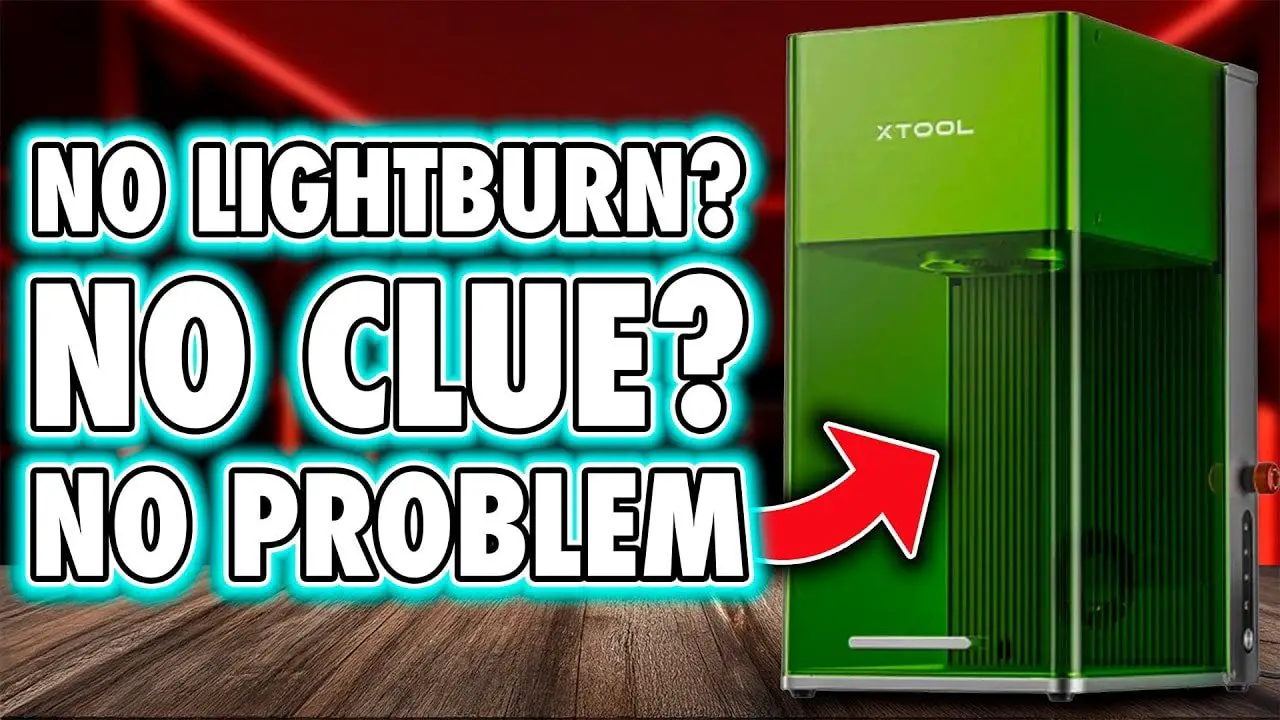
As many of you will know if you’ve followed any of my recent laser ramblings, I’m still pretty new to all this. I’m not coming at the xTool F1 Ultra as some grizzled laser veteran with a spreadsheet full of engrave speeds and a workshop lined wall to wall with extraction systems. I’m coming at it more as someone with a pile of hobby machines, a dangerous level of curiosity, and a growing tendency to burn logos into anything that sits still long enough.
And that’s exactly why the xTool F1 Ultra impressed me so much.
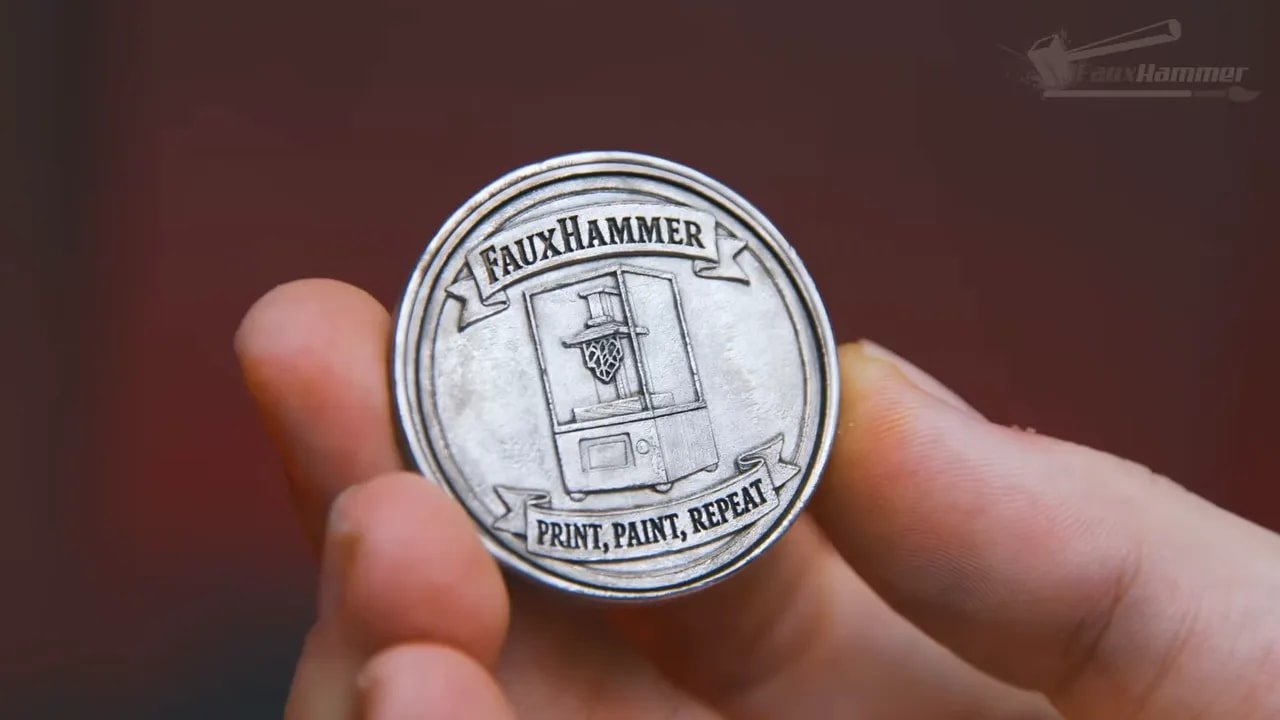
There are plenty of machines that look good on a spec sheet. There are plenty that can technically do the thing they claim to do. But the xTool F1 Ultra stands out because it closes the gap between “this sounds powerful” and “I’m already finishing projects with it.” In just a few days of use, it produced more actual finished results than every other laser I’d used previously combined. Not more tests. Not more fiddling. More completed things.
That is the difference that matters.
So this is a proper beginner-focused review of the xTool F1 Ultra: what it is, how it works, where it shines, where it annoys, and whether it is actually worth considering if you want a laser engraver that helps you make things instead of constantly arguing with you. If you want to see the machine itself, you can check the xTool F1 Ultra product page, but what follows is all about real-world use.
Please Note: This site uses affiliate links. Our Affiliate Partners are shown below
(Affiliate links will result in compensation to the site on qualifying purchases)
Click this link & buy your hobby stuff from Element Games for the UK & Europe to support FauxHammer.com – Use Code “FAUX2768” at the checkout for double reward points.


Our Affiliates / Hobby Stores
- UK: Element Games, The Outpost, Wayland Games, Mighty Lancer, Goblin Gaming, Forbidden Planet, Model Scenery Supplies, eBay, Amazon
- US/Canada: MTechCave, GameKastle, eBay (US), eBay (CA), Amazon
- Germany: Taschengelddieb
- Europe: eBay (DE), eBay (FR), eBay (ES), eBay (IT), Amazon
- Australia: eBay, Amazon
- Global: RedGrass Games, Warcolours
- 3D Printers: Phrozen 3D, Elegoo, Anycubic
FauxHammer – Latest Video on YouTube
xTool F1 Ultra – Summary
If you just want the short version before we dive into the detail, here it is.
The xTool F1 Ultra is one of the best beginner-friendly laser engravers I’ve used, and one of the best products full stop I’ve used in this category. It combines a 20W diode laser and a 20W infrared fiber laser in a single enclosed galvo-style machine, giving it the ability to work across a huge range of materials including wood, slate, leather, acrylic, resin, plastic, stainless steel, aluminium, brass, and titanium.
But the reason the xTool F1 Ultra works so well is not just because of the hardware. It’s because the whole experience is tidy. Setup is straightforward, the software is excellent, the material presets are actually useful, autofocus is mostly seamless, and the machine is fast enough that it feels productive rather than experimental.
That does not mean it is perfect.
The camera preview is useful, but not perfectly accurate across the whole work area.
It is primarily an engraving machine, not a cutting monster.
The touchscreen feels underused.
Some connectivity choices feel a bit proprietary.
Estimated remaining times can be hilariously wrong.
Even with those issues, the xTool F1 Ultra still nails the part that matters most: day-to-day use. It massively reduces the trial and error between wanting to make something and actually making it.
xTool F1 Ultra – Specs That Actually Matter
Normally I find spec sheets about as exciting as corporate wallpaper. They often read like two brands trying to have a very public argument with numbers. Still, with the xTool F1 Ultra, a few of the key specs genuinely do matter because they directly affect what you can do with it.
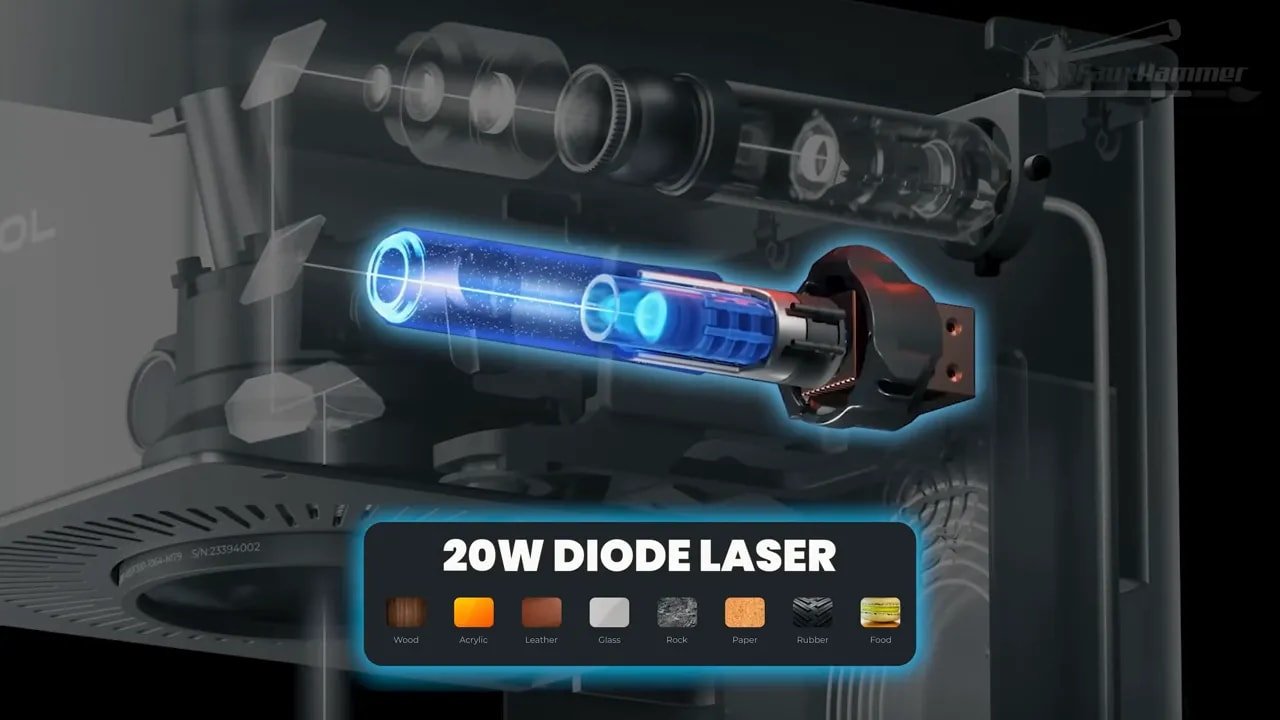
The big headline feature is the dual-laser setup:
20W blue diode laser for materials like wood, leather, acrylic, slate, and general engraving or light cutting.
20W infrared fiber laser for metals such as stainless steel, aluminium, brass, and titanium.
This combination is what makes the xTool F1 Ultra so appealing. Instead of choosing between a machine for organic materials and a different machine for metal marking, you get both in one enclosure. That means crisp permanent marks on metals without needing industrial-only gear, while still keeping the versatility needed for hobby and maker work.
The working area is 220 x 220mm, which is solid for a galvo laser. If you add the conveyor accessory, that extends your effective workflow significantly, either for longer items or repeated production work. The machine also supports automatic height detection and autofocus, and the galvo system delivers very high engraving speeds.
There’s also an extremely fine spot size, down to 30 microns or 0.03mm, which explains why the detail quality can be so crisp on properly chosen materials.
And importantly, the xTool F1 Ultra has built-in fire detection and ships as a much more safety-conscious machine than a lot of hobby-focused gear tends to be.
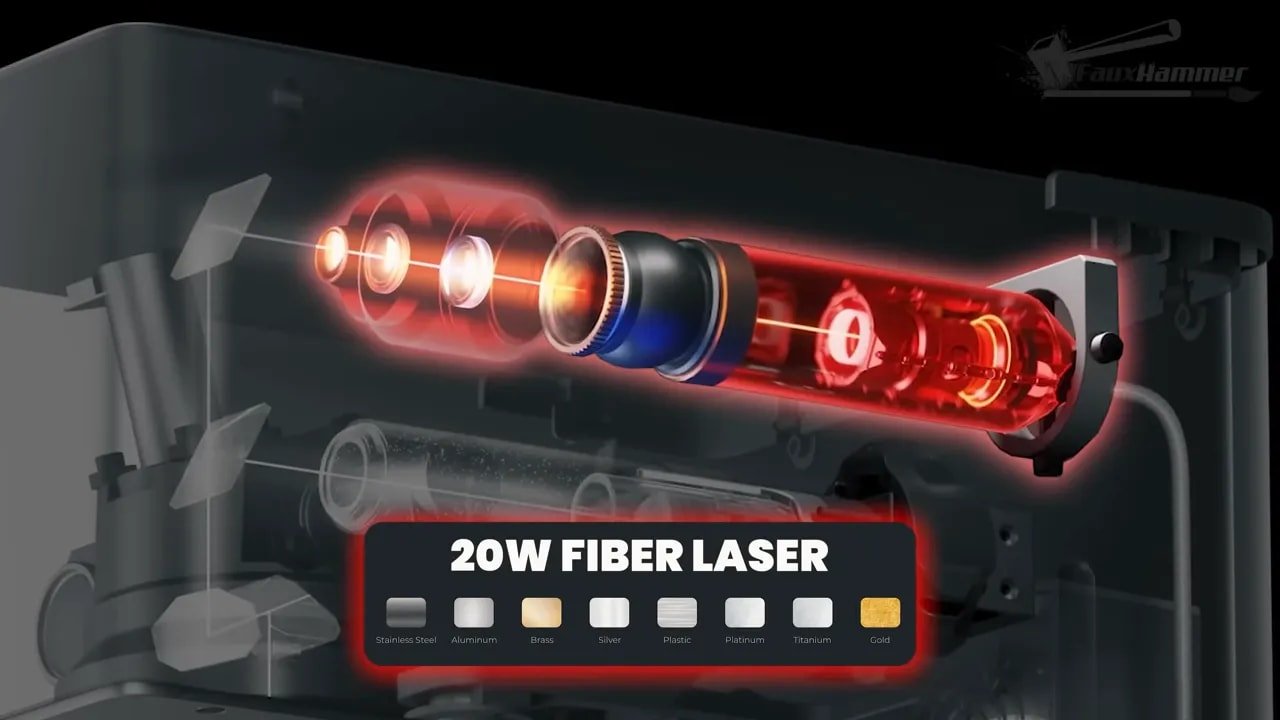
What those specs mean in practical terms is simple: this machine can tackle an unusually broad range of materials, and it can do it quickly enough that you actually feel encouraged to try things.
xTool F1 Ultra – Unboxing and First Impressions
The first impression of the xTool F1 Ultra is undeniably premium. xTool have gone very hard on that polished, Apple-style unboxing experience, and to be fair, they’ve pulled it off. Everything is laid out clearly, the packaging feels deliberate, and it immediately gives the sense that this is a more complete product than many hobby tools.
That alone does not make a machine good, of course. Plenty of things come in beautiful boxes and then proceed to ruin your afternoon. But in this case, the premium presentation is backed up by a setup experience that is genuinely easy.
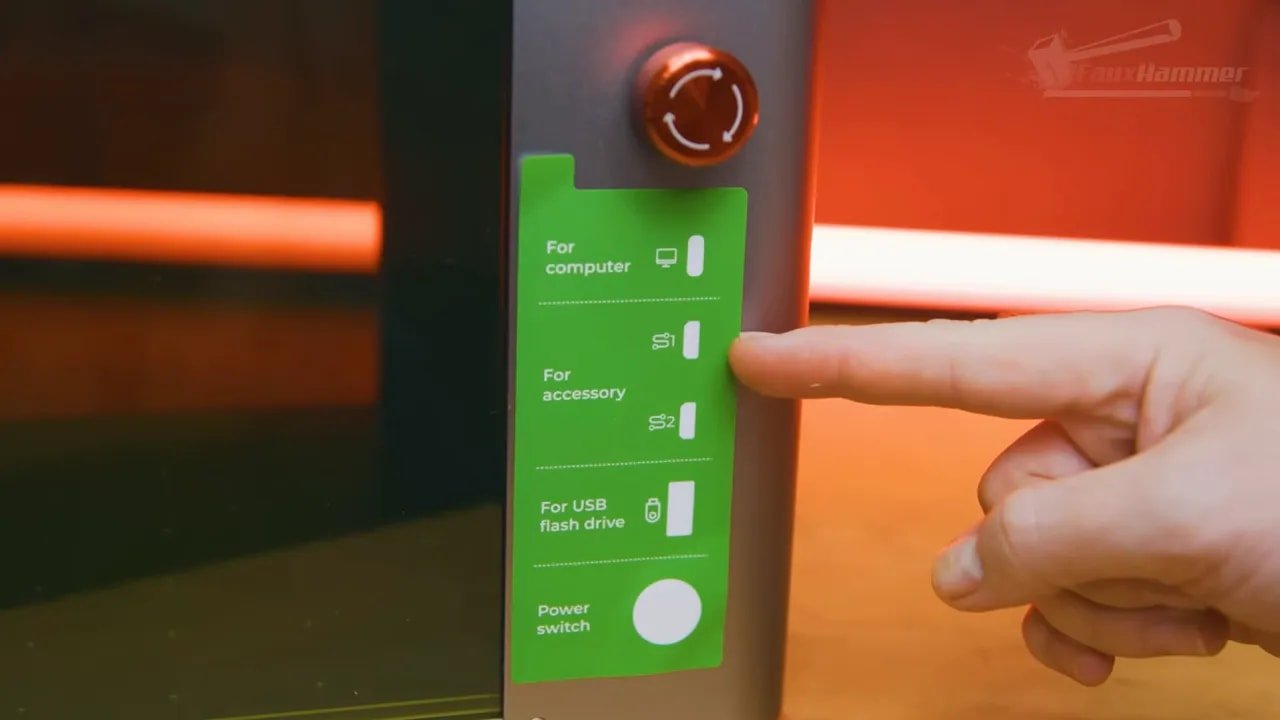
The manuals are clear. The translations are good. The ports are labelled. The machine does not feel like it assumes you already know the secret handshake for laser ownership. For beginners, this is a huge deal. With a lot of equipment in this category, there’s this unspoken expectation that you’ll fill in the gaps through forums, Discord servers, and YouTube rabbit holes. The xTool F1 Ultra instead tries to meet you where you are.
There are still ways to be daft with it, of course. Watching xTool’s own unboxing material before tearing into everything is probably wise, particularly if you don’t want to make basic mistakes with packaging materials or protective stickers.
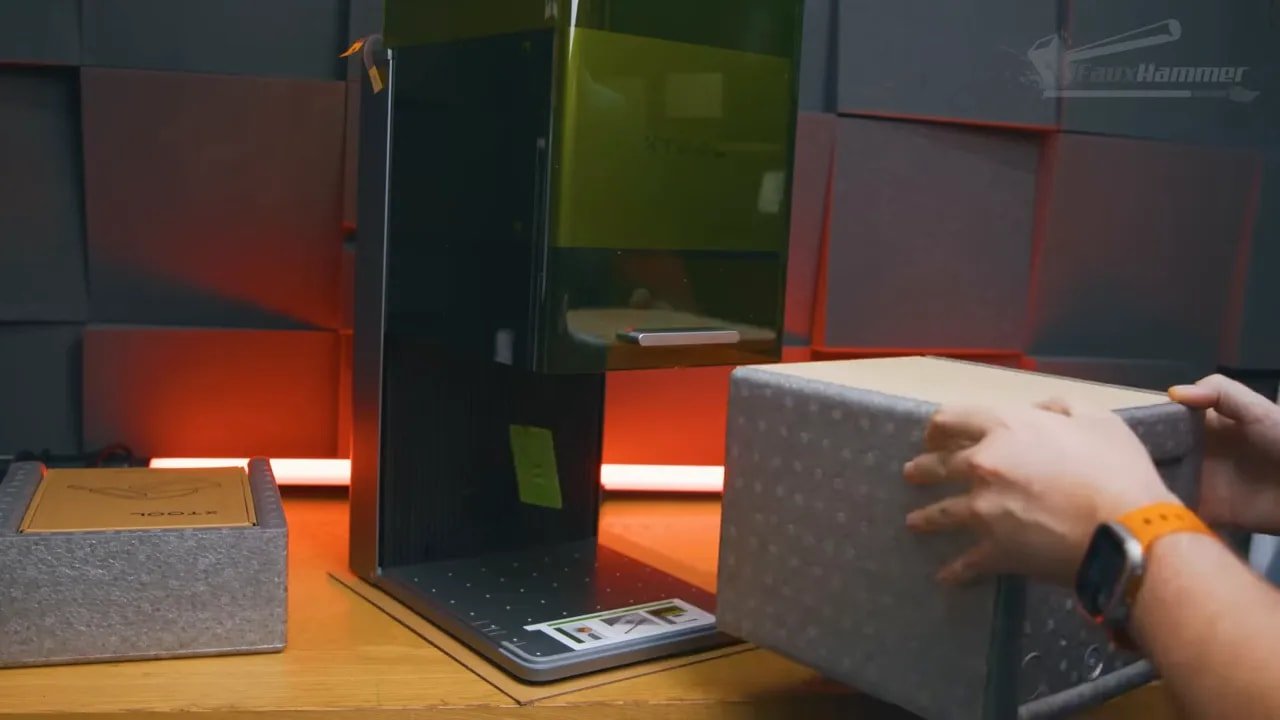
Physically, it is a very nice-looking unit. The lift-up safety shield is clean, the overall design is modern, and it doesn’t look like an industrial accident parked on your desk. It feels like a finished product rather than a machine assembled out of compromise.
xTool F1 Ultra – Ports, Connectivity and Design Choices
Round the back and sides, the xTool F1 Ultra is packed with ports. That’s generally a good thing, but a few of the decisions here are worth noting.
On the rear, you have the connection for the touchscreen, ports for add-ons, USB for the security key, power, and safety-related accessories including the optional fire suppression system. There is also a large smoke extraction outlet, which is very important on a machine designed to be used indoors.
On the side, you get the power switch, USB-A for loading files, more expansion ports, and USB-C for connecting to a computer. There is also a proper emergency stop button, and this is not decorative. Hit it and the whole machine shuts down completely.
That e-stop alone is one of those features that helps reinforce the difference between a toy-like gadget and a serious tool. The xTool F1 Ultra may be approachable, but it still understands what it is.
There are two minor annoyances here, though.
First, some of the accessory ports appear to use somewhat proprietary connector shapes. That may make sense from xTool’s perspective, but it does make the ecosystem feel a little more closed than ideal.
Second, although the machine has Wi-Fi, there is no mention of Ethernet. Personally, I’d have liked to see a wired networking option on something that leans this heavily into premium, workshop-friendly use.
If your PC is not close to the machine, the USB-C connection may also require an active extension solution because cable length can become an issue. If that’s likely to apply in your setup, an active USB extension cable may be worth considering.
xTool F1 Ultra – What It’s Like to Use as a Galvo Laser
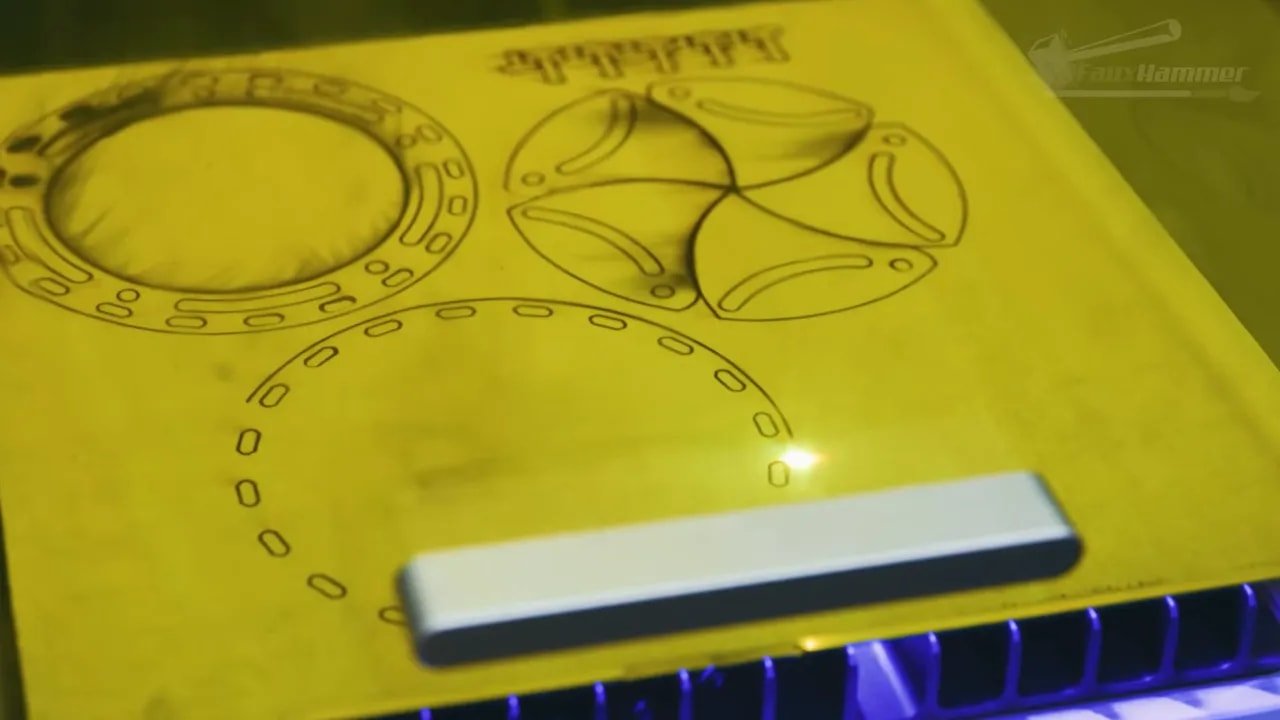
One of the most important things to understand about the xTool F1 Ultra is that this is a galvo-style laser. That has strengths and trade-offs.
The strength is speed. This thing is fast. Ridiculously fast in some cases. If your idea of laser work has been shaped by slower machines inching around line by line, the xTool F1 Ultra feels almost unfairly slick by comparison.
The trade-off is that it is mainly intended for engraving rather than heavy-duty cutting. You can cut with it on suitable materials, but because of how galvo systems project the beam outward from a fixed point, cuts farther from the centre can become angled at the edges. That’s not a defect unique to this model. It’s simply part of the technology.
So if your goal is mass cutting sheet materials all day, this probably is not the ideal form factor. If your goal is engraving across a broad range of materials, producing repeatable marks quickly, and occasionally cutting when appropriate, that’s where the xTool F1 Ultra comes into its own.
This distinction matters because it helps set expectations properly. The xTool F1 Ultra is not trying to be every kind of laser at once. It is trying to be an extremely capable, extremely approachable engraving machine that also happens to have enough flexibility to do more than one trick.
xTool F1 Ultra – Camera Preview and Alignment
The camera system in the xTool F1 Ultra is a good feature, but it isn’t magic.
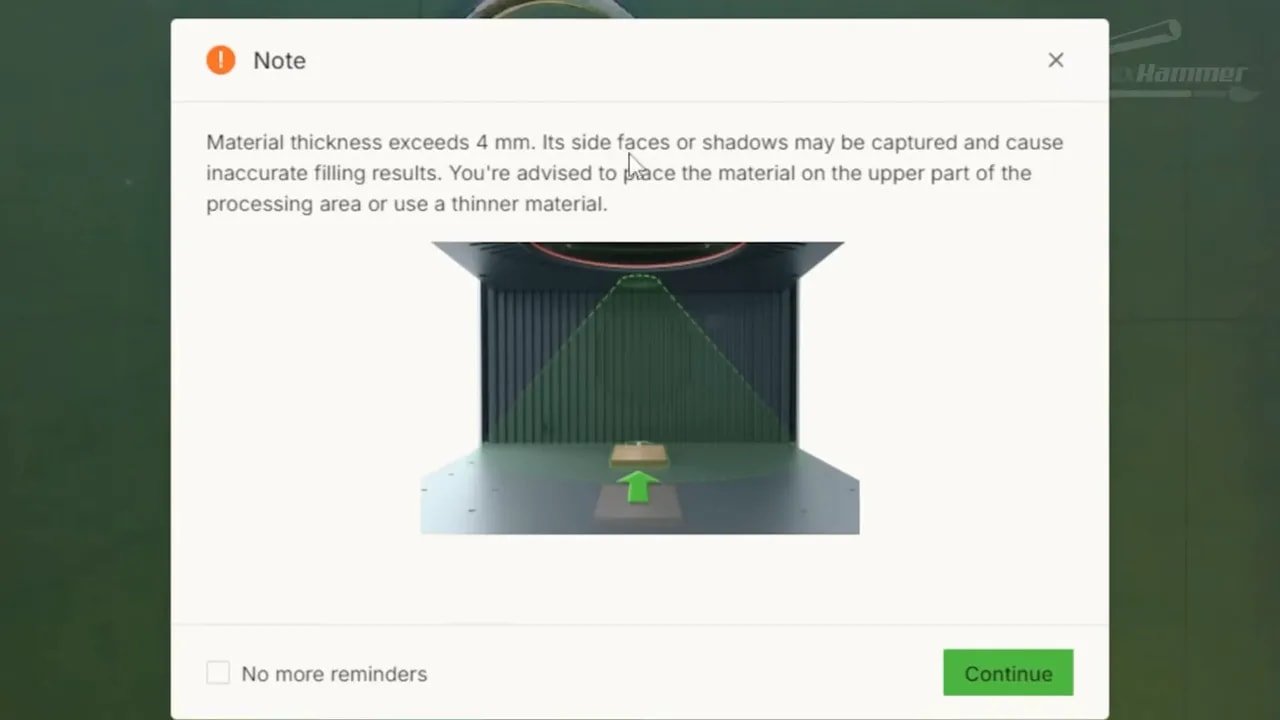
xTool places the preview camera behind the laser lens. That is clever in principle, but in practice the further you move from the centre of the field, the less accurate the prediction becomes. For batch work, the software itself advises keeping items closer to the back area for the best accuracy.
This means the camera is genuinely helpful, especially for rough positioning and workflow speed, but it is not something I would blindly trust for precision placement at every point in the work area.
In actual use, the blue laser framing guide ends up being the more reliable final check. That extra moment of visual confirmation before committing is worth doing. And because the machine is so otherwise streamlined, that manual framing step doesn’t feel like a deal-breaker.
I would love to see more advanced calibration options in future, particularly across the full workspace. But there’s also a practical limit here because material height changes affect alignment too. So while the xTool F1 Ultra’s camera is good to have, it should be understood as an assistive system rather than a flawless one.
If you have a 3D printer, there’s also a nice side benefit: there are plenty of printable jigs out there for alignment help. But even without that, the blue guide gets the job done.
xTool F1 Ultra – Add-ons and Expandability
xTool have built the xTool F1 Ultra into a broader ecosystem rather than leaving it as a sealed one-and-done box. Depending on what you need, that can be a major advantage.
Some of the available accessories include:
A foot pedal for start/stop control
A rotary tool for cylindrical or curved objects
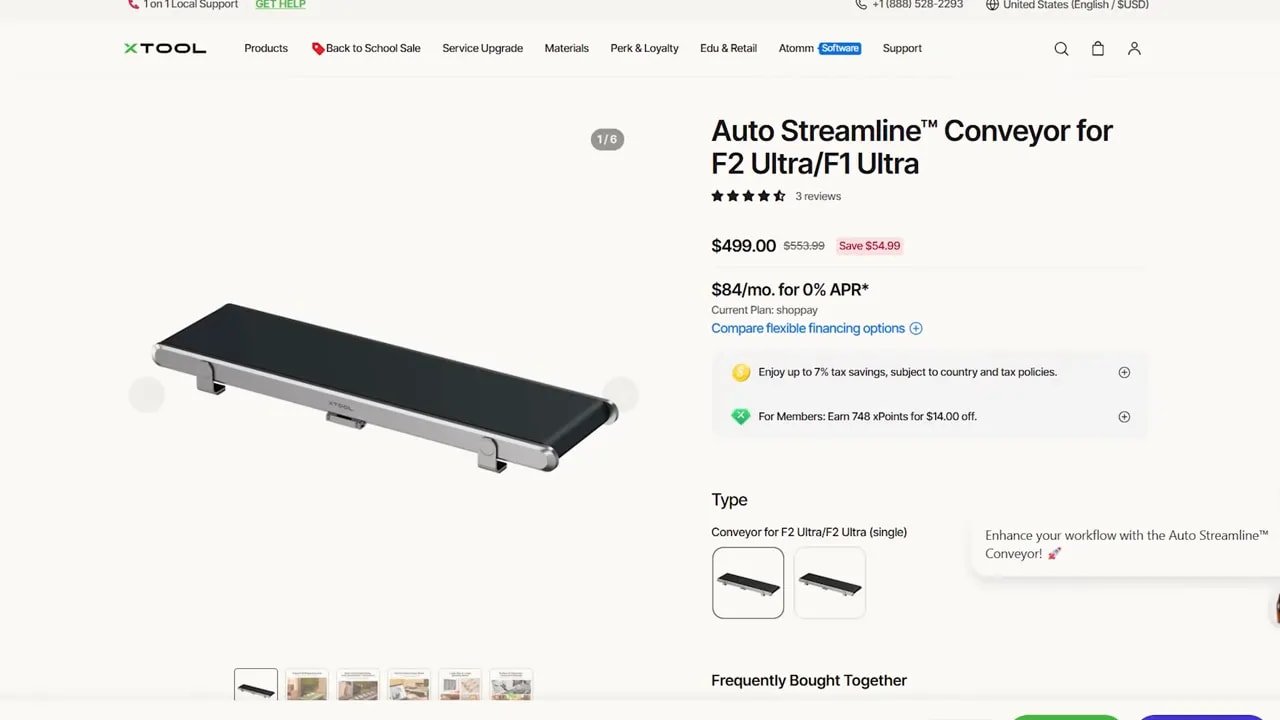
A conveyor for longer items or repeated production work
A smoke purifier
A fire safety kit
The rotary and conveyor options are especially relevant because they extend what the xTool F1 Ultra can practically do. A standard flat work area is one thing; being able to handle curved items and repeated workflows starts pushing it toward more serious production use.
That said, even without every accessory attached, the base machine already feels complete. The add-ons are there to expand capability, not fix obvious omissions.
xTool F1 Ultra – Setup, Wi-Fi and the Safety Onboarding
Initial connection is straightforward. If you’re using a PC, you first connect over USB to get Wi-Fi configured. If you’re using mobile, the xTool F1 Ultra creates its own hotspot and walks you through the setup process.
What really stood out here, though, was the onboarding around safety.
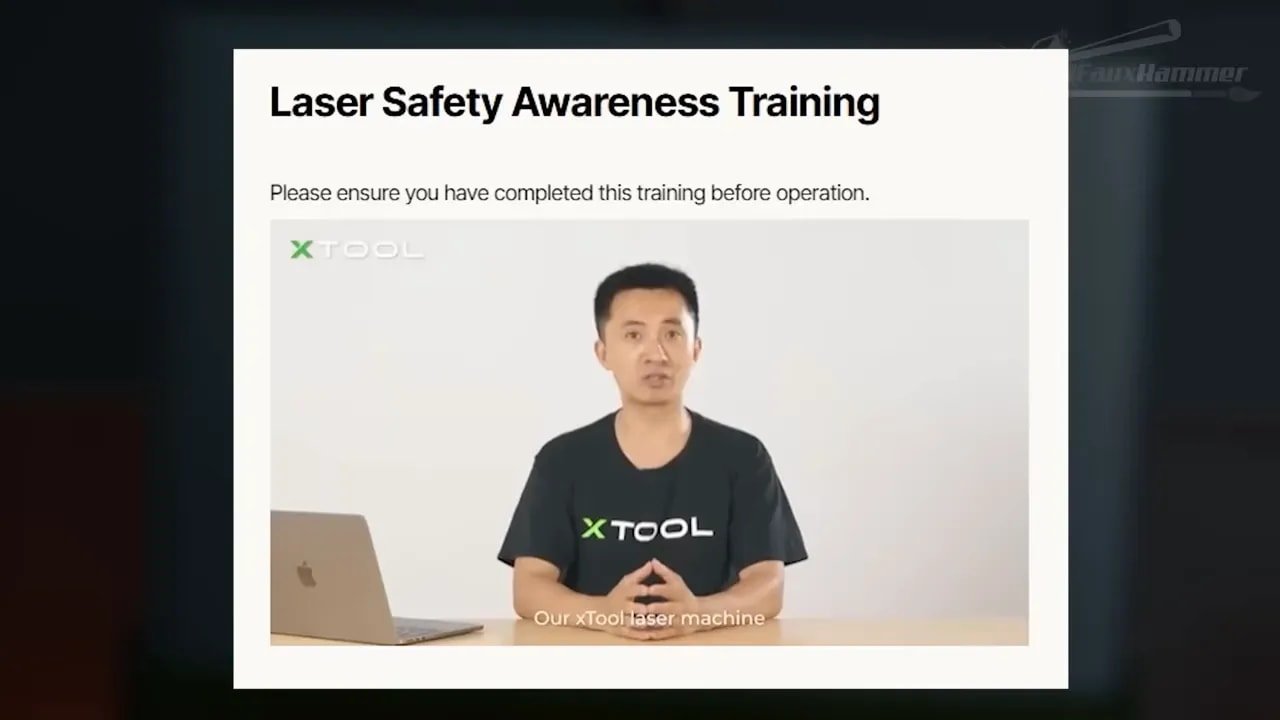
On mobile, the setup process forces you to go through a laser safety instruction video before use. That is an excellent decision. On desktop, it instead presents a clear warning and safety documentation, making it obvious that this is a Class 4 laser device and not something to treat casually.
The implementation differs depending on platform, which is a bit odd, but the overall message is absolutely right: this is serious equipment.
That point cannot be overstated. The xTool F1 Ultra is approachable, but it is still a laser system that can damage eyes, create harmful fumes, and start fires if handled carelessly. Friendly software does not make physics less real. If anything, the easier a machine becomes to use, the more important it is that people understand the risks properly.
xTool F1 Ultra – Safety Features and What You Still Need to Do
The xTool F1 Ultra has some very sensible built-in safety features. By default, it won’t fire with the lid open. That’s exactly what you want. You can override that in some scenarios, such as using oversized material or the conveyor attachment, but that should be treated as an exception, not a default workflow.
xTool also offer laser safety glasses, with appropriate protection ratings for both the diode and infrared laser types. It’s good to see proper markings and compliance indicated. That said, fit can vary depending on whether you already wear glasses, and not every pair of safety glasses is equally practical for every face shape or prescription setup.
If you need alternatives, it can make sense to look at dedicated options for each wavelength range, such as these diode laser safety glasses and these IR laser safety glasses. The key point is not brand loyalty; it is proper protection for the laser you are actually using.
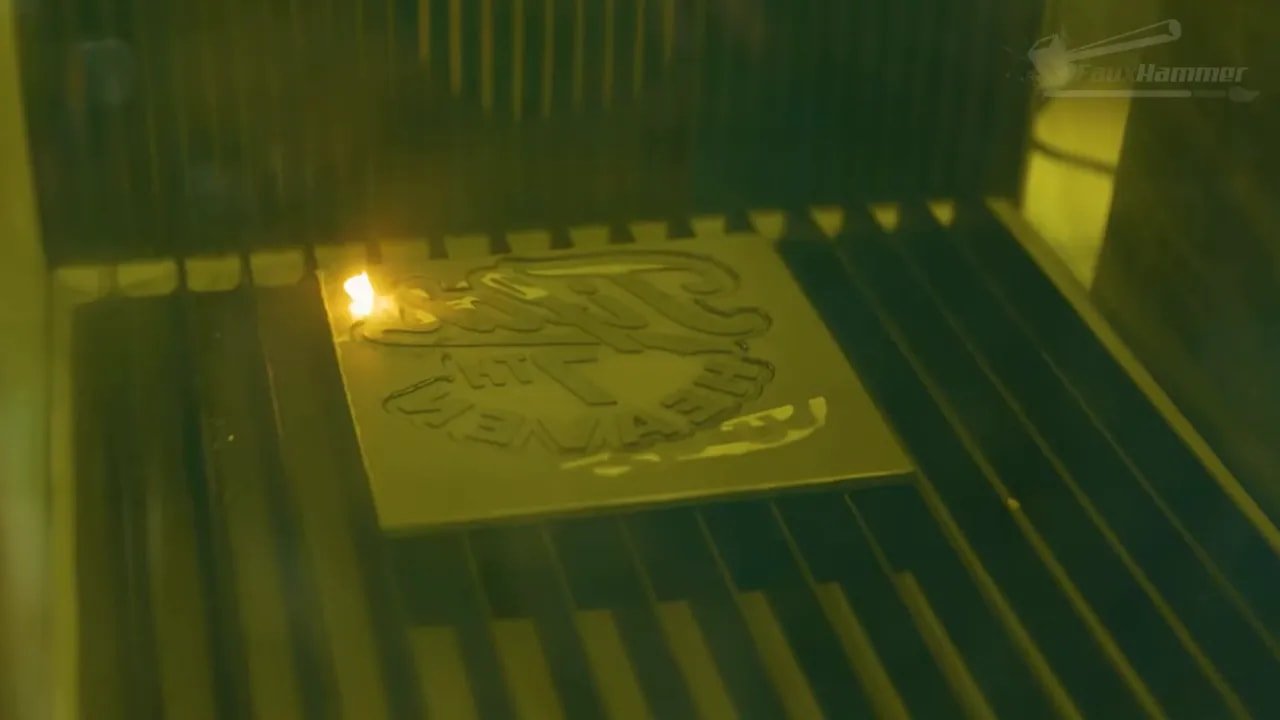
The xTool F1 Ultra also includes fire detection. During one job involving rubber, the material began steadily catching as the laser worked the edge. The machine detected the flame, shut the laser off, and started alerting immediately. That is exactly the kind of feature that should not be exciting, but absolutely is when you need it.
Still, none of this means you should leave the machine unattended. Safety features are backups, not permission slips.
xTool F1 Ultra – Fume Extraction and Indoor Use
Fume control is one of the least glamorous parts of owning a laser, but it is one of the most important. The xTool F1 Ultra is intended to be used indoors, which means extraction is not optional if you value your lungs, your room, and anyone else sharing the space.
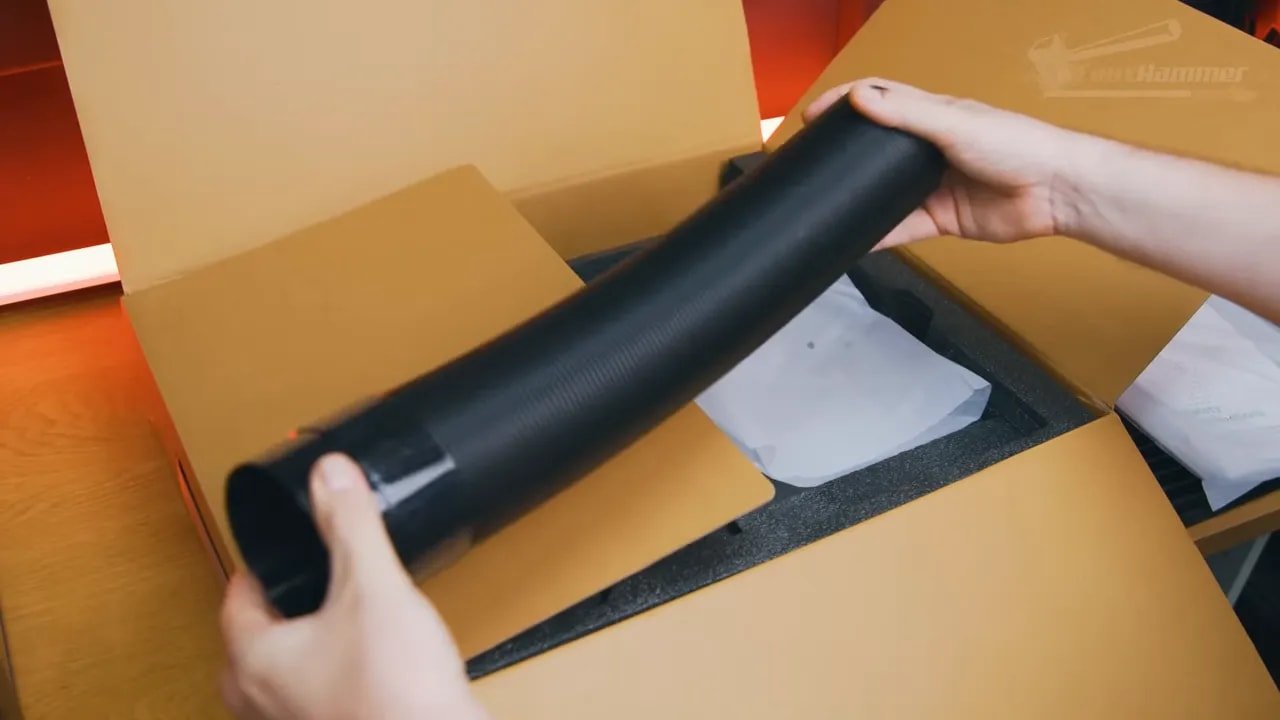
The machine includes a flexible hose for venting outside, and it has a built-in fan that can be removed for cleaning. That is already a decent baseline. But when paired with xTool’s AP2 purifier, the whole experience becomes much neater.
The purifier is a large five-stage filter unit with Bluetooth control, and the clever bit is not just the filtration itself. It automatically starts when a job begins and shuts down when the job ends. That kind of integration is exactly the sort of quality-of-life touch that makes the xTool F1 Ultra ecosystem feel thought through rather than just accessorised.
Again, this is the recurring theme with the xTool F1 Ultra: lots of small usability wins that stack up into a much better daily experience.
xTool F1 Ultra – Touchscreen and On-Device Controls
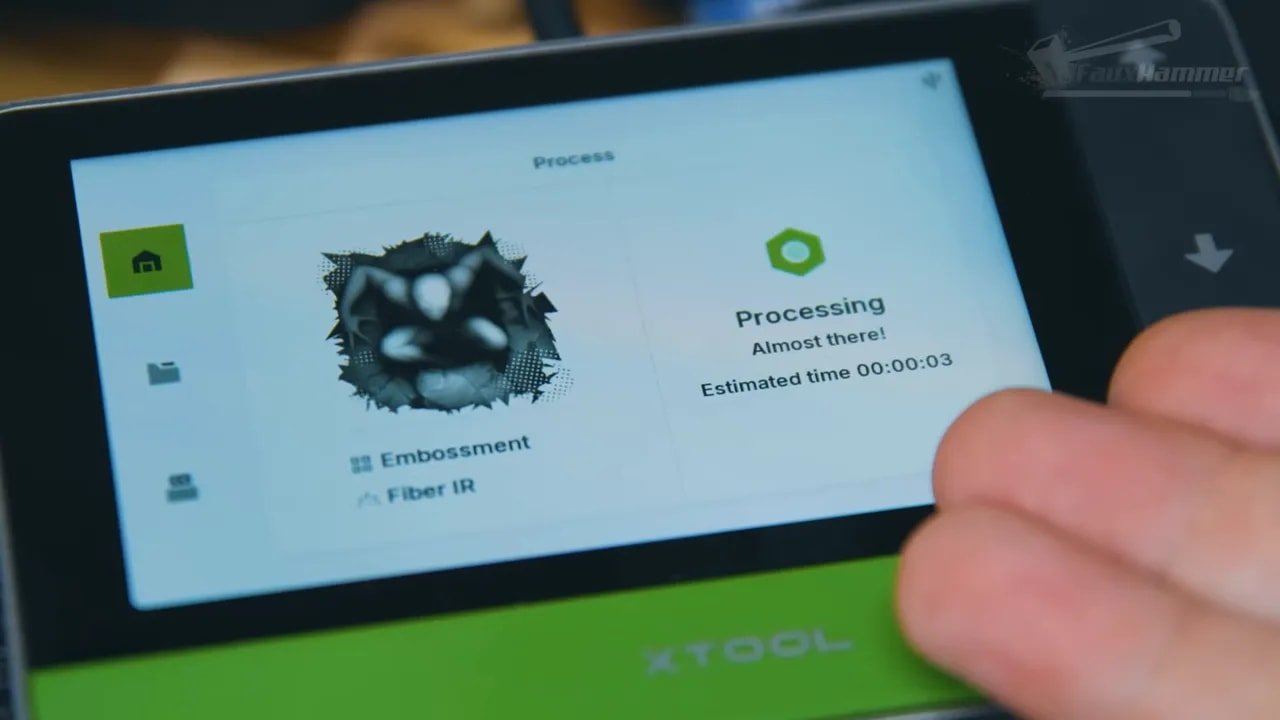
The xTool F1 Ultra includes a separate touchscreen control panel. It lets you adjust height manually, start or stop jobs, check remaining time, and launch work from a USB stick.
It’s nice to have, but I wouldn’t say it is a standout part of the machine.
In some ways, it feels underused. The xTool F1 Ultra is such a smart, connected machine that the touchscreen could probably do a lot more. Compared to the user interfaces now common on modern 3D printers, it feels a bit limited in both information density and practical utility.
The estimated time remaining is also not always trustworthy. In one case, a very deep engraving job was reported as taking under a minute when it actually ran for nearly three hours. That is less “slight miscalculation” and more “living in an entirely different dimension.”
So yes, the screen is useful, and yes, it works. But it is also one of the areas where the xTool F1 Ultra feels like it still has room to grow.
xTool F1 Ultra – Software and Why It Changes Everything
This is where the xTool F1 Ultra really wins.
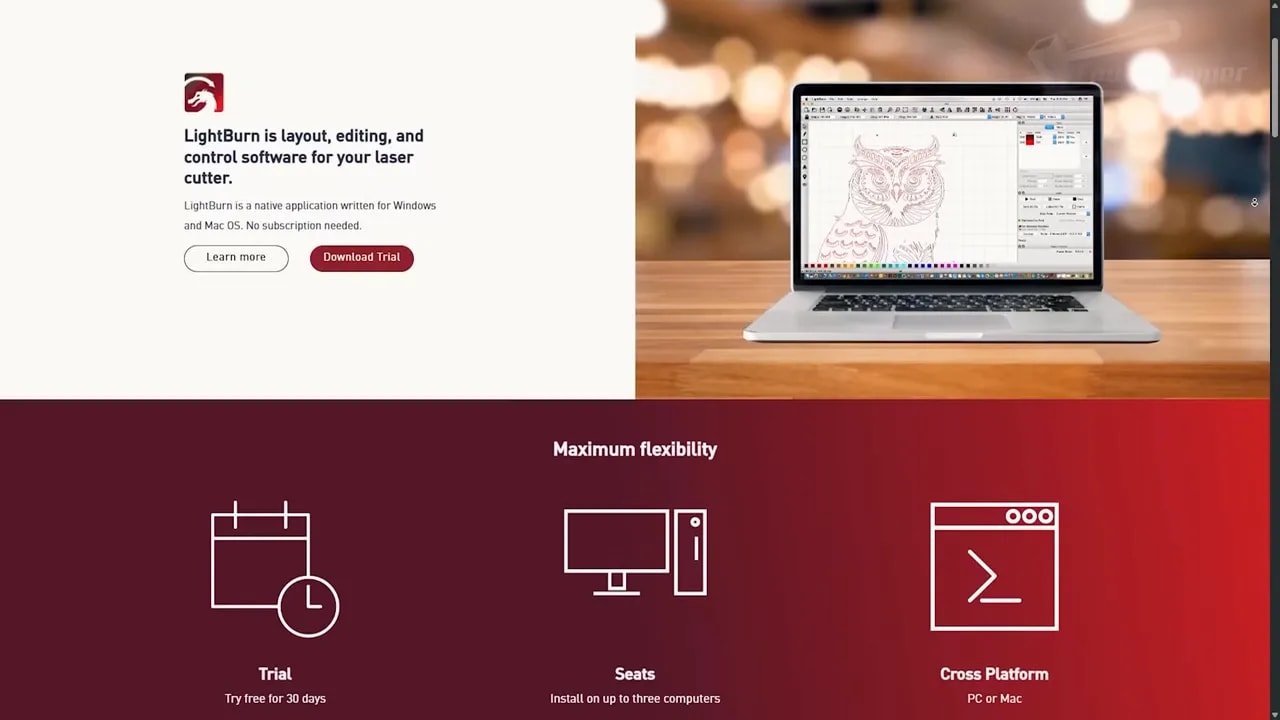
The machine supports LightBurn, which will matter to experienced laser users. But the real star here is xTool Creative Space, or XCS. For anyone starting out, XCS is one of the best examples I’ve seen of software reducing a learning curve instead of becoming the learning curve.
Calibration is simple. The software guides you through the process. Camera alignment is automated through basic reference marks. Height detection is automatic for most materials. If you have a reflective surface, you can use a sheet of paper to help the machine read it properly.
And then, crucially, you can just get on with making things.
The material library is the real killer feature for beginners. Instead of expecting you to become an amateur materials scientist on day one, XCS gives you presets for a wide range of materials along with visual examples of expected results. Want to score? Engrave? Cut? Pick the material, pick the operation, choose a result that looks close to what you want, and go.
This does not eliminate every need for testing. Of course it doesn’t. But it dramatically cuts down on the usual endless loop of trying random settings pulled from comment threads and hoping for the best.
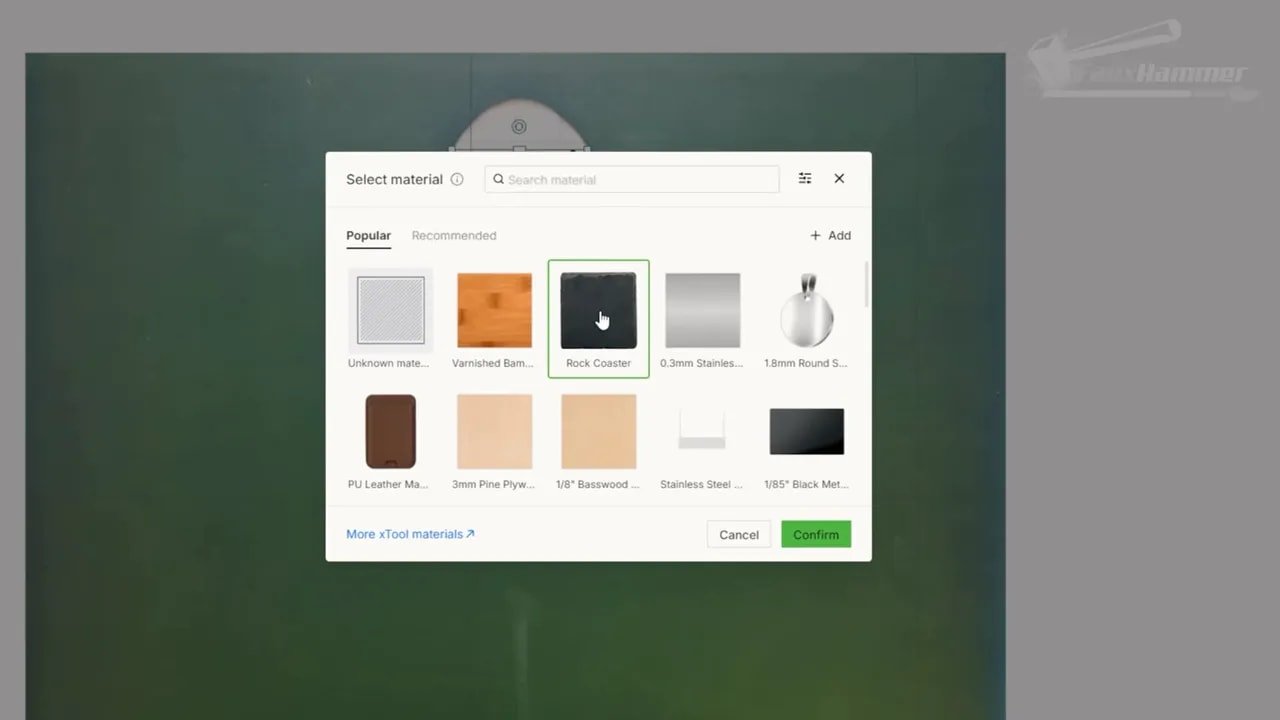
xTool also provide access to an expanding material library, so the preset range can grow beyond what is installed by default. And for those who do want to experiment more deeply, you can still run your own test grids. In this case, test work for stainless steel colour effects was one of the examples explored.
There is also a built-in design marketplace called Atom. It’s actually quite good in terms of selection and curation, though the use of credit-based purchasing feels a bit dated. Paying creators for good design work is completely fair. Packaging it through virtual coin-style credits is just less charming than it should be.
Still, taken as a whole, XCS is excellent. The xTool F1 Ultra benefits enormously from having software that seems designed to help people succeed instead of proving they deserve access.
xTool F1 Ultra – Real-World Results and Why It Feels Different
The strongest argument for the xTool F1 Ultra is not any individual feature. It is the simple fact that it gets out of the way.
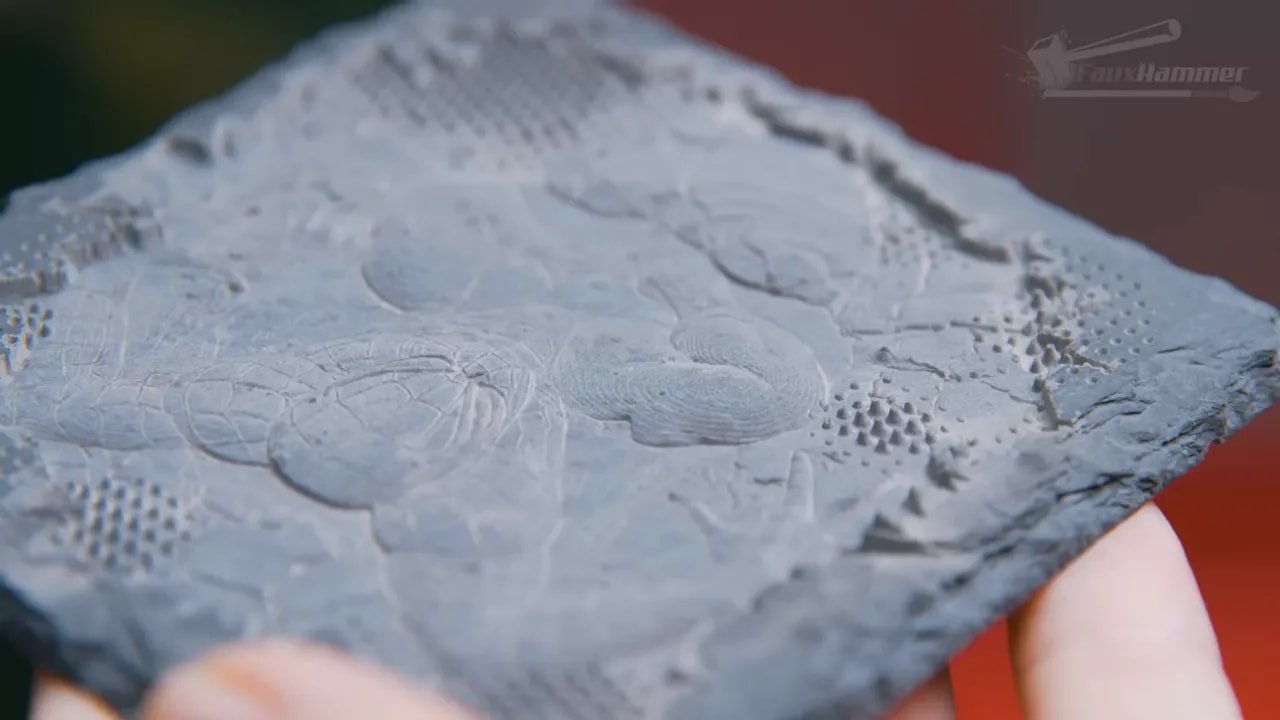
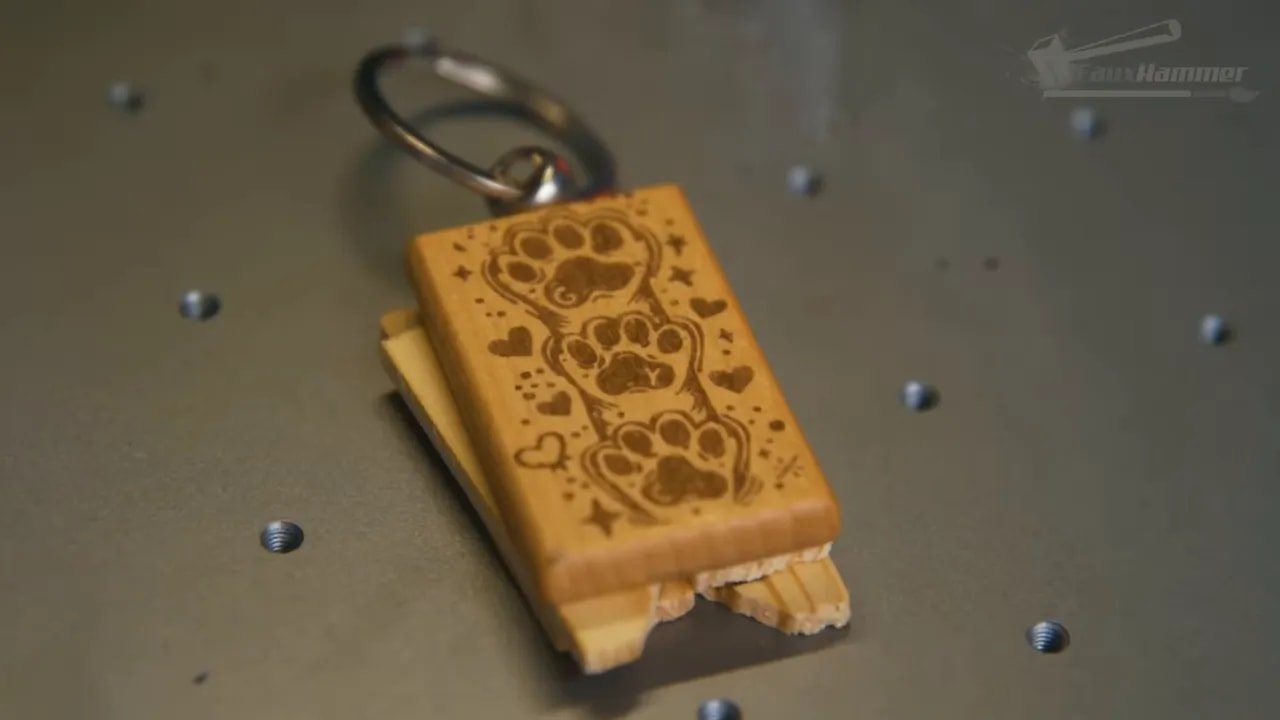
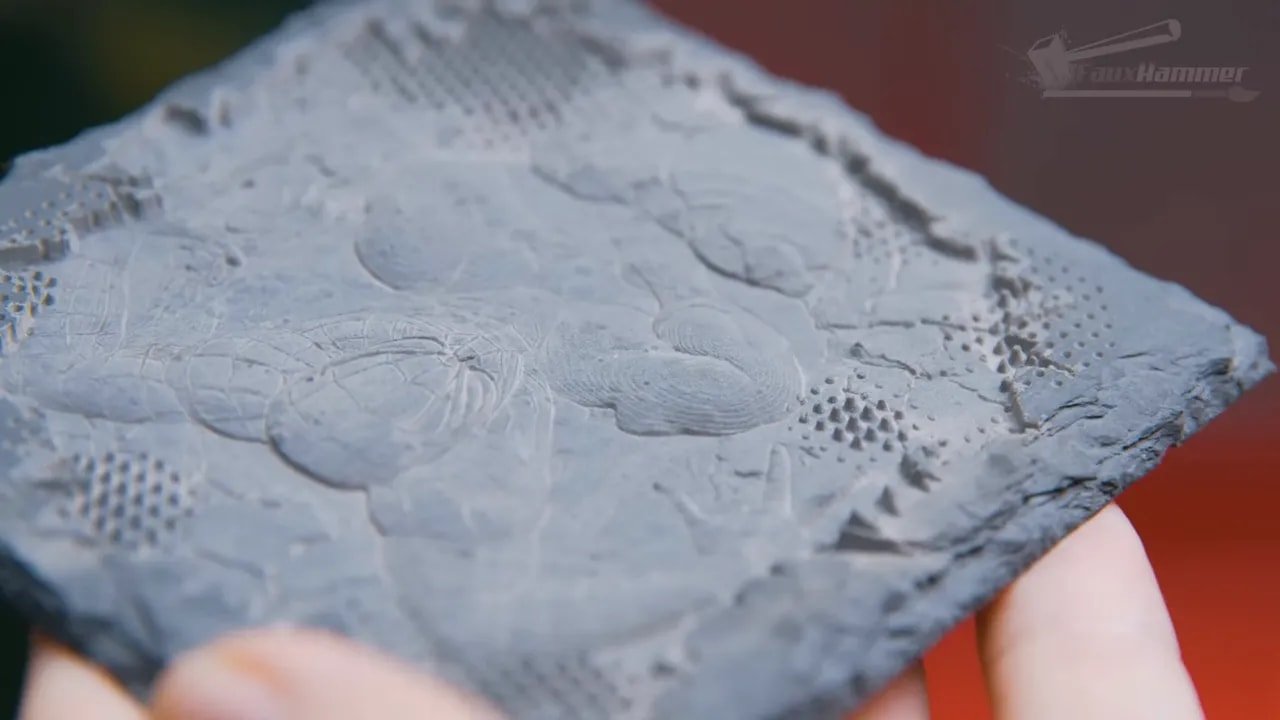
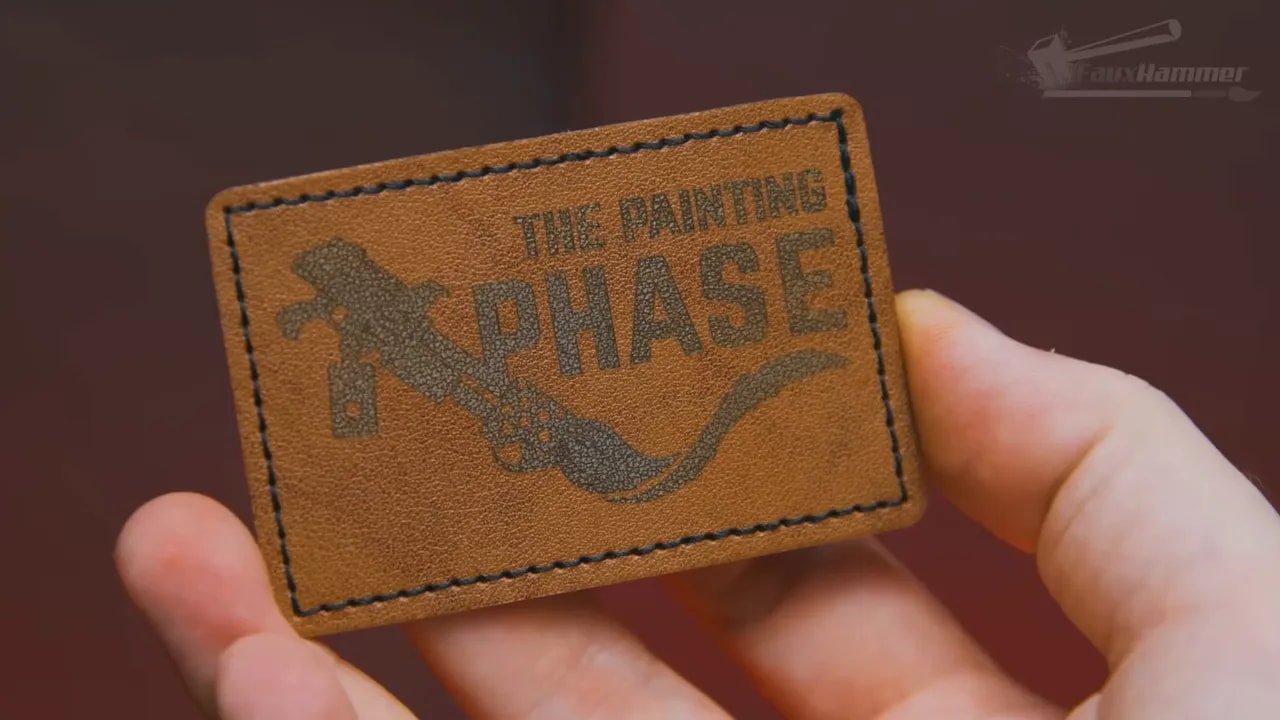
Materials tested included metal, wood, slate, resin, and 3D printed plastic, and the recurring experience was the same: load a design, choose the right preset, frame it, and get a finished result without endless drama.
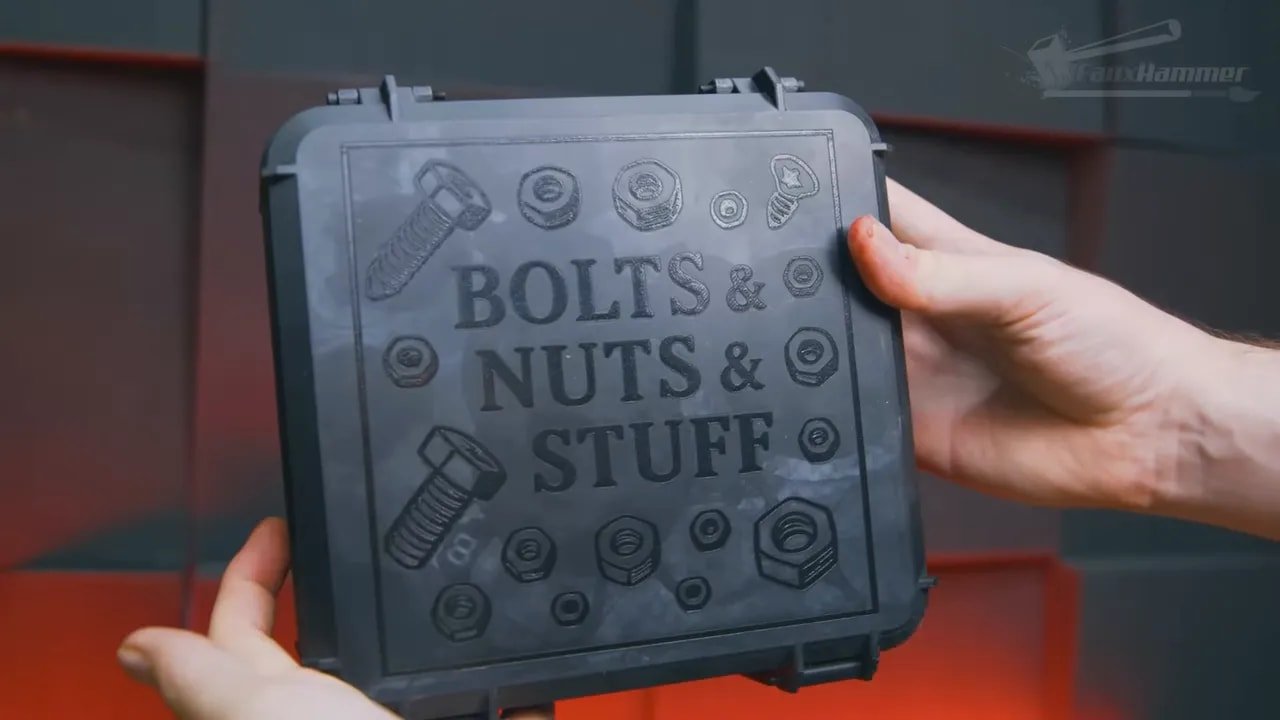
That may not sound glamorous, but it is honestly the dream.
A lot of hobby machines sell you on capability while quietly charging you for the privilege in time, failed attempts, and mental bandwidth. The xTool F1 Ultra feels different because it turns more of that capability into actual output. If you are the sort of person who values making things more than learning every obscure technical nuance before making things, this matters enormously.
It also helps explain why this machine feels so easy to recommend despite not being cheap. Expensive tools become much easier to justify when they dramatically reduce the friction between idea and result.
xTool F1 Ultra – Pros and Cons
No review is complete without laying it out plainly.
Pros
Dual-laser system covers a huge range of materials
Extremely beginner-friendly software
Fast, clean, satisfying workflow
Autofocus and material presets reduce trial and error
Strong safety features including lid interlock and fire detection
Premium build and presentation
Useful accessory ecosystem
Excellent real-world output with minimal fuss
Cons
Camera alignment is helpful but not perfectly accurate
Mainly intended for engraving, not ideal as a dedicated cutter
Touchscreen feels underdeveloped
Some proprietary-looking accessory ports
No Ethernet option
Time estimates can be wildly inaccurate
It is absolutely not a budget purchase
xTool F1 Ultra – Who It’s For and Who Should Skip It
The xTool F1 Ultra is ideal for people who want laser engraving to be productive quickly. That includes beginners, makers, side-hustle users, crafters, and existing hobbyists who don’t want to spend days learning software before producing anything worthwhile.
It is particularly appealing if you value:
Fast setup
Reliable presets
Clean metal marking as well as organic-material engraving
A polished ecosystem
A machine that feels ready for real projects, not just experimentation
You may want to skip the xTool F1 Ultra if your main joy comes from tinkering endlessly, chasing the cheapest possible hardware, or buying a platform specifically because you want to replace half its workflow with your own. Likewise, if you need a machine dedicated primarily to large-format cutting, a different style of laser may suit you better.
But for the user who wants to skip a large portion of the pain and just get on with making cool things, the xTool F1 Ultra makes an extremely strong case for itself.
xTool F1 Ultra – Final Thoughts
The xTool F1 Ultra is one of those rare products where the praise feels almost awkward because it risks sounding exaggerated. But after using it, the conclusion is pretty straightforward: this thing is excellent.
It is not perfect. It has quirks. Some features could be improved. Certain people will absolutely bounce off the price. But the xTool F1 Ultra gets the most important thing right, which is the actual ownership experience. It makes success easy. It makes progress quick. It makes the process enjoyable.
And that, honestly, is the bit too many machines get wrong.
If this is your first serious laser, the xTool F1 Ultra is the sort of machine that helps you feel capable much faster than you probably deserve. If it is not your first, it may still reset your expectations for what this category should feel like in everyday use.
For me, that makes it not just the best laser I’ve used so far, but one of the best workshop products I’ve used full stop.
xTool F1 Ultra – FAQ
Is the xTool F1 Ultra good for beginners?
Yes, that is one of its strongest selling points. The xTool F1 Ultra combines approachable setup, clear onboarding, autofocus, and extremely user-friendly software with useful material presets. It still requires proper safety knowledge, but it dramatically lowers the barrier to getting good results.
Can the xTool F1 Ultra engrave metal?
Yes. The built-in 20W infrared fiber laser is specifically intended for metals such as stainless steel, aluminium, brass, and titanium, allowing the xTool F1 Ultra to create crisp permanent marks that are difficult or slow to achieve with a diode-only machine.
Can the xTool F1 Ultra cut materials as well as engrave them?
It can cut suitable materials, but the xTool F1 Ultra is primarily an engraving-focused galvo laser. Because of how this laser type works, cutting performance farther from the centre can result in angled cuts on edges. It is best viewed as an excellent engraver with cutting capability, not a dedicated sheet-cutting machine.
Do you need LightBurn to use the xTool F1 Ultra?
No. The xTool F1 Ultra works with LightBurn, but xTool Creative Space is already very strong and especially good for beginners. In fact, for many users, the included software is one of the biggest reasons the machine feels so easy to recommend.
How accurate is the camera on the xTool F1 Ultra?
The camera is useful, but not perfectly accurate across the whole working area. The further you move from the centre, the more prediction drift you may see. In practice, the blue laser framing guide is still the best way to verify placement before starting a job.
Is the xTool F1 Ultra safe to use indoors?
It can be used indoors, but only with proper fume extraction and correct safety precautions. The xTool F1 Ultra includes sensible safety features like a lid interlock and fire detection, but that does not remove the need for ventilation, supervision, and appropriate eye protection when required.
xTool F1 Ultra – Additional Resources
If you’re building out a broader maker setup around laser engraving and digital fabrication, you may also find the wider FauxHammer site useful for other hobby tech reviews and guides.
Please Note: This site uses affiliate links. Our Affiliate Partners are shown below
(Affiliate links will result in compensation to the site on qualifying purchases)
Click this link & buy your hobby stuff from Element Games for the UK & Europe to support FauxHammer.com – Use Code “FAUX2768” at the checkout for double reward points.
Our Affiliates / Hobby Stores
- UK: Element Games, The Outpost, Wayland Games, Mighty Lancer, Goblin Gaming, Forbidden Planet, Model Scenery Supplies, eBay, Amazon
- US/Canada: MTechCave, GameKastle, eBay (US), eBay (CA), Amazon
- Germany: Taschengelddieb
- Europe: eBay (DE), eBay (FR), eBay (ES), eBay (IT), Amazon
- Australia: eBay, Amazon
- Global: RedGrass Games, Warcolours
- 3D Printers: Phrozen 3D, Elegoo, Anycubic



 English (UK)
  Deutsch
  Français
  Italiano
  Español