
Uniformation GK3 Review – The One Reason You Might Actually Buy It

Resin printer launches are getting increasingly odd, and the Uniformation GK3 is a perfect example of that. On paper, this should be a fairly straightforward follow-up to the excellent GK2: a modern mid-size resin printer with a high-resolution screen, built-in heating, auto resin refill, network connectivity, and the kind of fit-and-finish that made Uniformation stand out in the first place.
Instead, the Uniformation GK3 arrived wrapped in a layer of confusion. There isn’t just one standard machine. There are effectively multiple GK3 variants, with the retail conversation often boiling down to one question most people never asked to begin with: do you want the T-screw version or the ball screw version?
And yet, despite the muddled lineup, some questionable design choices, and a few bits of firmware awkwardness, there is a genuinely compelling reason to consider the Uniformation GK3 over direct rivals like the Elegoo Saturn 4 or the Anycubic M7. Oddly enough, it isn’t the marketing headline feature. It isn’t the camera, or the refill pump, or the screen resolution.
It’s that this printer has one of the easiest screen replacement processes in its class.
That may sound like faint praise. It may even sound accidental. But if you plan to keep a resin printer long enough to replace an LCD panel—and with modern monochrome screens that is a very real likelihood—that one practical advantage could matter more than a dozen flashy bullet points on a spec sheet.
So this is a full review of the Uniformation GK3: what it gets right, what it gets wrong, how it compares to the GK2, and whether either GK3 variant is actually worth buying.
Table of Contents
- Uniformation GK3 at a Glance
- Why the GK3 Lineup Is So Confusing
- Design and First Impressions
- The Build Plate Is Still One of the Best Around
- T-Screw vs Ball Screw – Does It Really Matter?
- Vat Design, PFA Film, and Practical Resin Handling
- Screen, Resolution, and Print Quality
- The Killer Feature: Screen Replacement Is Stupidly Easy
- Heating, Airflow, and VOC Management
- Auto Resin Refill and the Built-In Camera
- Software, UI, and Firmware Frustrations
- The Multi-Exposure Test Is a Missed Opportunity
- How the Uniformation GK3 Compares to the GK2
- Who Should Buy the Uniformation GK3?
- Pros and Cons
- Final Verdict: Is the Uniformation GK3 Worth Buying?
- FAQ: Uniformation GK3
- Closing Thoughts
Please Note: This site uses affiliate links. Our Affiliate Partners are shown below
(Affiliate links will result in compensation to the site on qualifying purchases)
Click this link & buy your hobby stuff from Element Games for the UK & Europe to support FauxHammer.com – Use Code “FAUX2768” at the checkout for double reward points.


Our Affiliates / Hobby Stores
- UK: Element Games, The Outpost, Wayland Games, Mighty Lancer, Goblin Gaming, Forbidden Planet, Model Scenery Supplies, eBay, Amazon
- US/Canada: MTechCave, GameKastle, eBay (US), eBay (CA), Amazon
- Germany: Taschengelddieb
- Europe: eBay (DE), eBay (FR), eBay (ES), eBay (IT), Amazon
- Australia: eBay, Amazon
- Global: RedGrass Games, Warcolours
- 3D Printers: Phrozen 3D, Elegoo, Anycubic
FauxHammer – Latest Video on YouTube
Uniformation GK3 at a Glance
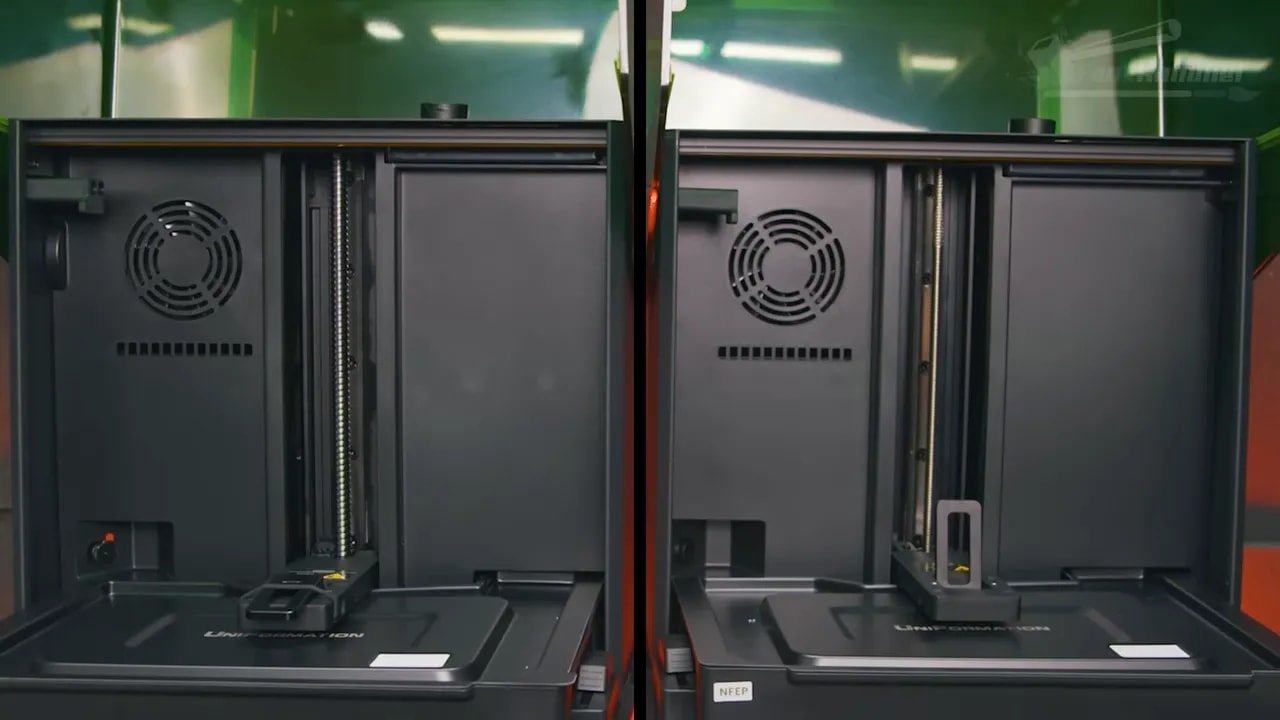
Before getting into the weeds, here’s the short version.
The Uniformation GK3 is a capable 16K-class resin printer with very good print quality, a superb build plate system, built-in heating, Ethernet, app-based monitoring, and some thoughtful usability touches.
It also has a confusing product lineup, some half-finished software ideas, a resin pump many people will never want to use, and a lid design that doesn’t seal as well as it should.
If you want the best all-round feature set in this price bracket, it may not be the most advanced option.
If you want a well-built machine with strong day-to-day practicality and an unusually easy LCD replacement process, the Uniformation GK3 becomes much more interesting.
That leaves it in an awkward but oddly respectable position: not the obvious winner, but not one to dismiss either.
Why the GK3 Lineup Is So Confusing
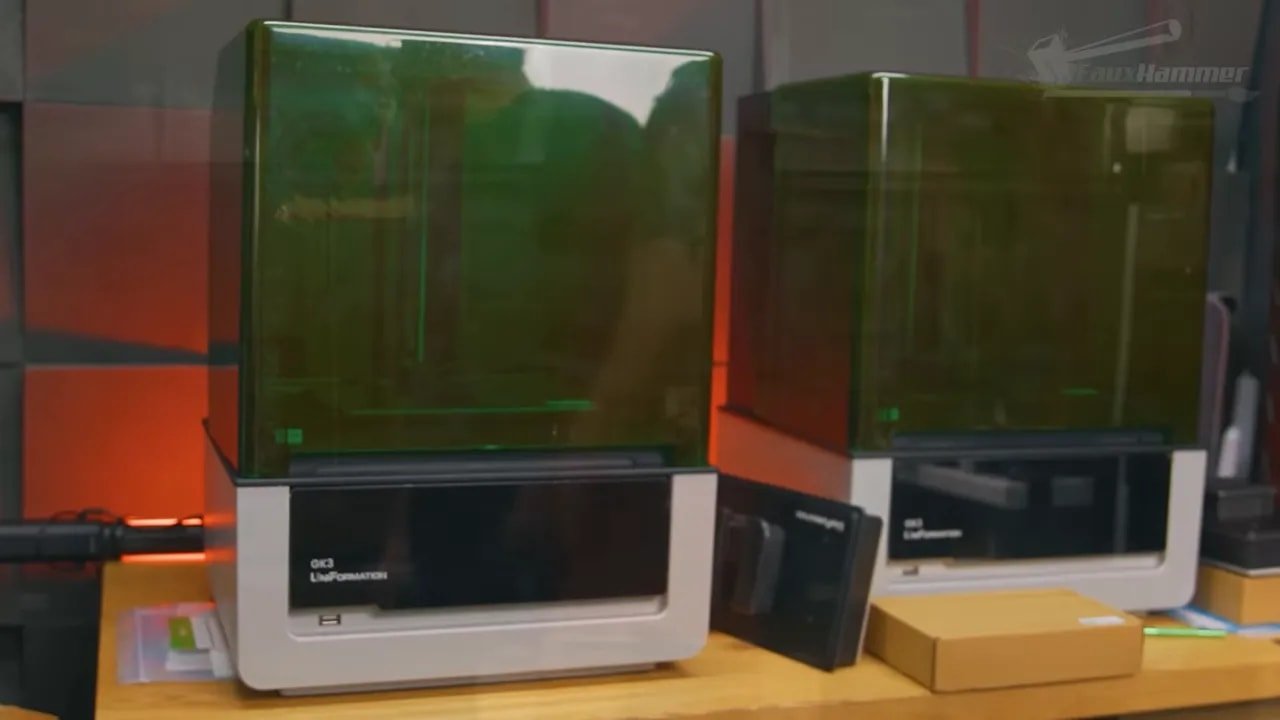
One of the biggest problems with the Uniformation GK3 has very little to do with how it prints. It’s the naming and segmentation.
Uniformation launched machines that looked nearly identical but differed in subtle ways that weren’t immediately useful to the average buyer. The issue was already present when comparing the standard GK3 and GK3 Pro, but things got stranger when the standard machine itself effectively split into two versions.
Now the core distinction on the standard Uniformation GK3 is this:
GK3-T uses a lead screw, also referred to as a T-screw
GK3-B uses a ball screw
That is not the sort of difference most people want to decode when shopping for a printer. It feels like inside-baseball engineering detail pushed too far into the buying process.
To Uniformation’s credit, they did react to community feedback. Early criticism centred on the better motion system being tied to a different model with a different light source, when many people simply wanted the standard 405nm version with the supposedly nicer motion hardware. Uniformation did, for a time, shift the standard machine to a ball screw setup.
Later, production realities seem to have forced another adjustment. The explanation given was that they did not have enough qualified technicians to install the ball screw version reliably at scale, which led to a cheaper T-screw version sitting alongside it.
Does that make practical sense behind the scenes? Possibly. Does it make the buying decision clearer? Not even slightly.
Still, once you get past the muddled naming, the more important question is whether either version of the Uniformation GK3 is actually good.
Design and First Impressions
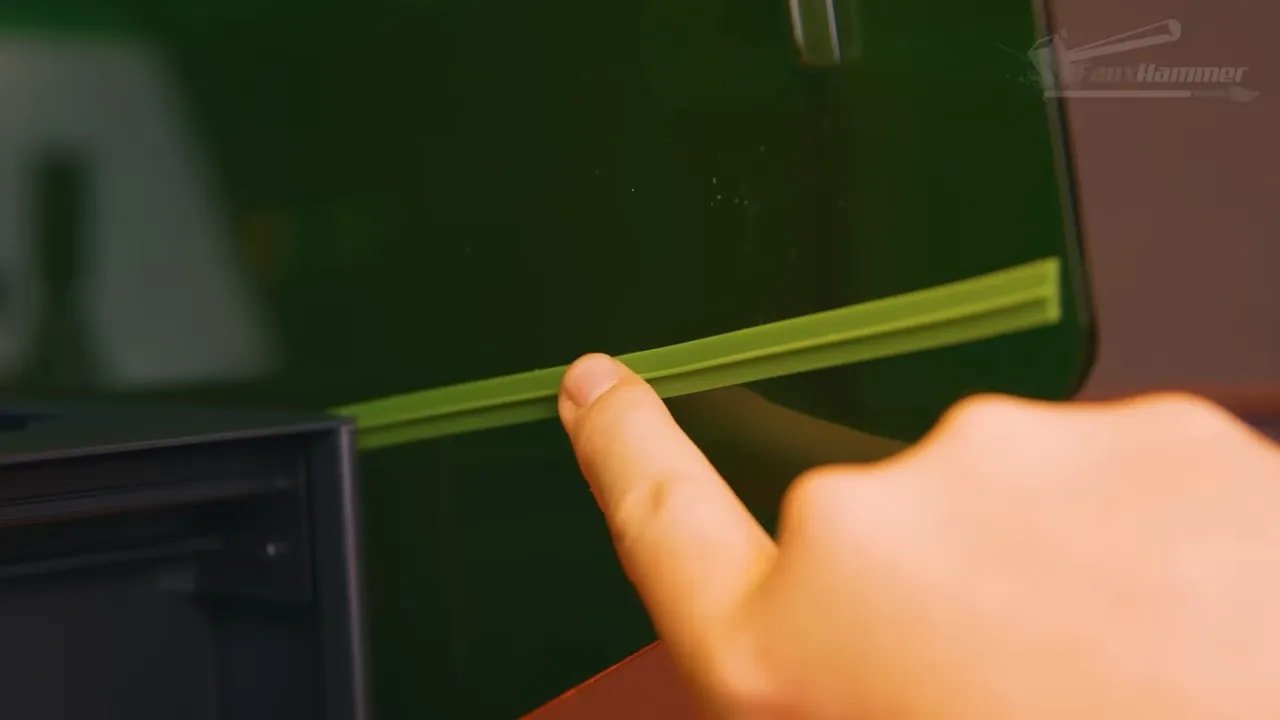
The external design of the Uniformation GK3 is functional, though not universally lovely. The grey body and green lid combination is divisive. Some people will quite like it. Others will feel it looks a bit dated compared to cleaner, darker, more industrial-looking machines.
What matters more is how it works in practice.
The lift-up lid is pleasant to use, and it is removable. Uniformation has also added rubber seals down the sides to help keep VOCs contained. That is a welcome improvement, though the effort is undercut by a gap near the front handle recess and vat area. It is the sort of omission that feels frustrating because it seems so easily avoidable.
The front USB port is recessed to reduce the chance of resin dripping directly into it, which is sensible. Less sensible is that the port itself sits slightly too far back in the plastic housing, meaning bulkier USB sticks may not physically fit. The supplied sticks do fit, but as we’ll get to later, they are not necessarily the best drives to rely on.
Around the back, there is both a Wi-Fi antenna port and an Ethernet socket. The inclusion of Ethernet is genuinely useful, particularly for anyone considering multiple machines or a more farm-like setup. It is one of those quietly practical decisions that matters far more in real use than many headline features.
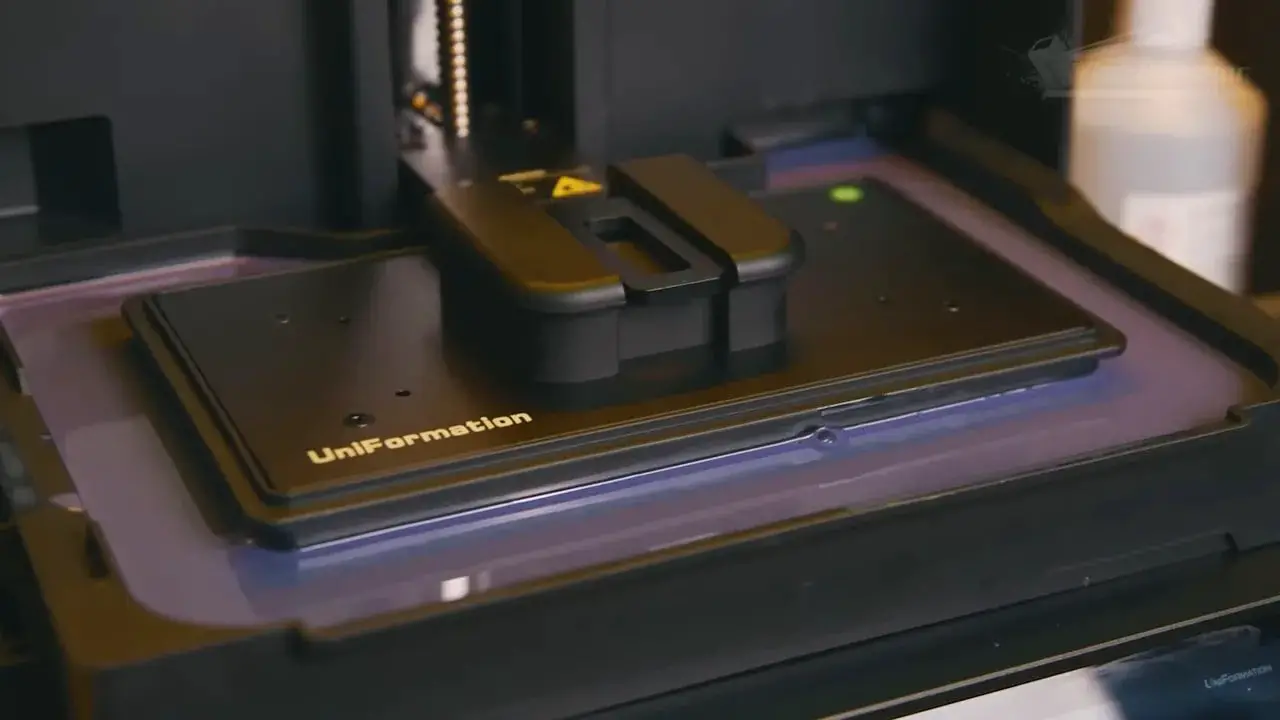
The power switch has been moved from the rear to the front, using the same satisfying clicky style found on the GK2. That is good. Less good is the fact that the switch is hidden underneath the rotating screen plate.
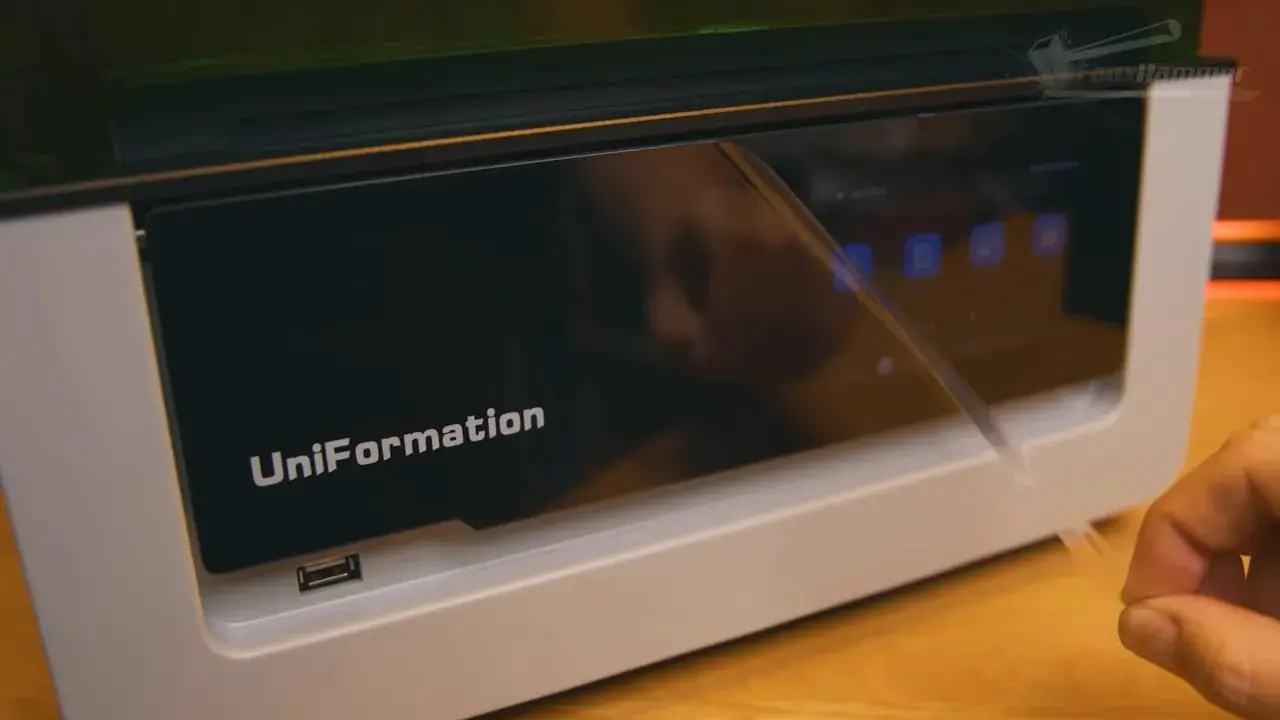
The rotating screen itself is one of those ideas that sits right on the line between clever and unnecessary. On the one hand, it does make the display easier to read from above without forcing you to crane your neck. On the other, it does introduce an extra layer of “where exactly is the on switch?” that some users will absolutely stumble over.
In isolation, none of these quirks are deal-breakers. But they do establish a theme: the Uniformation GK3 is full of design decisions that are either thoughtfully practical or oddly overcomplicated, sometimes at the same time.
The Build Plate Is Still One of the Best Around
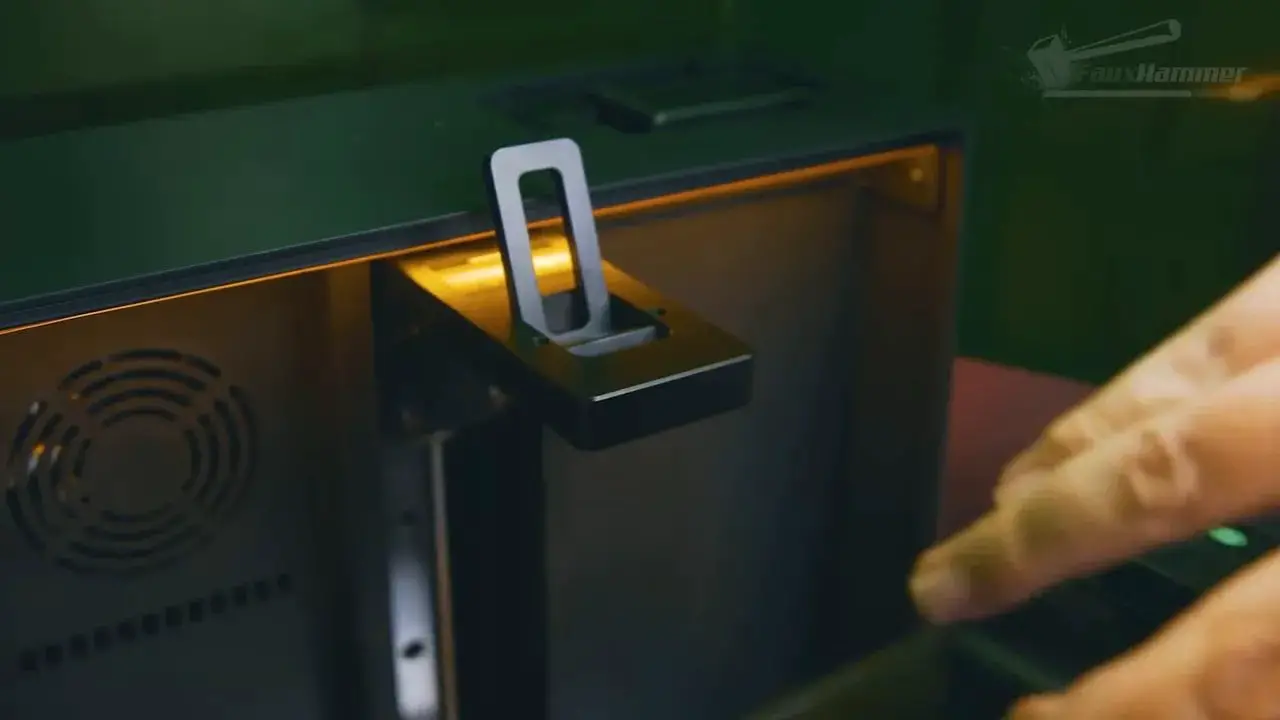
If there is one part of the Uniformation GK3 that remains easy to praise without qualification, it is the build plate.
Uniformation’s build plate design has long been one of the strongest in the resin printer market, and that continues here. It is chunky but not unreasonably heavy, the surface texture is nicely consistent, and once exposure is dialled in, adhesion is excellent.
There is also a subtle lip around the edge to catch minor resin spillover. This is such a simple, useful touch that it is amazing more brands do not copy it.
More importantly, the mounting and levelling system is superb. Rather than leaning on elaborate auto-levelling claims or introducing extra wobble points, the Uniformation GK3 uses a solid latch mechanism that clips the build plate directly onto the Z arm. It is clean, mechanical, secure, and confidence-inspiring.
In an area where a lot of manufacturers still seem to make basic tasks feel fiddly, Uniformation keeps this part refreshingly straightforward.
T-Screw vs Ball Screw – Does It Really Matter?
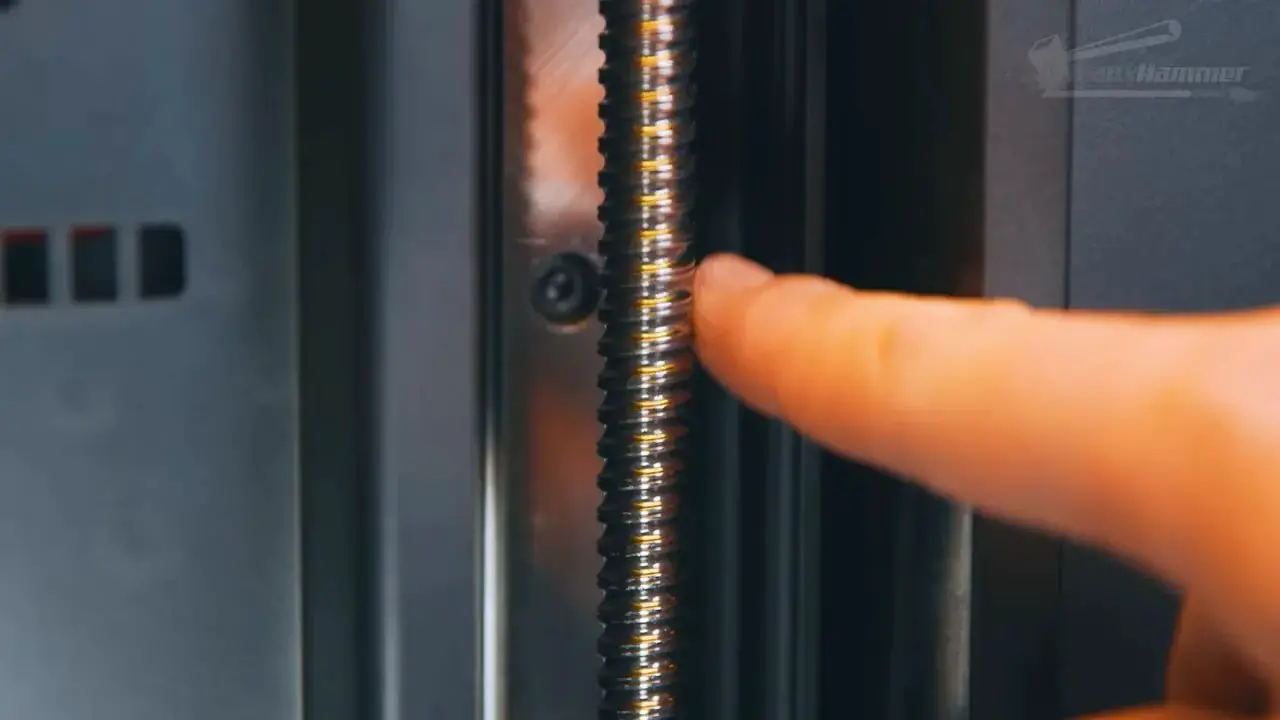
This is the question the product lineup forces everyone to ask, so let’s answer it as plainly as possible.
On the Uniformation GK3, the motion system differs between variants:
T-screw / lead screw on the cheaper model
Ball screw on the pricier one
The suggestion from Uniformation is not that the ball screw delivers better print accuracy at this size. The stated benefit is longevity. The ball screw is expected to last longer.
That sounds fair enough, but it is also worth keeping expectations in check. At this scale, neither option is automatically superior in print quality terms. A poorly implemented ball screw can be worse than a good lead screw. And in the context of hobby resin printers, there are many other components likely to become relevant before screw lifespan becomes the deciding factor for most owners.
That is why the sensible buying advice is refreshingly unglamorous:
If saving money matters more, buy the T-screw model.
If you prefer the idea of a potentially longer-lasting motion component and the price gap is acceptable, buy the ball screw model.
If one is in stock and the other is not, just get the available one.
In other words, for most people choosing a Uniformation GK3, this is not the make-or-break decision the model naming suggests it should be.
Vat Design, PFA Film, and Practical Resin Handling
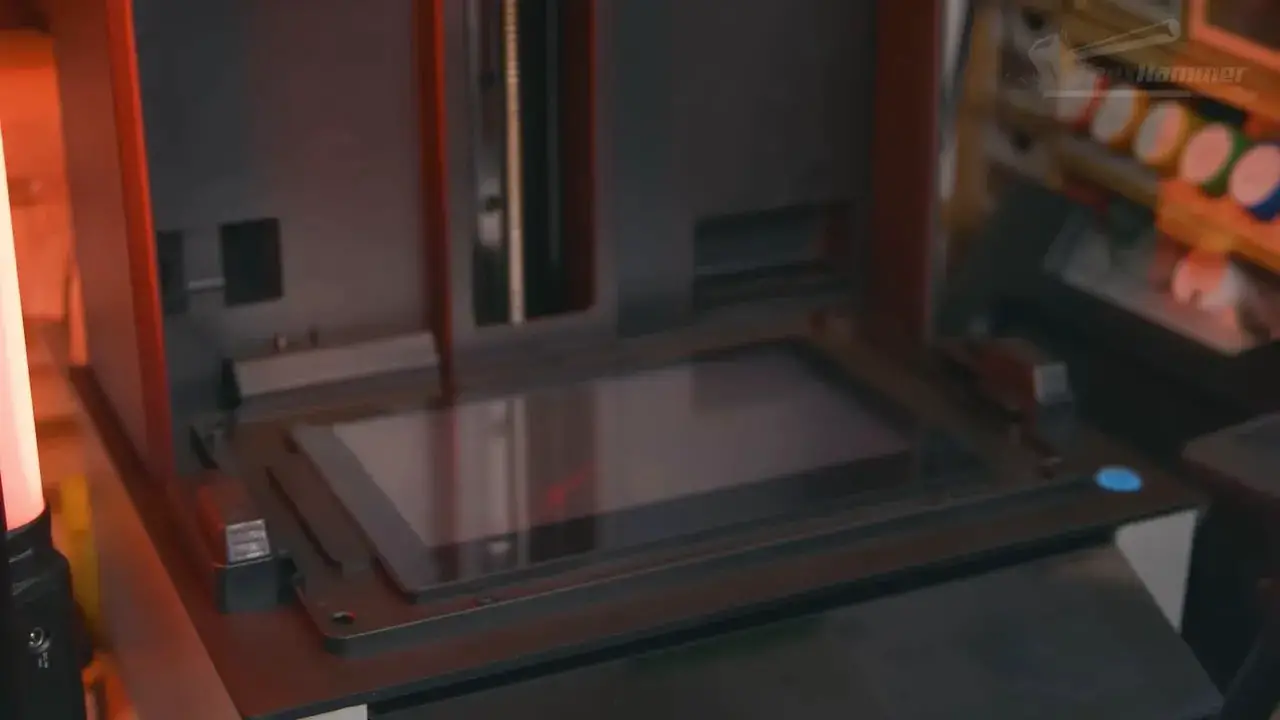
The vat on the Uniformation GK3 is large and plastic, fitted with a clear PFA film. Uniformation labels it as NFEP, but in practical terms this is one of those cases where the branding is more confusing than helpful. “NFEP” is essentially marketing shorthand for the newer film type that replaced older FEP materials. In everyday use, most people can think of it as PFA.
The large vat does at least have one very obvious advantage: it catches drips well.
There is, however, a slightly annoying design choice around the rear corner. The resin feed hardware protrudes where the pour spout is also located, making vat emptying more awkward than it really needs to be. It is not disastrous, just mildly inelegant.
A much better feature is found on the left side, where a recess allows the build plate to sit sideways and drip into the vat. This effectively turns the whole vat width into a drip tray and is one of those quality-of-life touches that makes immediate sense as soon as you see it.
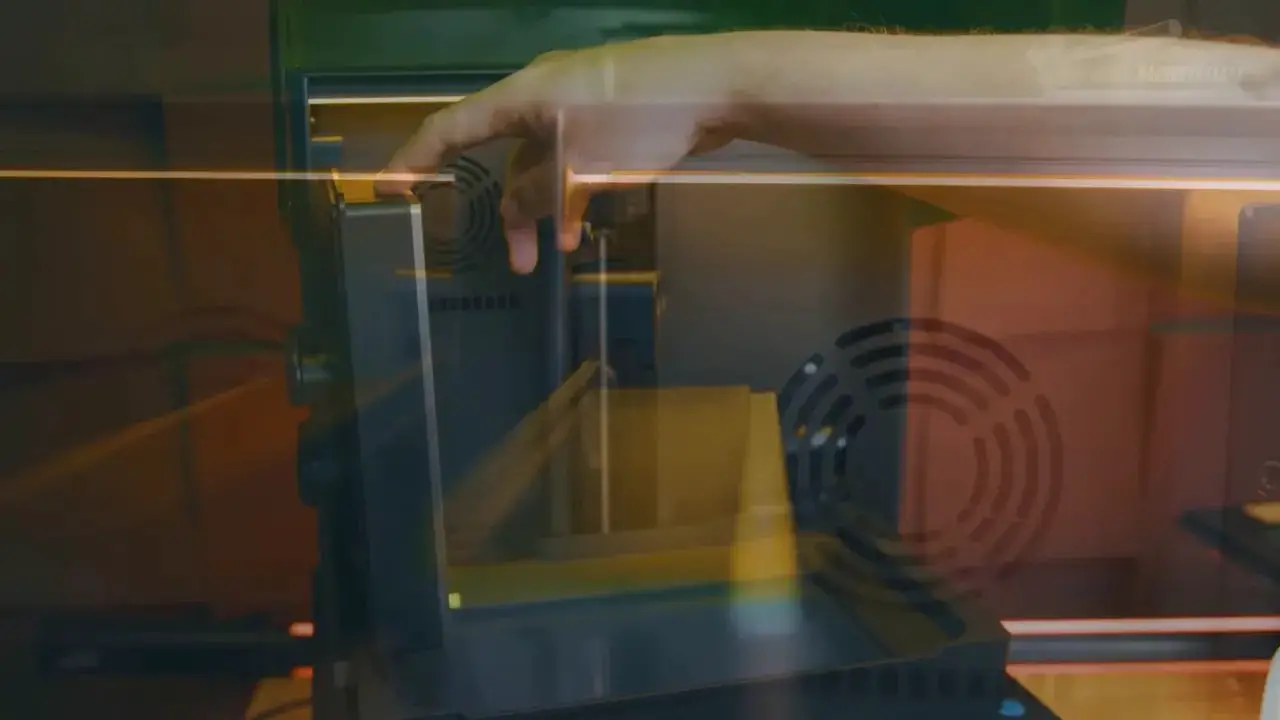
Uniformation did tweak the design after earlier concerns, extending the upper arm so the lid can close with the plate sitting in that side slot. It works, but not beautifully. “Bodge that sort of functions” is probably the fairest description. Still useful, just not elegantly solved.
There is also a metal pin in the back-left corner that tells the auto refill system when resin needs topping up. That brings us neatly to one of the Uniformation GK3’s more divisive features.
Screen, Resolution, and Print Quality
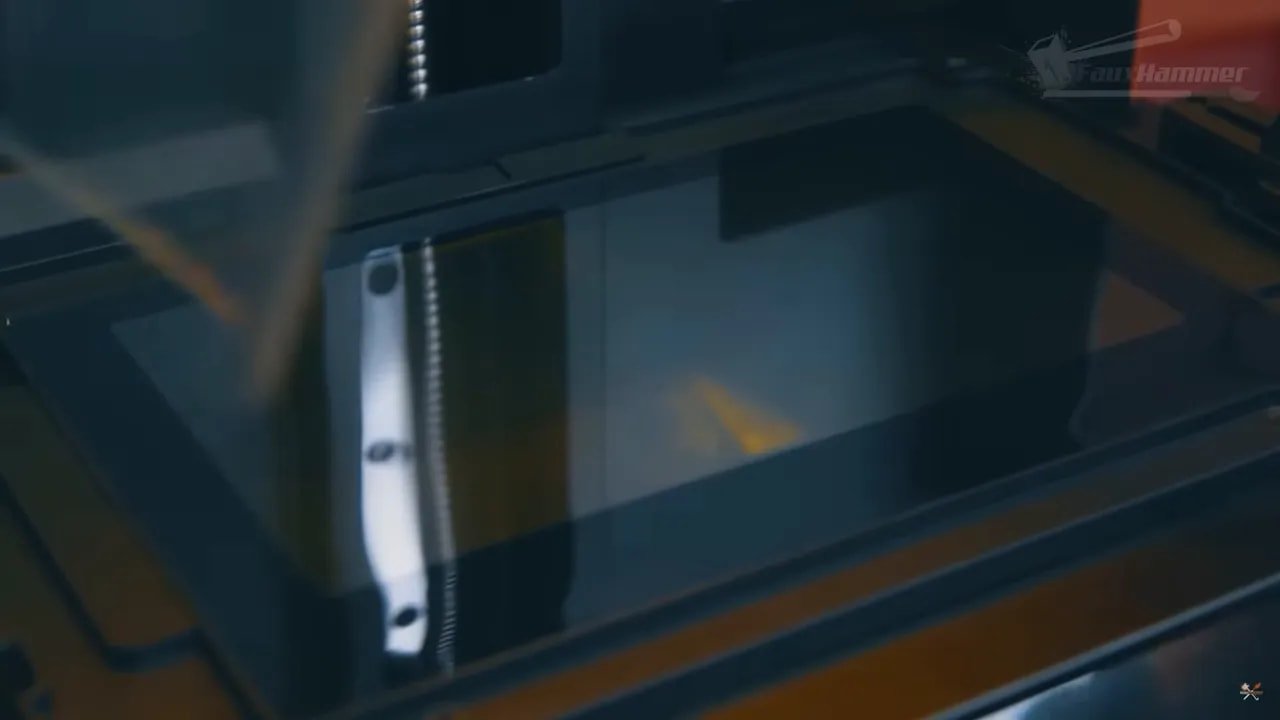
The Uniformation GK3 uses a 9.6-inch LCD with a resolution of 15,120 by 6,230 pixels. This is marketed in the usual “16K” language common across the industry, though, strictly speaking, that label is more marketing shorthand than a technically clean description.
Still, credit where it is due: Uniformation is at least honest about the panel size. It is not pretending this is a 10.1-inch screen when it is not.
The build volume comes in at 211 x 118 x 240 mm, which places it firmly in the same class as the current crop of so-called 10-inch resin printers.
There is also some useful context here. Screen sizes across the industry are trending downward even while pixel counts go up. That is not necessarily a brand-specific decision; panel manufacturers are driving much of this change. The result is more marketing-friendly resolution numbers, but also screens that can reduce UV penetration and may demand stronger light sources.
In practice, though, the Uniformation GK3 still performs well. Thanks in large part to the COB light source beneath the screen, print quality is essentially where it needs to be for this class. It is on par with the better machines in the segment.
So if your main concern is whether the Uniformation GK3 can produce the sharp, detailed results expected of a modern high-resolution resin printer, the answer is yes.
The Killer Feature: Screen Replacement Is Stupidly Easy
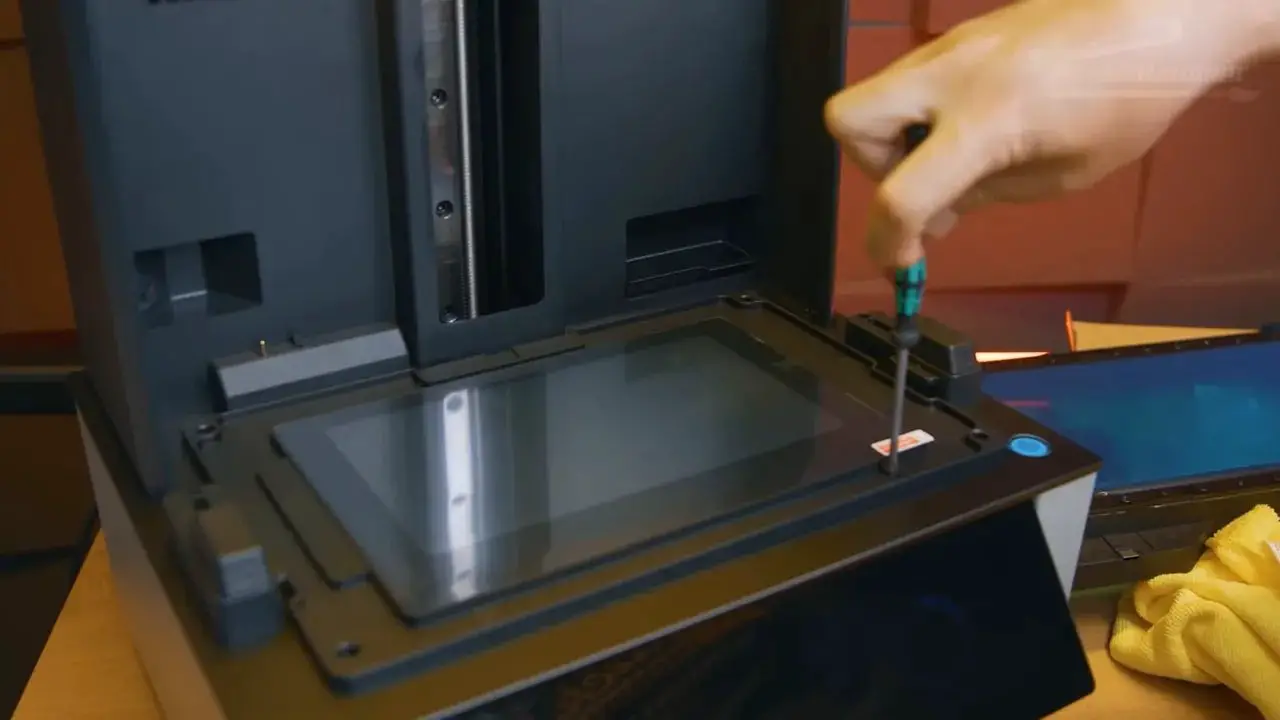
This is the bit that makes the Uniformation GK3 stand out.
Not because easy screen replacement is glamorous. Not because it is the feature most people shop for first. But because it is exactly the sort of practical ownership issue that becomes very important later.
LCD screens are consumable components in resin printing. They do not last forever. And with modern high-resolution panels requiring more aggressive light output to push UV through increasingly dense displays, there is a fair concern that screen wear is not becoming less relevant.
Many competing printers make LCD replacement far more painful than it should be. On some machines, it is a fiddly, stressful teardown job, followed by the lingering suspicion that the printer is never quite the same afterward.
The Uniformation GK3 avoids that mess. Its screen replacement process is unusually straightforward.
That might not sound exciting in a showroom comparison, but for long-term ownership it is one of the most genuinely valuable features a resin printer can have. If you are deciding between this and another machine with similarly good print quality, this alone may be enough to tip the scales.
And yes, it does feel a bit like Uniformation stumbled into this advantage while others were busy overengineering themselves into a corner. But an accidental win is still a win.
Heating, Airflow, and VOC Management
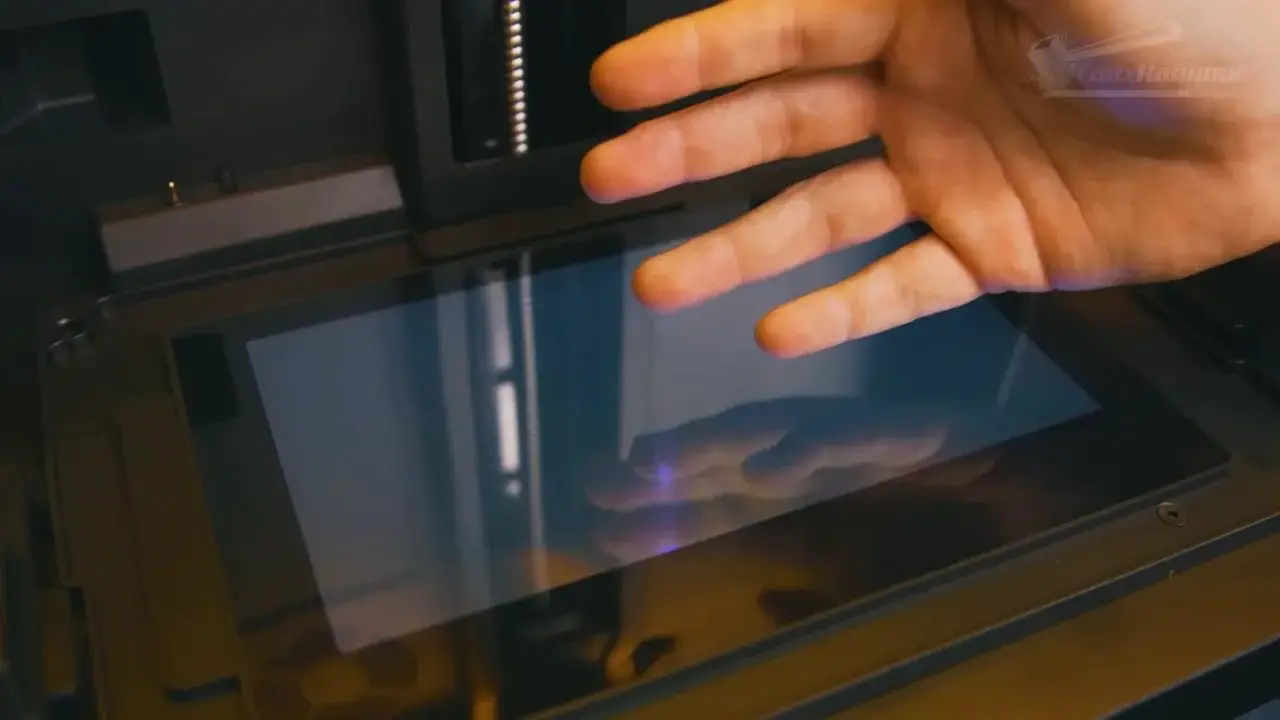
The Uniformation GK3 includes a heater beneath the screen that warms the lower chamber and lets heat rise up through the LCD into the resin. In an ideal world, a heated vat might be preferable, but this arrangement still offers a practical benefit: more stable printing conditions in cooler environments.
There is an understandable concern that extra heat may affect screen longevity. That possibility cannot be dismissed outright, but the temperature involved is modest, and there is not much evidence here to suggest catastrophic premature wear. It feels like a reasonable compromise rather than a glaring problem.
The printer also includes an internal fan and a magnetised carbon filter. Air is pushed through the filter and recirculated inside the chamber. Unfortunately, because the lid does not fully seal at the front gap, that same airflow can help direct VOCs out into the room.
That sounds bad—and it is not ideal—but Uniformation does include a printable exhaust adapter on the USB stick. With that in place, the airflow setup becomes much more useful, drawing cleaner air in through the front and pushing the contaminated air out the back.
So is the gap a flaw? Yes. Can it become part of a workable ventilation solution? Also yes.
This sums up the Uniformation GK3 beautifully: clever in some places, undercooked in others, and occasionally rescued by a strange happy accident.
Auto Resin Refill and the Built-In Camera
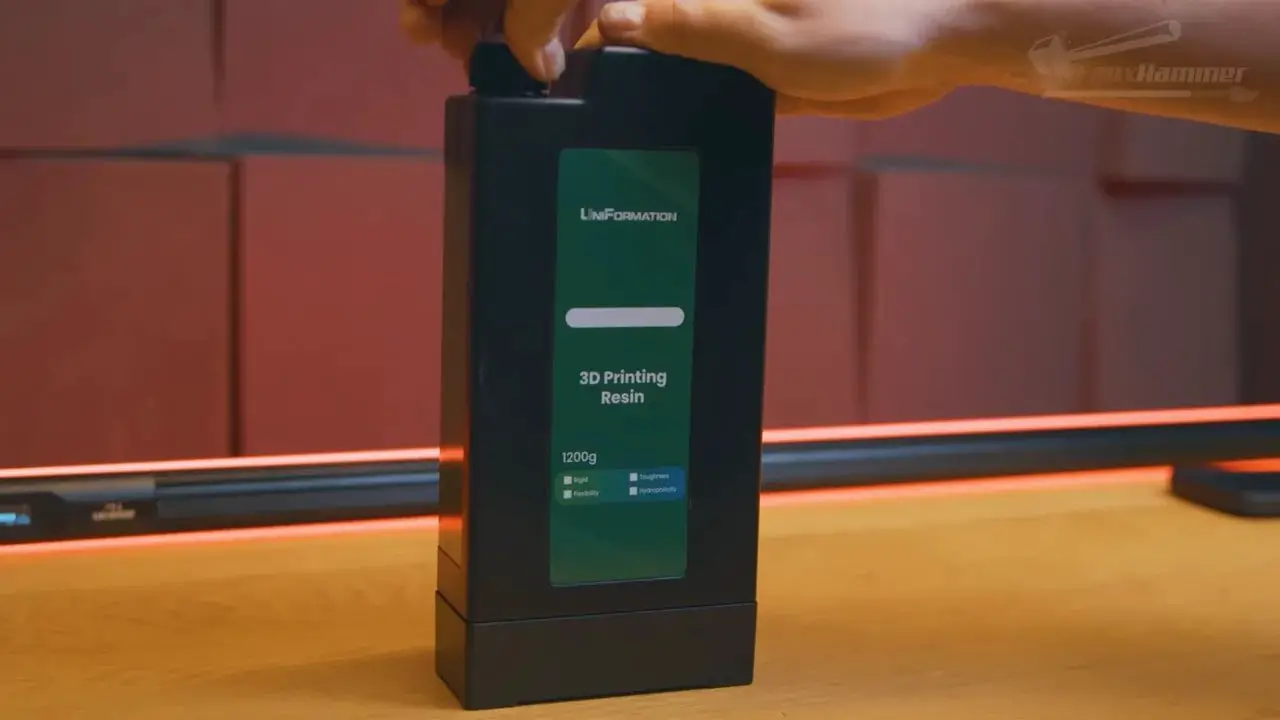
The auto refill system lets the Uniformation GK3 feed resin from Uniformation’s cuboid bottles into the vat during printing. There is even an empty bottle included so you can use your own resin.
In theory, this is convenient. In practice, it is still a resin pump system, which means cleaning the lines is unpleasant, and there have already been reports of internal line issues. That makes it difficult to treat the feature as an unqualified benefit.
For some people—especially those running long, high-volume prints—the refill system may still be worthwhile. For many hobbyists, though, it is likely to be one of those bundled features they pay for and then largely ignore.
The camera is a much cleaner positive. It is a good-quality, high-resolution webcam, and the app/cloud connection finally allows proper remote visual monitoring and timelapse generation. That matters. A text notification saying “layer 100 of 4,000” is not remotely as useful as being able to look in on the actual print and stop it if something has gone wrong.
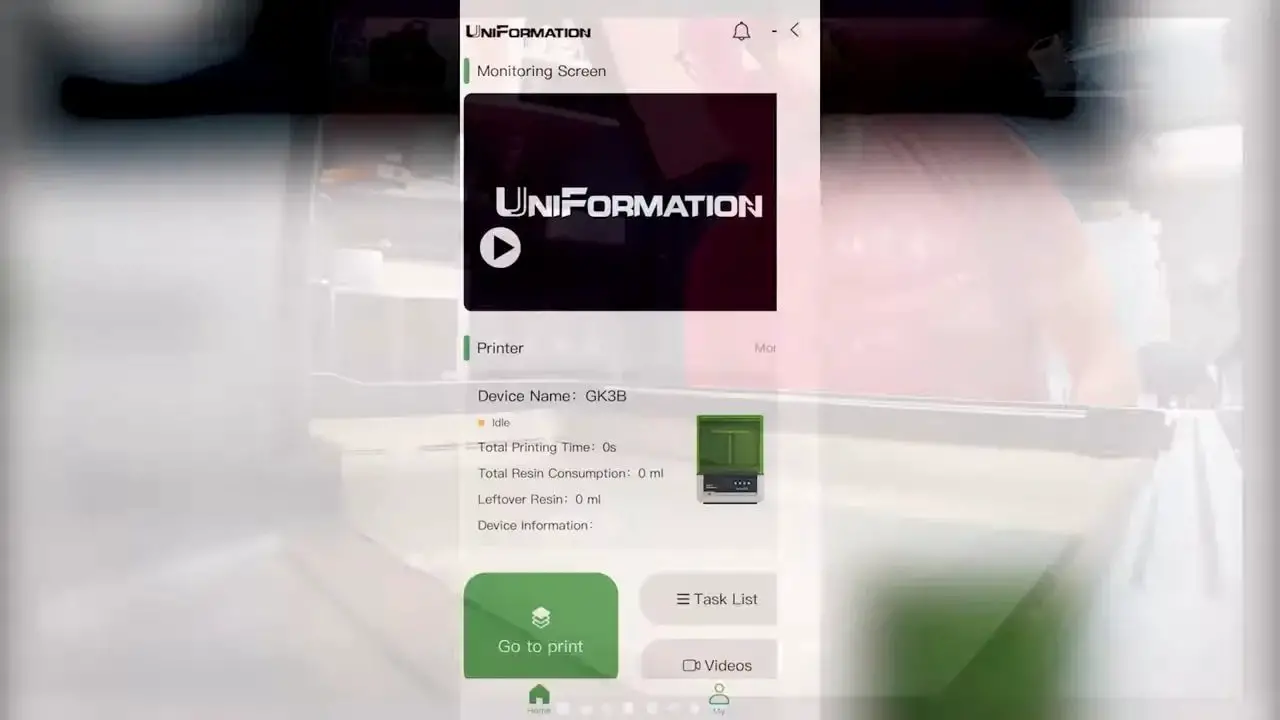
The lighting for the camera is not perfect. The build plate blocks a lot of the illumination path, which rather limits how helpful the internal light can be. But at least the retail version has a proper amber cover rather than an improvised-looking taped solution.
It is not a flawless monitoring setup, but it is one of the better app-assisted systems in this part of the market.
Software, UI, and Firmware Frustrations
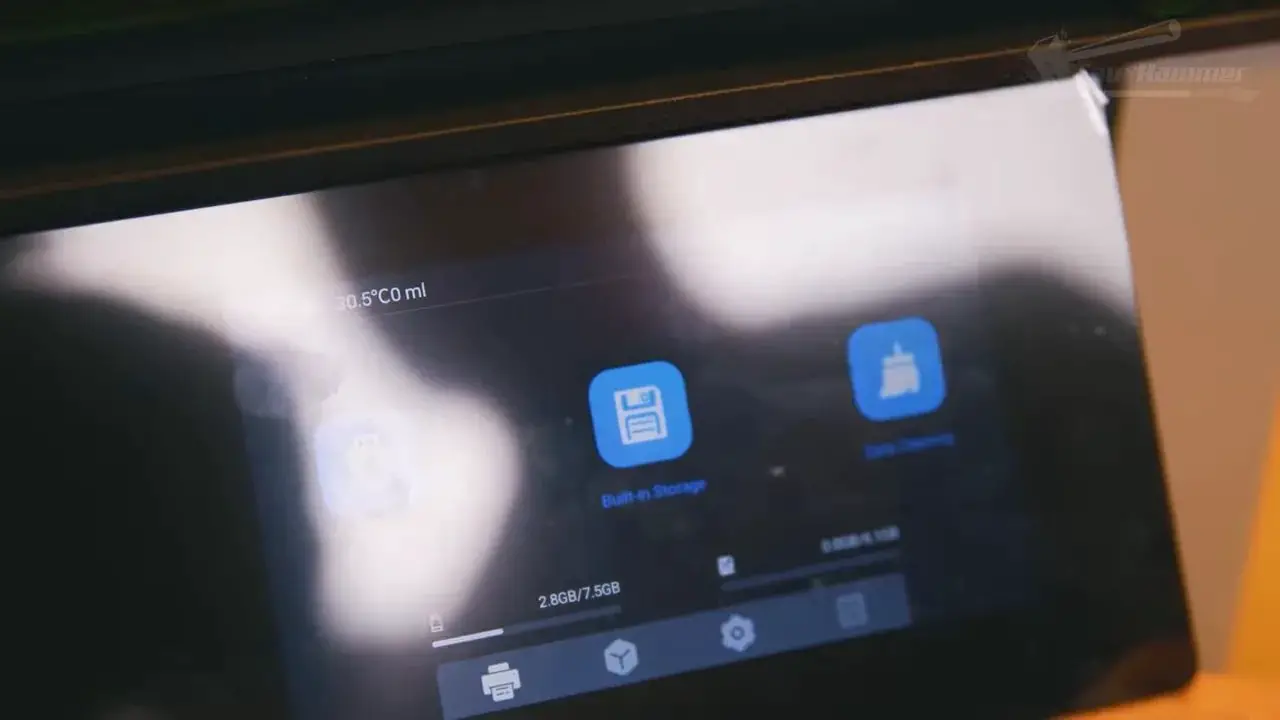
The user interface on the Uniformation GK3 is simple, functional, and not especially glamorous. In many ways it feels like a continuation of the GK2 approach. That is not necessarily a bad thing. It is easy enough to navigate, and there are useful additions like the ability to edit some settings mid-print.
Where things get more irritating is firmware.
The UI includes what looks like an over-the-air update menu, but this appears to be misleading. In practice, OTA firmware updating is not actually supported. Updates need to be loaded from USB, and even then the process is clumsy: files must be handled more like print jobs than proper firmware packages.
More frustratingly, the supplied USB drives worked for transferring print files but apparently refused to process firmware updates correctly. A third-party SanDisk drive did work. Why? Unclear.
That sort of issue is not a catastrophic flaw, but it is exactly the kind of nonsense that undermines confidence in a premium-ish machine. Firmware updates should be the least weird thing about owning a printer.
The Multi-Exposure Test Is a Missed Opportunity
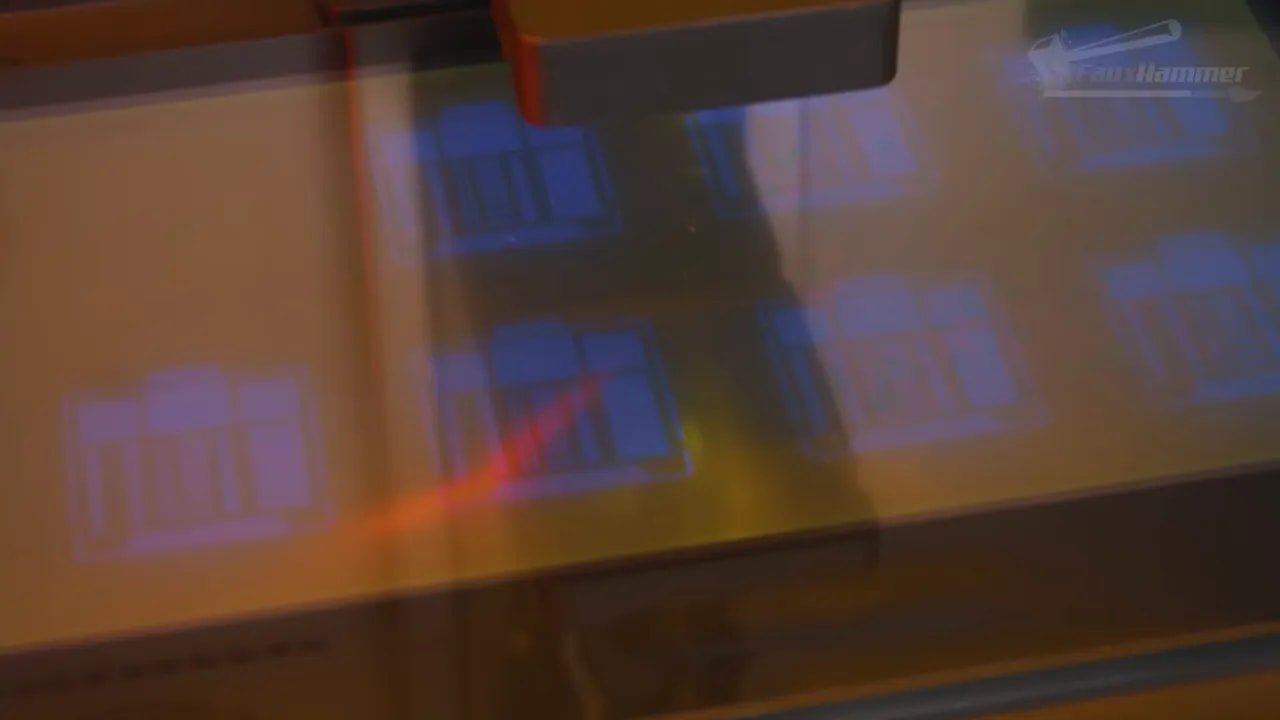
The built-in multi-exposure test on the Uniformation GK3 sounds useful until you look at how limited it is.
Rather than allowing custom test files or user-defined starting points and increments, the printer locks you into Uniformation’s own version. It starts at 1.8 seconds and increases in 0.2 second steps.
That may be vaguely serviceable for some users, but it is far too rigid. If you print at 30-micron layers, for example, 1.8 seconds may already be too high for many resins. Even at 50 microns, some materials may not fit neatly into that range.
So while the feature exists, it is only partially useful. Worse, it gives the impression of progress without delivering the flexibility needed to make it genuinely valuable.
That is a shame, because this is the sort of software improvement that could have helped distinguish the Uniformation GK3 in a positive way. Instead, it lands as unfinished.
How the Uniformation GK3 Compares to the GK2
This is where the review gets slightly conflicted.
The GK2 was one of those printers that stood out because it did many familiar things in smarter, more user-friendly ways. At the time, its built-in heating was also genuinely ahead of the crowd. It felt like a machine designed by people paying attention to everyday ownership.
The Uniformation GK3 still retains some of that DNA. The build plate remains excellent. The heating is still useful. There are practical touches around vat handling and network connectivity. The live app monitoring is better than what many competitors offer.
But the market has changed. Other brands have caught up and, in some areas, moved ahead. Pressure sensing is one example. It is not some miraculous must-have feature, but it is undeniably handy.
That leaves the Uniformation GK3 in a slightly awkward place. It has more features than the GK2, yet it does not feel as far ahead of the field as the GK2 once did.
It is not really a bad successor. It is more that the GK2 was released at a moment when it felt notably smarter than the competition, whereas the GK3 feels like one good modern printer among several.
Who Should Buy the Uniformation GK3?
The Uniformation GK3 makes sense for a fairly specific buyer.
You should consider it if:
You want very good print quality in the current mid-size resin printer class
You value a genuinely excellent build plate and mounting system
You want built-in heating
You appreciate Ethernet connectivity and useful remote monitoring
You plan to keep the printer long enough that easy LCD replacement matters
You may want to look elsewhere if:
You want the most feature-packed or sensor-heavy machine available
You dislike paying for bundled extras like a resin pump you may never use
You are especially sensitive to rough edges in firmware and software implementation
You want the cleanest, simplest product lineup with no buying confusion
For miniatures, garage kits, and detailed hobby parts, the Uniformation GK3 is absolutely capable. The real decision is whether its strengths line up with the sort of ownership experience you care about.
Pros and Cons
Pros | Cons |
|---|---|
|
|
Final Verdict: Is the Uniformation GK3 Worth Buying?
The Uniformation GK3 is not the easiest printer to summarise because it inspires a very particular kind of mixed reaction.
It is not the smartest machine in the category. It does not have every modern convenience. Some of its additions feel like copied trends rather than truly user-driven innovation. The software still has rough edges, and the split between T-screw and ball screw models creates needless confusion.
And yet, it is also clearly a good printer.
The build plate is excellent. Print quality is where it should be. Heating is useful. Ethernet is welcome. The app monitoring is more useful than the token implementations seen elsewhere. And most importantly, the easy screen replacement process gives the Uniformation GK3 a practical ownership advantage that competitors have bizarrely failed to match.
That last point is the real differentiator. If you are choosing between broadly similar machines and you care about long-term maintainability, the Uniformation GK3 earns its place in the conversation very quickly.
As for which version to get?
Buy the GK3-T if you want to spend less.
Buy the GK3-B if the idea of a longer-lasting ball screw appeals and the price premium is acceptable.
If you are agonising over it, you are probably overthinking it – but that’s Uniformation’s fault, not yours
(and this is where most people just walk away and buy something else)
Realistically, for most owners, either will do the job just fine.
FAQ: Uniformation GK3
What is the difference between the GK3-T and GK3-B?
The main difference is the Z-axis motion hardware. The GK3-T uses a lead screw, also called a T-screw, while the GK3-B uses a ball screw. The ball screw is positioned as the longer-lasting option, but for most hobby users there is unlikely to be a dramatic difference in print quality between the two.
Is the Uniformation GK3 better than the GK2?
It has more features than the GK2, including better monitoring options and newer hardware, but it does not feel as far ahead of the market as the GK2 once did. The GK2 stood out more in its time. The Uniformation GK3 is still a good machine, just in a more competitive field.
What is the best reason to buy the Uniformation GK3?
The standout reason is how easy it is to replace the LCD screen compared with key competitors. Since LCDs are wear components in resin printers, that practical advantage can matter a lot over long-term ownership.
Does the Uniformation GK3 have good print quality?
Yes. The Uniformation GK3 delivers print quality that is on par with the better printers in its class. It uses a 9.6-inch high-resolution panel and a COB light source to produce detailed results suitable for miniatures, garage kits, and similar hobby work.
Does the Uniformation GK3 support remote monitoring?
Yes. It includes a good-quality built-in camera and app/cloud functionality that allows proper visual remote monitoring. That means you can actually check whether a print is progressing correctly, rather than relying only on status notifications.
Is the auto resin refill feature worth using?
That depends on your workflow. It may be useful for long prints or heavy usage, but it is still a resin pump system, which means cleaning the lines can be a nuisance. Many hobby users may end up ignoring the feature entirely.
Does the Uniformation GK3 seal fumes well?
Not perfectly. The lid has side seals, but there is still a front gap that can allow VOCs to escape. A printable rear exhaust adapter improves the situation by helping direct contaminated air out more effectively.
Should I choose the T-screw or ball screw version?
If price matters most, choose the T-screw version. If you prefer the idea of potentially better long-term durability and do not mind spending more, choose the ball screw version. For many people, the difference will not be especially significant in day-to-day use.
Uniformation GK3 – Closing Thoughts
The Uniformation GK3 is a slightly messy product wrapped around a surprisingly solid printer. It does not feel as sharply conceived as it could have been, and there are definitely moments where it seems to chase features rather than fully finishing them. But there is also enough practical sense in the core design to keep it firmly relevant.
If you want the cleanest buying story, this is not it. If you want the easiest recommendation in the segment, this is not quite that either.
But if you want a capable resin printer with a brilliant build plate, useful network features, and one very important long-term ownership advantage, the Uniformation GK3 deserves much more attention than a casual glance might suggest.
Please Note: This site uses affiliate links. Our Affiliate Partners are shown below
(Affiliate links will result in compensation to the site on qualifying purchases)
Click this link & buy your hobby stuff from Element Games for the UK & Europe to support FauxHammer.com – Use Code “FAUX2768” at the checkout for double reward points.
Our Affiliates / Hobby Stores
- UK: Element Games, The Outpost, Wayland Games, Mighty Lancer, Goblin Gaming, Forbidden Planet, Model Scenery Supplies, eBay, Amazon
- US/Canada: MTechCave, GameKastle, eBay (US), eBay (CA), Amazon
- Germany: Taschengelddieb
- Europe: eBay (DE), eBay (FR), eBay (ES), eBay (IT), Amazon
- Australia: eBay, Amazon
- Global: RedGrass Games, Warcolours
- 3D Printers: Phrozen 3D, Elegoo, Anycubic





 English (UK)
  Deutsch
  Français
  Italiano
  Español