
HeyGears Reflex RS Review – a Resin Printer That Makes Pro Printing Feel Easy
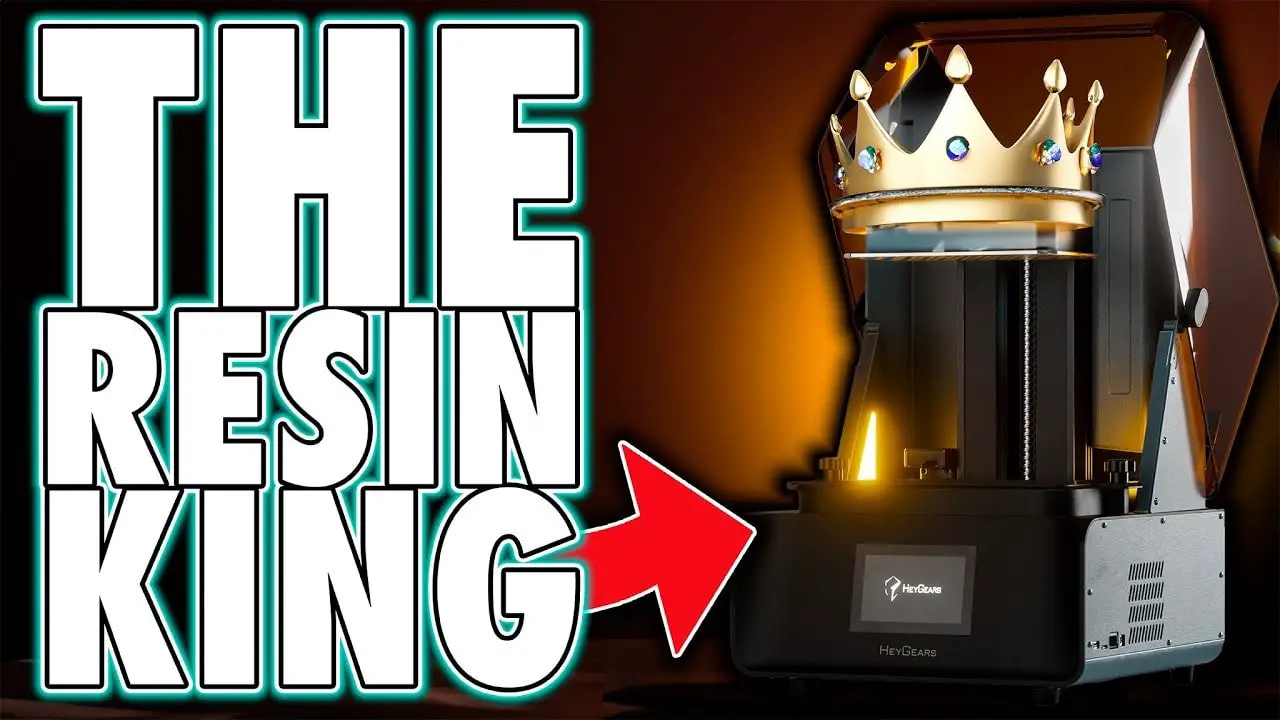
los HeyGears Reflex RS is one of those machines that immediately splits opinion. For some people, it will be the dream resin printer: premium build quality, minimal setup hassle, excellent print consistency, and a software workflow that feels far more polished than the usual hobby-grade experience. For others, it will be a complete non-starter for one very obvious reason: it sits inside a tightly controlled ecosystem of printer, slicer, and resin.
That tension is what makes the HeyGears Reflex RS so interesting. It is not trying to be the cheapest resin printer. It is not trying to be the most open. It is trying to be one thing above all else: a machine that delivers extremely reliable, extremely high-quality prints with as little messing about as possible.
And in that respect, it may well be one of the most compelling consumer resin printers currently available.
If you are already considering the newer model, it is also worth checking the RS Turbo follow-up. But taken on its own merits, the HeyGears Reflex RS still has a lot to say about where premium desktop resin printing is heading.
HeyGears Reflex RS – At a Glance
Before diving into the details, here is the short version.
- Best for: users who want high-end resin printing with minimal tuning and excellent consistency
- Less ideal for: users who want to experiment freely with third-party resins and fully open workflows
- Standout strengths: exceptional build quality, polished UI, strong software integration, sensor-driven print control, excellent support tools, and highly dependable output
- Main drawback: proprietary resin ecosystem
- Overall impression: expensive, yes; overpriced, no
The easiest way to frame the HeyGears Reflex RS is this: you are paying a premium for the machine, but also for the workflow, the support, the engineering, and the confidence that the whole system has been built to work together.
HeyGears Reflex RS – The Proprietary Resin Issue
Let’s deal with the big one first, because there is no point pretending it is not the elephant in the room.
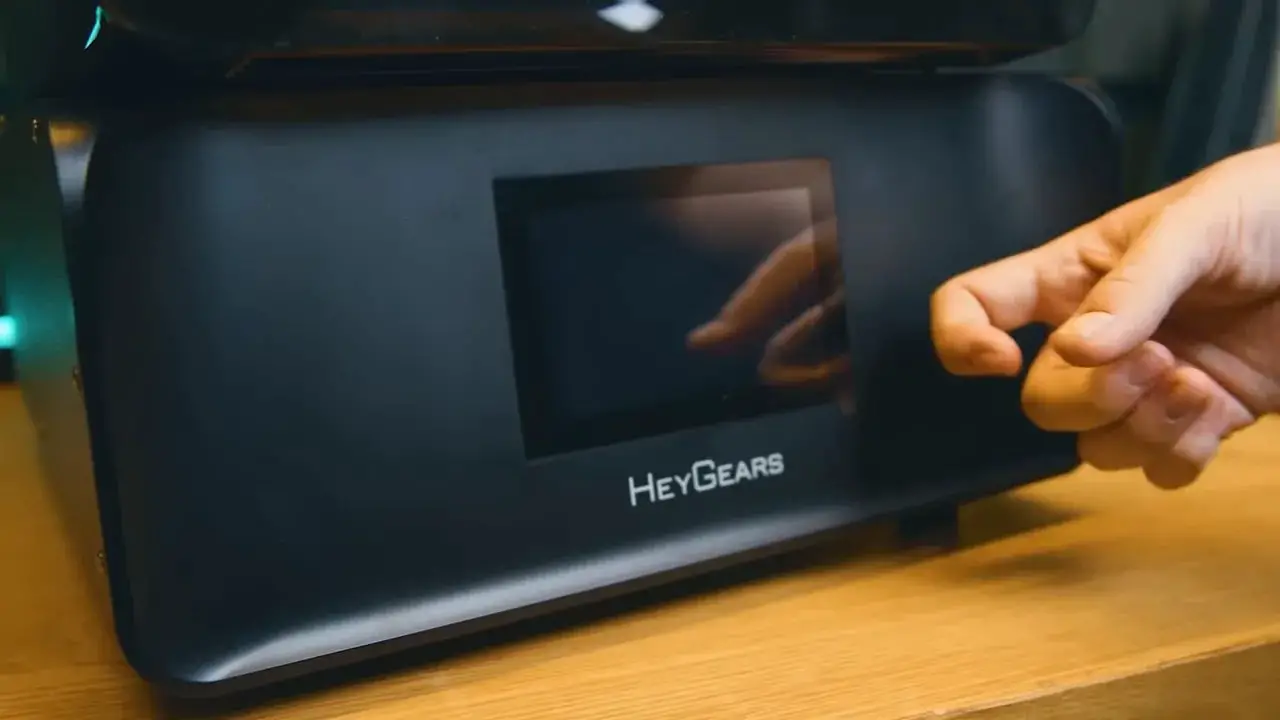
los HeyGears Reflex RS is a locked-down system. That means printer, slicer, and resin are all part of a controlled ecosystem. If you are firmly opposed to proprietary resin, that alone may be enough to rule it out.
That is a completely fair position.
People generally dislike being told what materials they can use. In the wider resin printing hobby, freedom and experimentation are a large part of the appeal. Many people are used to trying different brands, tweaking profiles, and balancing exposure, lift speed, wait time, and other settings themselves.
But the important point here is that the closed system is not just there to force resin sales. The argument in favour of the HeyGears Reflex RS is that by controlling the material side, HeyGears can promise a level of consistency and support that open ecosystems usually cannot.
That means:
- validated resin profiles
- reliable support generation
- known print behaviours
- better troubleshooting
- direct help inside the slicer
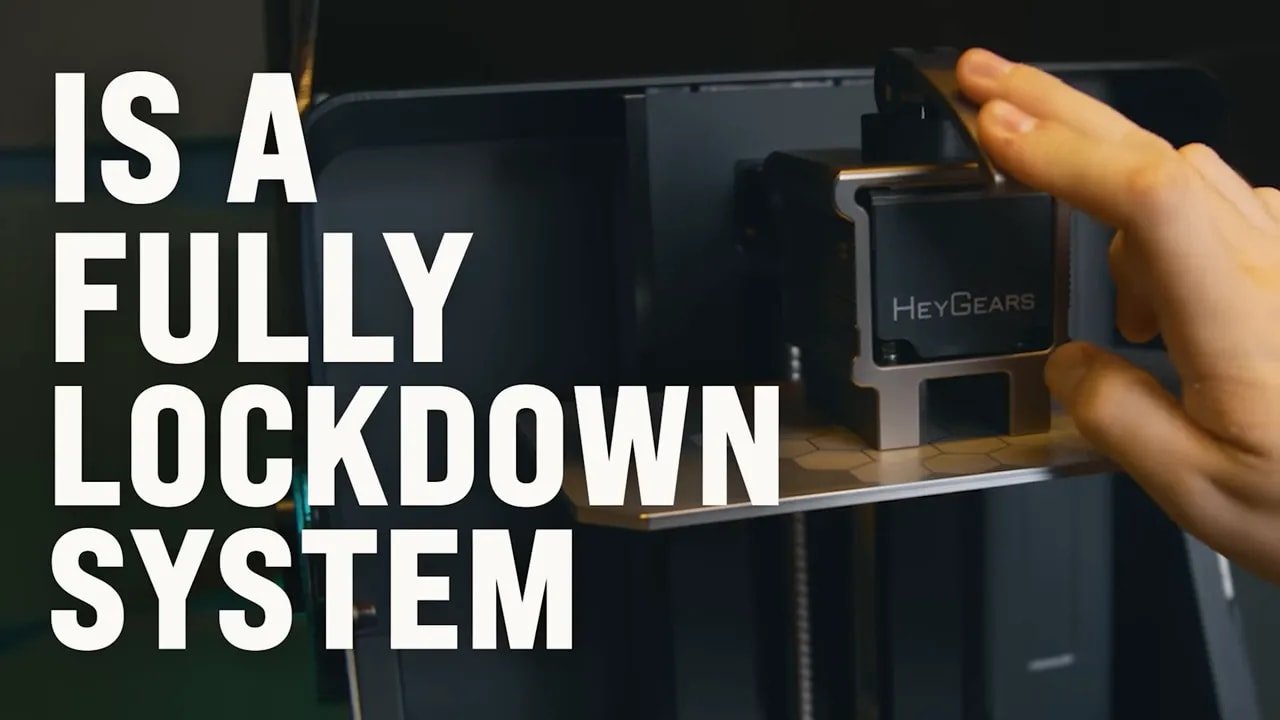
You still may not like that trade-off. But it is a trade-off, not just a cynical cash grab. The whole pitch of the HeyGears Reflex RS is stable, predictable, high-quality printing without the usual amount of trial and error.
If you want a printer that acts more like an appliance than an experiment, the closed ecosystem starts to make more sense.
HeyGears Reflex RS – Build Quality and First Impressions
The first thing that stands out with the HeyGears Reflex RS is how well built it feels. This is not one of those resin printers where the spec sheet sounds great but the actual machine feels flimsy once it lands on your desk.
It is solid. Properly solid.
That matters because this printer lives in a price bracket where quality of construction should be obvious. And here, it is. The chassis is largely plastic, but intelligently reinforced with metal where the structure actually needs it. The result is a machine that feels engineered rather than merely assembled.
The industrial styling is also quite appealing if you like function-first design. It is not trying to look like a lifestyle gadget. It looks like a tool.
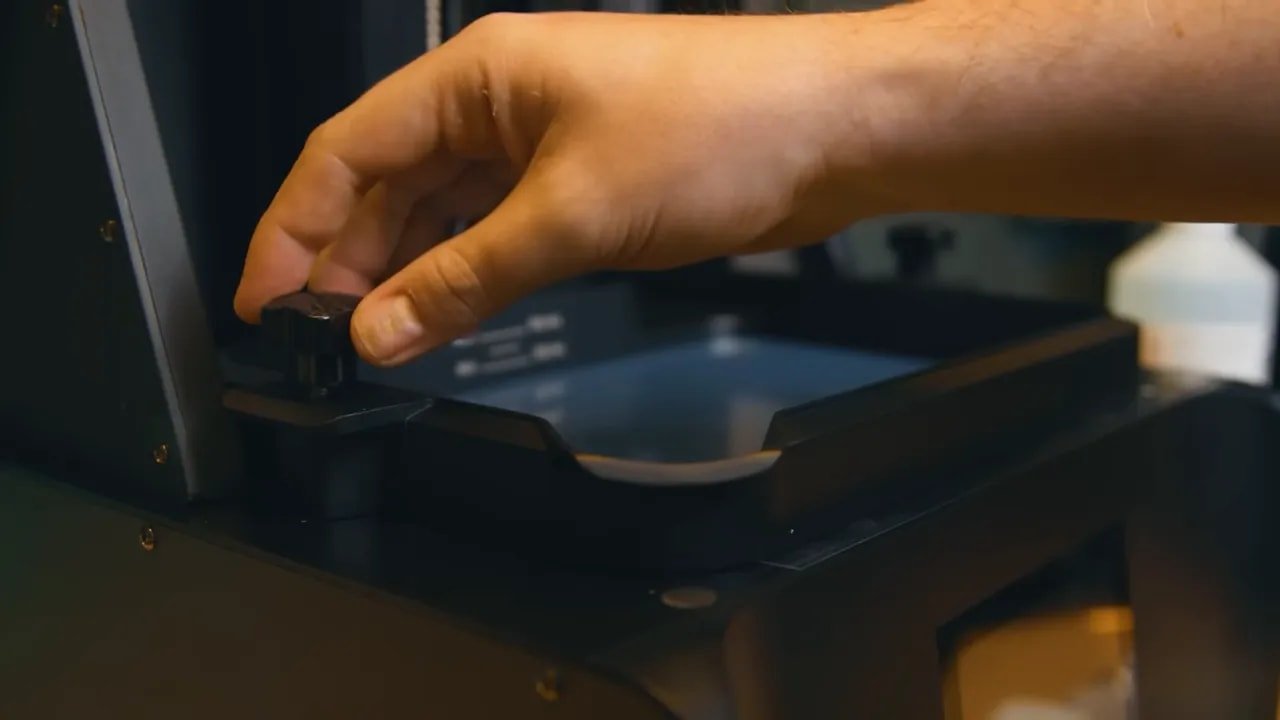
Even little things show thought. The up-and-over lid can be lifted and held in any position, and it does not need an excessive amount of clearance above the printer. That sounds small, but in a real workspace it makes a difference.
When people call the HeyGears Reflex RS overpriced, this is where the counterargument starts. It is expensive, certainly. But “overpriced” would imply equivalent machines offering the same build, features, and performance for far less. That comparison is not easy to make here.
HeyGears Reflex RS – Ports, Power and External Features
Externally, the HeyGears Reflex RS is laid out sensibly.
On the rear you get a data cable socket and a hose inlet for the optional Pulsing Release Module, which is one of the more interesting add-ons for this platform. On the front right side are the power input for the external transformer, the power switch, a USB port, and a microSD slot.
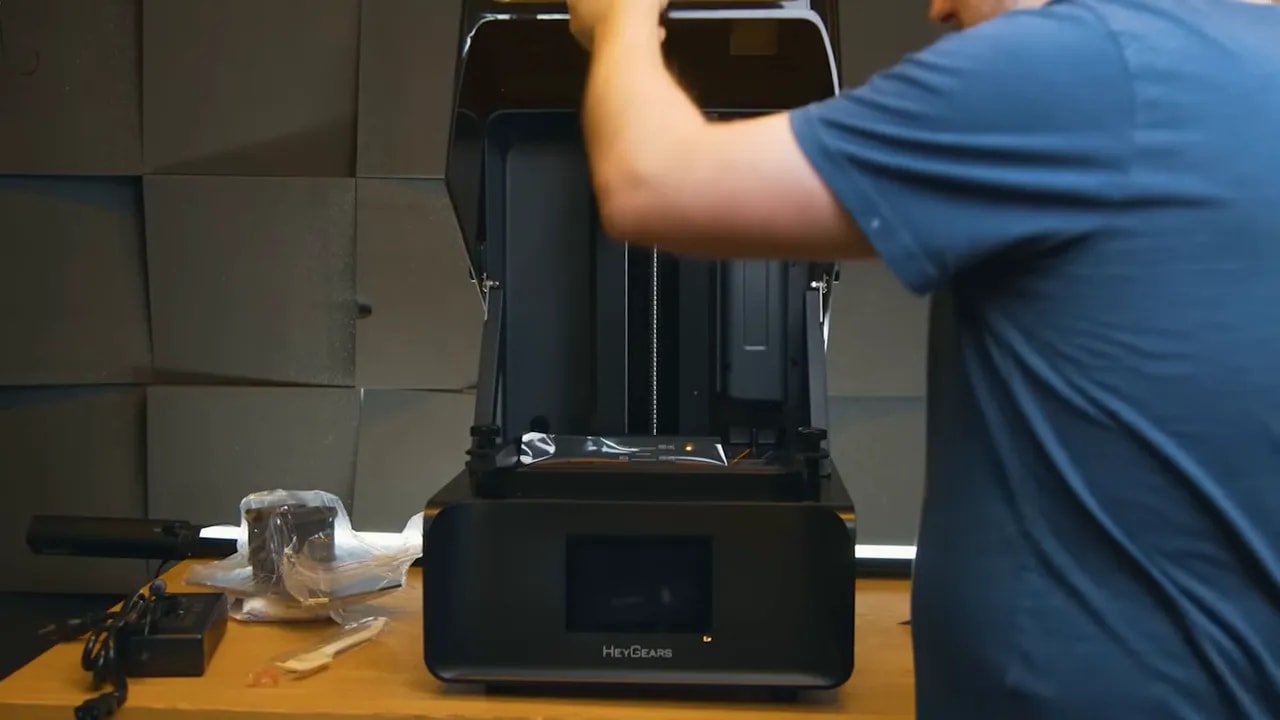
The microSD slot is particularly useful because it expands internal storage. That may sound niche for a home user, but for anyone queuing multiple jobs or operating a small print farm, it is a thoughtful inclusion.
Again, none of these items are glamorous on their own. But they contribute to the feeling that the HeyGears Reflex RS has been designed by people who understand repeated real-world use.
HeyGears Reflex RS – Build Volume and Where It Sits in the Lineup
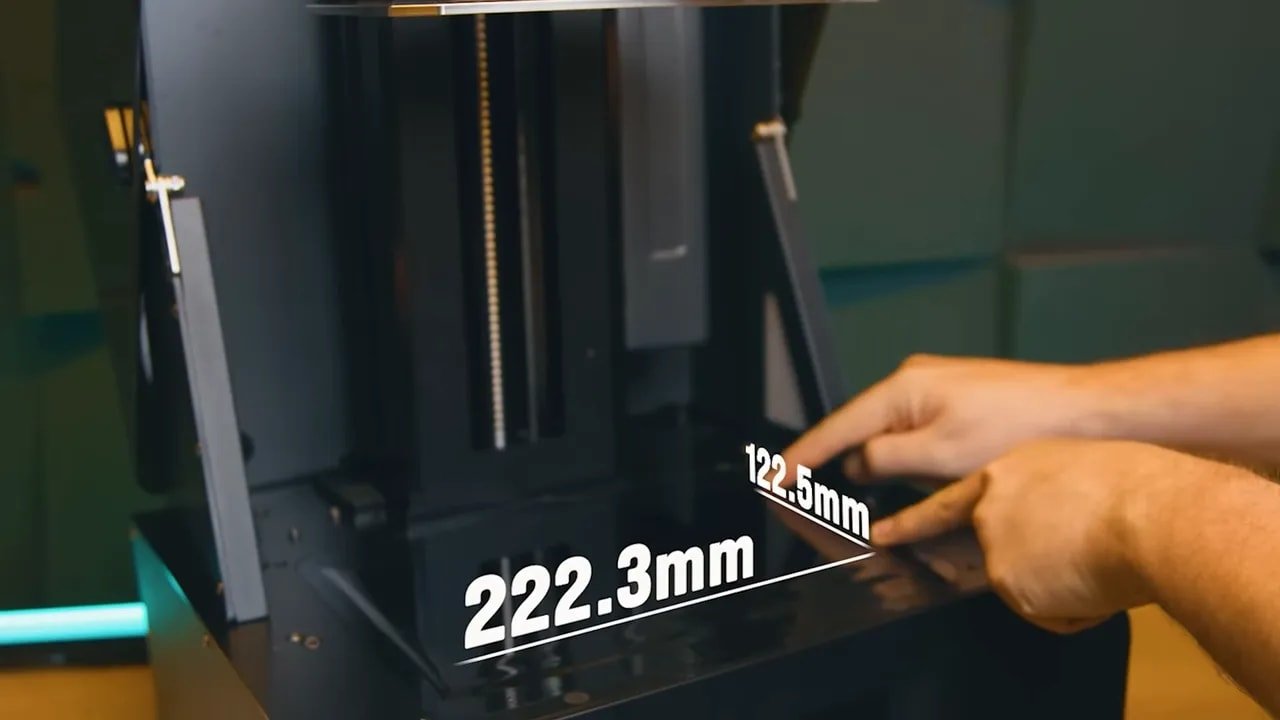
The build volume is 222.3 x 122.5 x 230 mm. That puts the HeyGears Reflex RS broadly in the larger desktop resin category, with a print area slightly above many 10-inch class printers.
Interestingly, it also gives the RS a larger build area than the older Reflex, despite the Reflex sitting above it in some other respects. In other words, the RS is not simply a cut-down version in every category. It gives up some of the higher-end technology and resin compatibility of its sibling, but gains useful build space.
So where does that leave it?
los HeyGears Reflex RS feels like the model intended to bring the HeyGears experience to a slightly broader audience while keeping much of what makes the platform special. It is still premium. It is still very much not entry-level. But it is positioned as the more accessible route into the system.
HeyGears Reflex RS – Build Plate Design and Leveling
The build plate on the HeyGears Reflex RS deserves attention because it highlights both the strengths and the few mild frustrations of the hardware design.
On the plus side, the plate has a lightly etched surface that promotes excellent adhesion, and it is made from stainless steel rather than the softer aluminium used on many competing machines. That is a premium touch. It should resist scratching better over time and speaks to the longevity angle of the machine.
The plate attaches via a compression latch rather than bolts, which is generally preferable for convenience. There is, however, a small ergonomic complaint: the shape of the latch area can encourage a bit of hand slippage when tightening. It is not a dealbreaker, just one of those places where “good” could have been “great.”
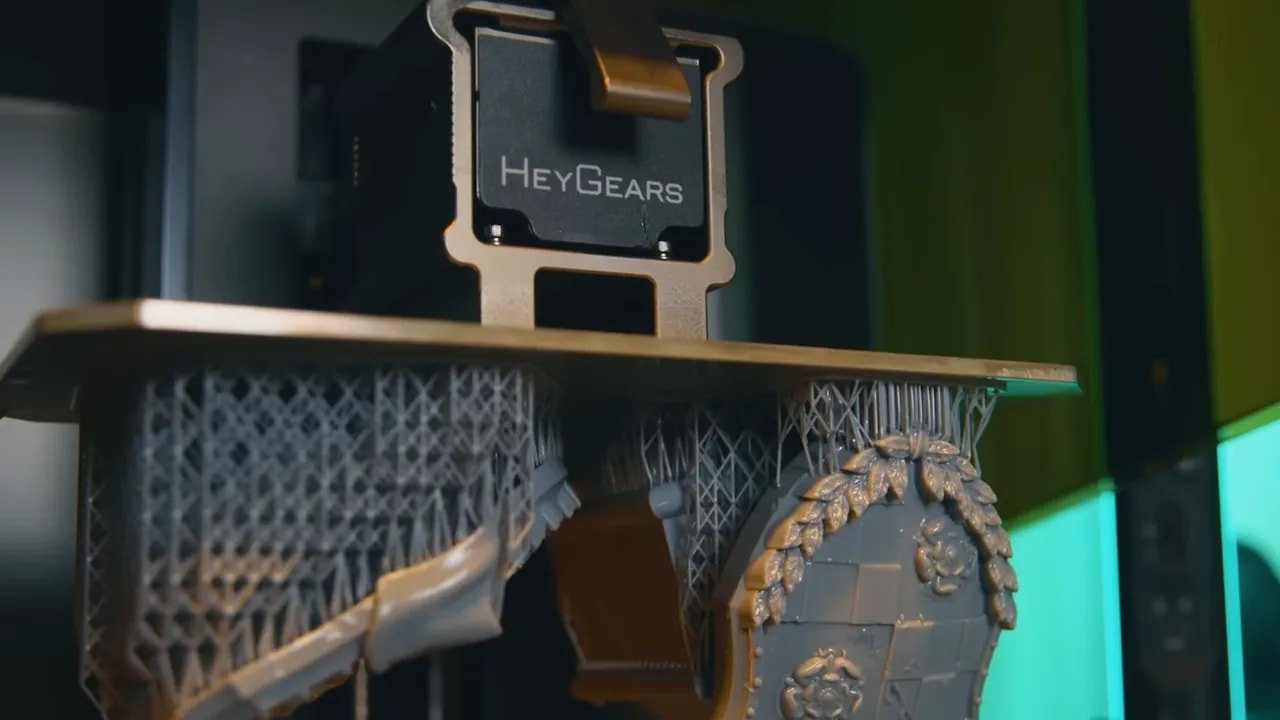
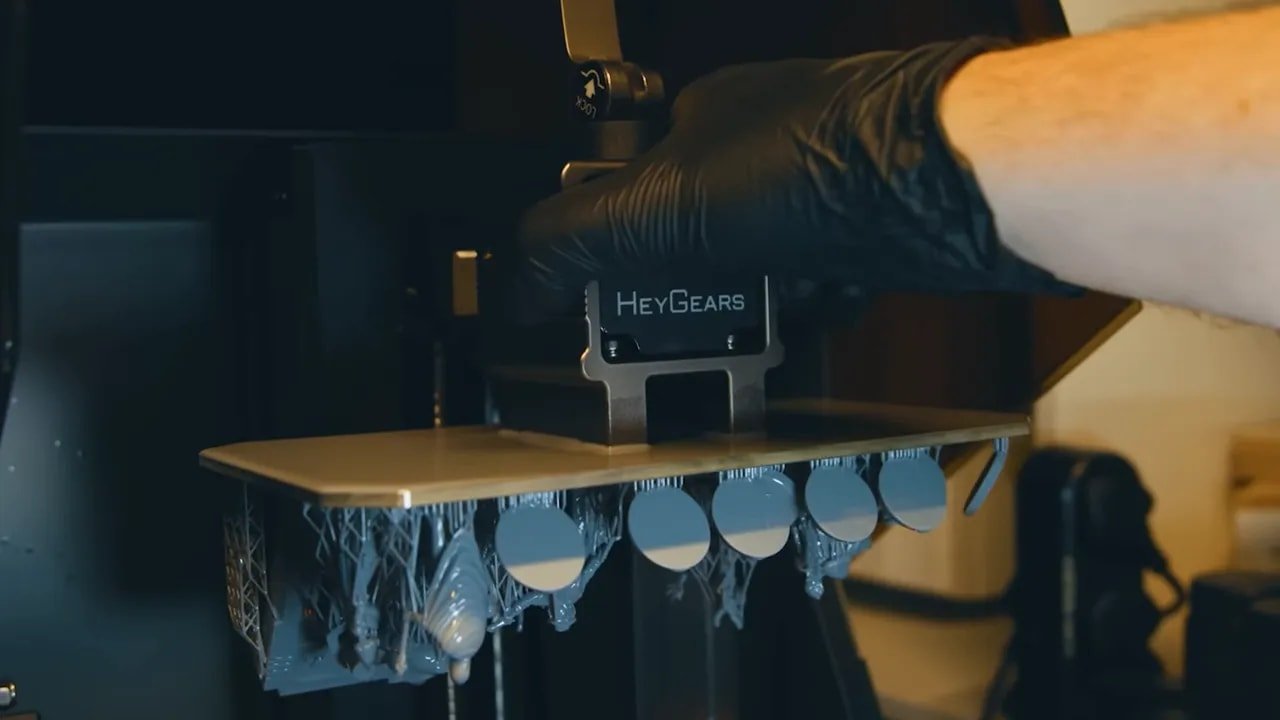
The top of the build plate is also completely flat, with no taper. That means residual resin tends to sit on top after a print. You need to scrape that resin off before moving the plate away from the printer, otherwise you will lose drips and make more mess than necessary.
HeyGears has an optional transfer tool coming for this, essentially a broad shield or tray that covers the vat and gives you a more controlled surface for removing models. It sounds useful, though a simple taper on the plate would still have helped.
Leveling, however, is where the HeyGears Reflex RS starts looking properly clever. It is factory auto-levelled, but unlike many so-called auto-level systems, this one actually gives meaningful feedback. Through the UI you can see how level each corner of the plate is, down to 10 microns. If adjustment is needed, it can be done manually with two screws on the Z-arm while the system reports the corner values.
That is not just convenient. It is professional-grade feedback presented in a user-friendly way.
HeyGears Reflex RS – Z-Axis and Mechanical Stability
The Z-axis hardware on the HeyGears Reflex RS is another area where the money appears to be going in the right places.
You get a smooth-motion ball screw, dual linear rails, and a solid Z-axis frame. Those are exactly the kinds of components you want to see on a premium resin printer because they directly support precision, repeatability, and reduced mechanical wobble.
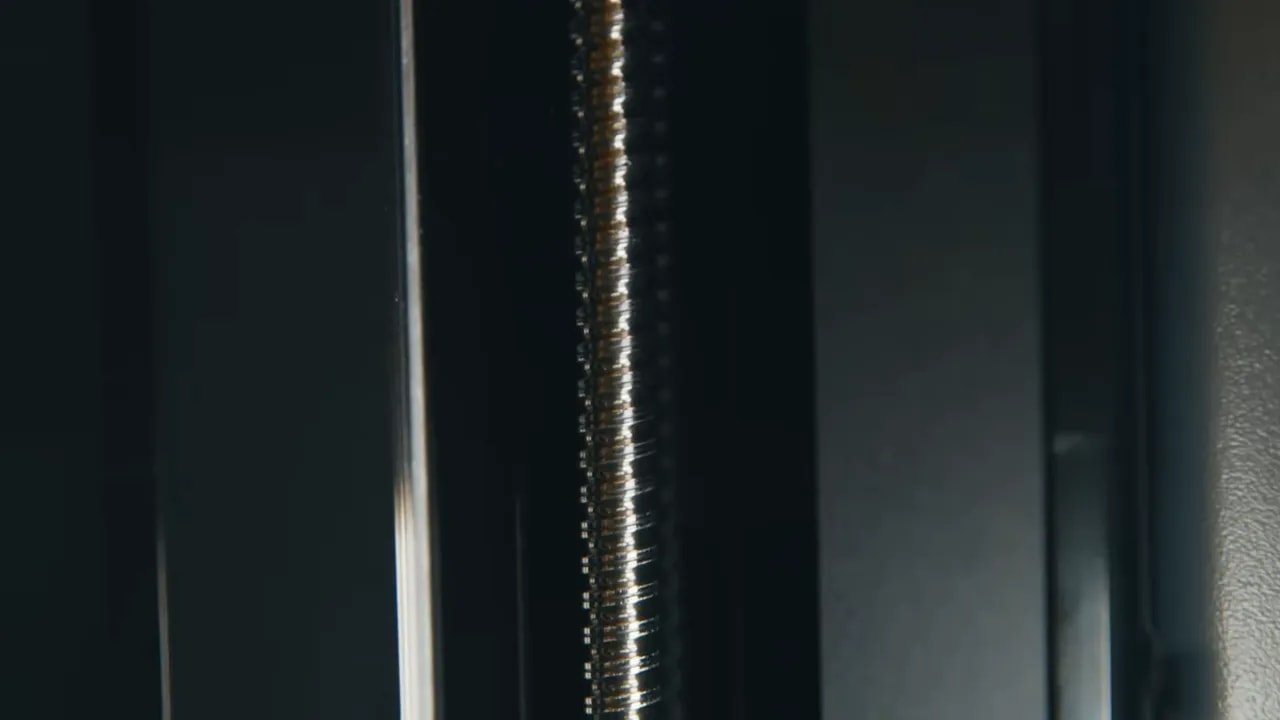
Resin print quality is not only about the screen. Stable movement matters. Reliable layer positioning matters. Hardware that stays true under repeated use matters. The HeyGears Reflex RS seems built around that understanding.
If the whole sales pitch is “highest quality resin prints made easy,” then the mechanics have to support it. Here, they do.
HeyGears Reflex RS – Vat Design, Refill System and Resin Handling
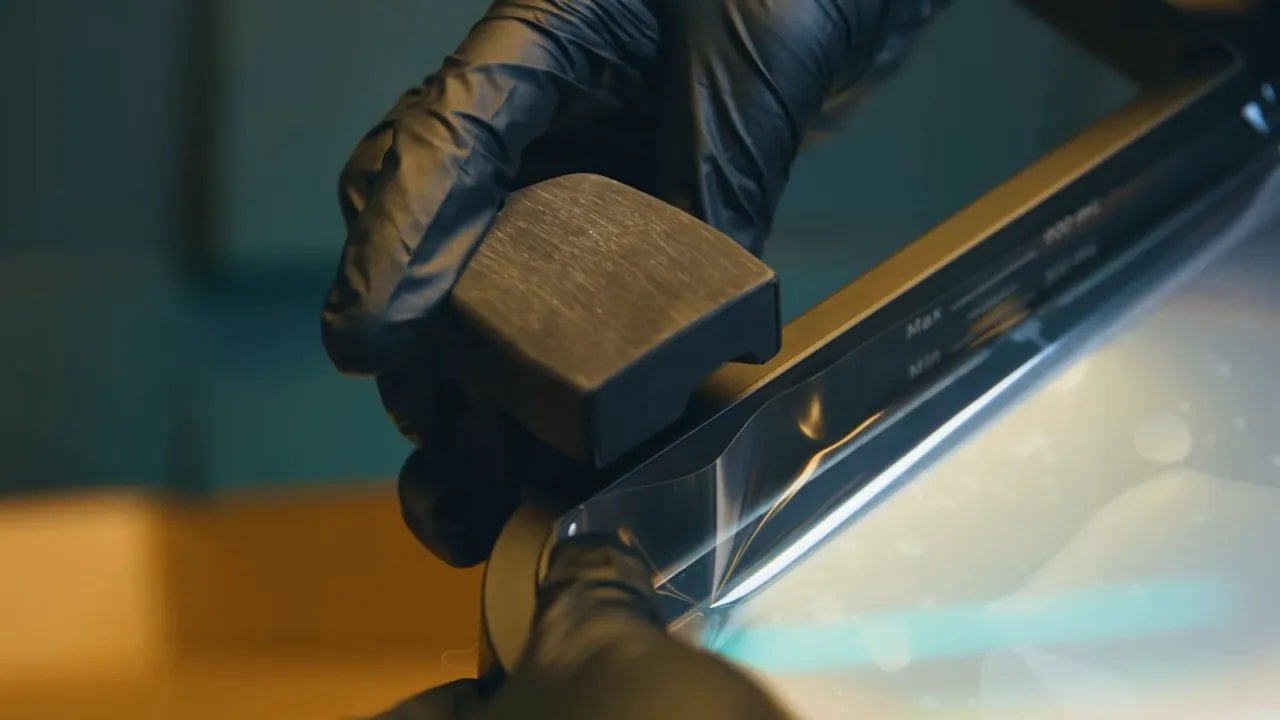
The vat is large, sturdy, and holds up to 900 ml of resin. It ships with crystal-clear PFA release film, which is a strong choice if your goal is retaining print sharpness. There are also small clear circular features in the corners that help reduce vacuum formation between the release film and screen, intended to slightly reduce pull forces during printing.
Then there is the automatic refill arrangement, which is one of the cleaner implementations of resin handling in this category. The resin bottle mounts inverted into the vat area, using a spring-loaded valve in the neck. Resin feeds steadily until the vat reaches the bottle neck level, then stops.
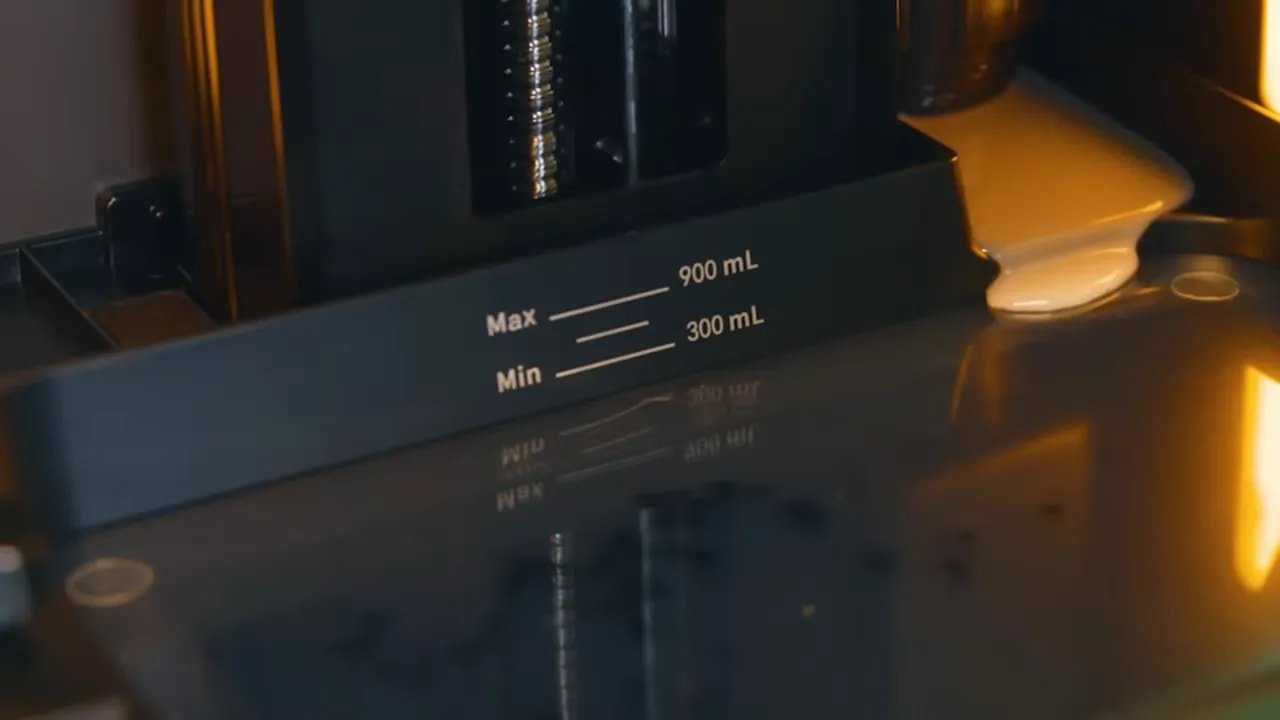
That has a few practical benefits:
- less mess during top-ups
- easy visual control over available resin
- simple material swapping compared with pump-based systems
Anyone who has had to purge or clean a pumped resin feed system will appreciate this. For the HeyGears Reflex RS, it is an elegant compromise between automation and usability.
HeyGears Reflex RS – Heated Vat and the Pulsing Release Module
Out of the box, the HeyGears Reflex RS does not include a heating system. That might sound surprising at this level, but the reasoning is fairly practical. Some users already print in climate-controlled environments or heated rooms, especially in print farm settings. For them, paying extra for integrated heating they do not need would be wasteful.
For everyone else, HeyGears sells an optional heated vat. More specifically, the upgraded option is tied to the Pulsing Release Module, or PRM.
This is one of the more technically interesting features around the HeyGears Reflex RS. The PRM is essentially an air compressor system that pumps air between the screen and release film before a layer lifts. The goal is to remove vacuum and reduce pull forces.
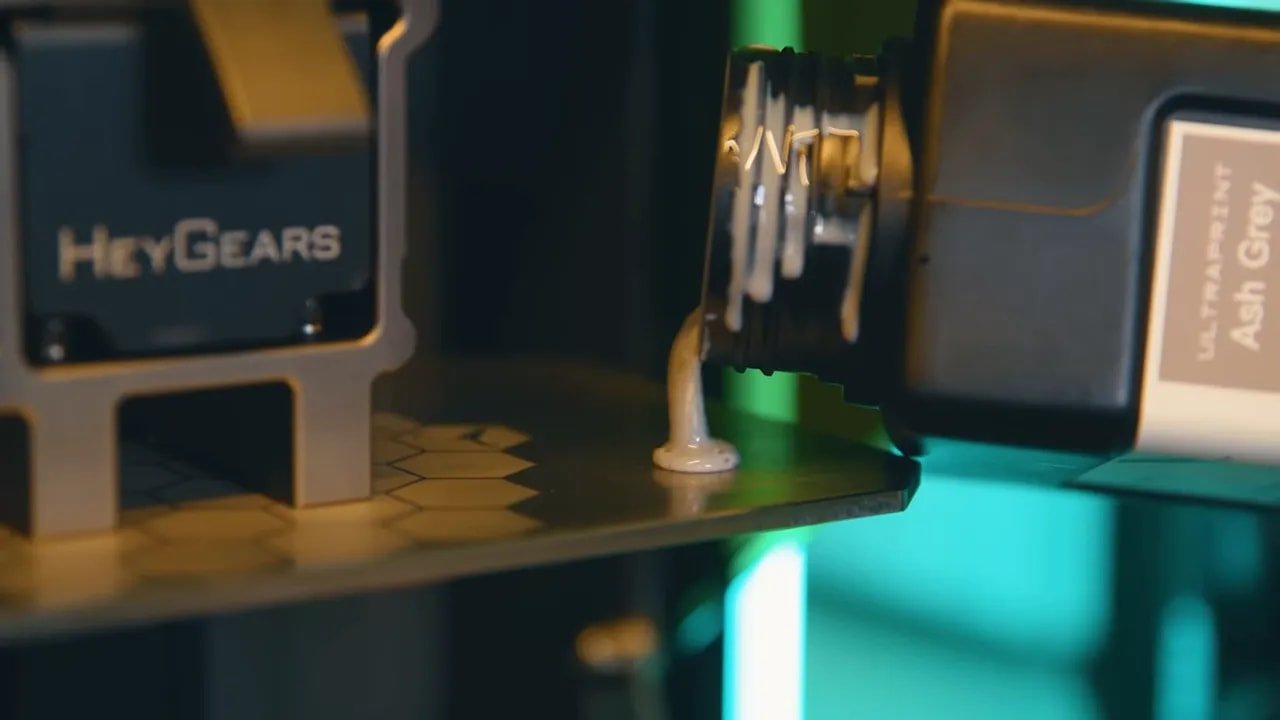
Why does that matter?
- reduced pull forces can improve print success
- they can improve surface quality
- they can allow smaller support contact points
- they may help with faster, safer printing
That last point is especially significant. On many printers, innovations aimed at reducing pull force can have trade-offs. ACF film, for example, may reduce force but at the cost of some print crispness. Tilting vats can help too, but usually do not change the support strategy if you are using pre-supported files. The HeyGears Reflex RS ecosystem, by contrast, can take advantage of those lower forces directly in support generation.
So this is not just an accessory bolted onto the side. It is a feature that integrates with the software side of the platform.
HeyGears Reflex RS – Blueprint Slicer and Auto Supports
The software experience is one of the biggest differentiators for the HeyGears Reflex RS.
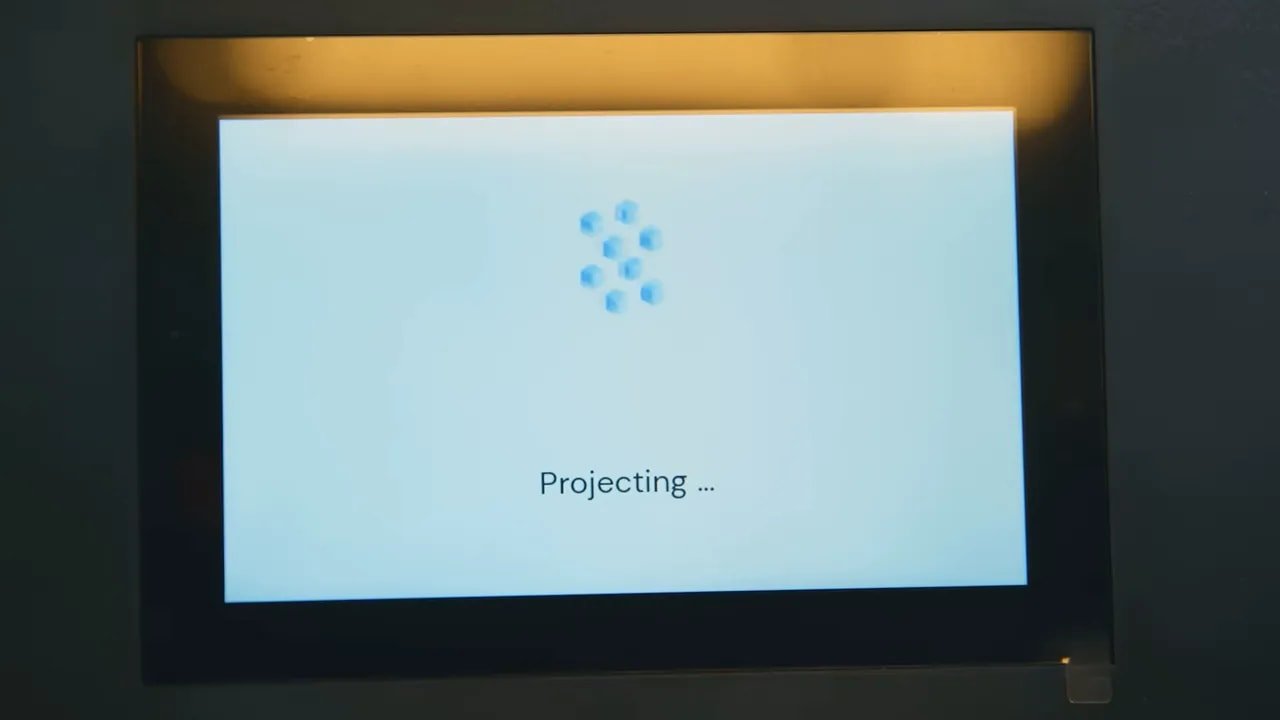
The printer UI itself is sharp, clearly laid out, and sensible. Important information, such as remaining print time, is displayed prominently. That should be basic, but many brands still get this wrong.
Wireless job handling is also well thought out. Send a file to the machine and it goes into the printer’s queue, so you can line up several jobs from the computer without waiting for each transfer to finish before starting the next.
Then there is Blueprint, the slicer. The best compliment you can give it is that it sounds boring in use, because the workflow is simple in the right ways:
- select the printer
- select the resin
- select the quality level
- drag in the model
- orient it
- auto-support it
- slice and print
That is the exact kind of process many hobby users want but rarely get. Most resin slicers still feel like slightly awkward utilities. Blueprint sounds more like a deliberately integrated production tool.
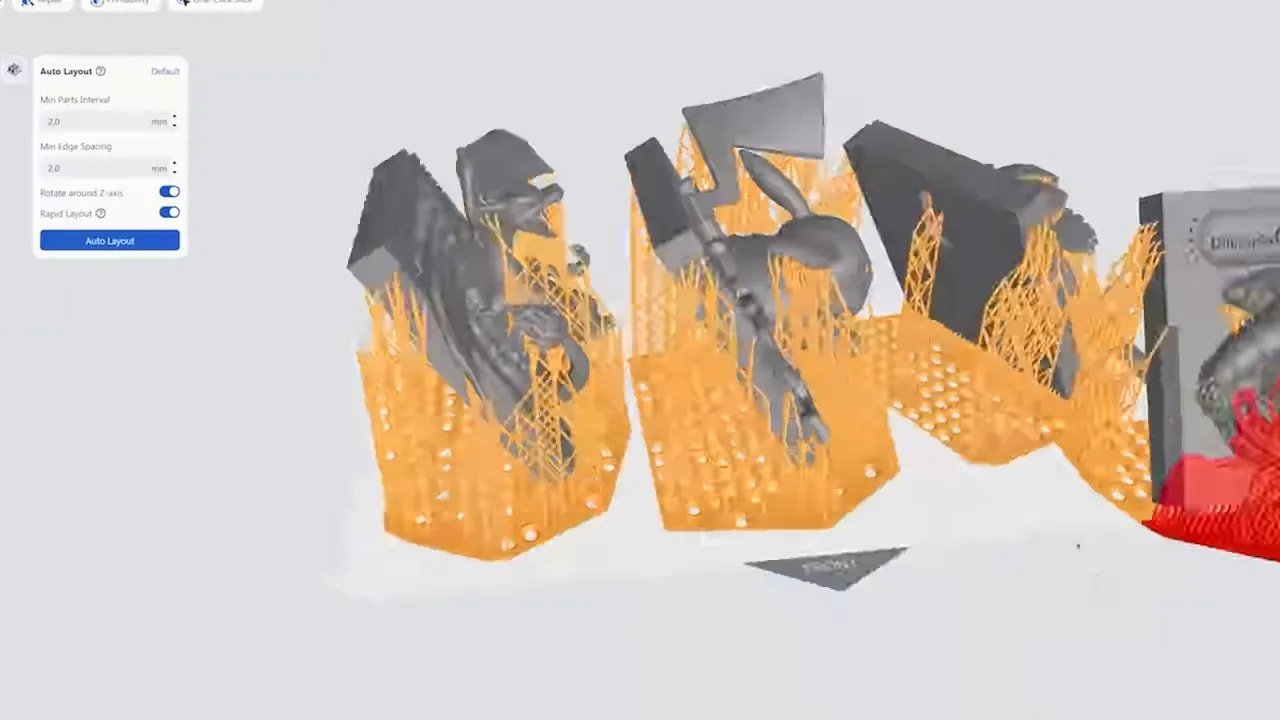
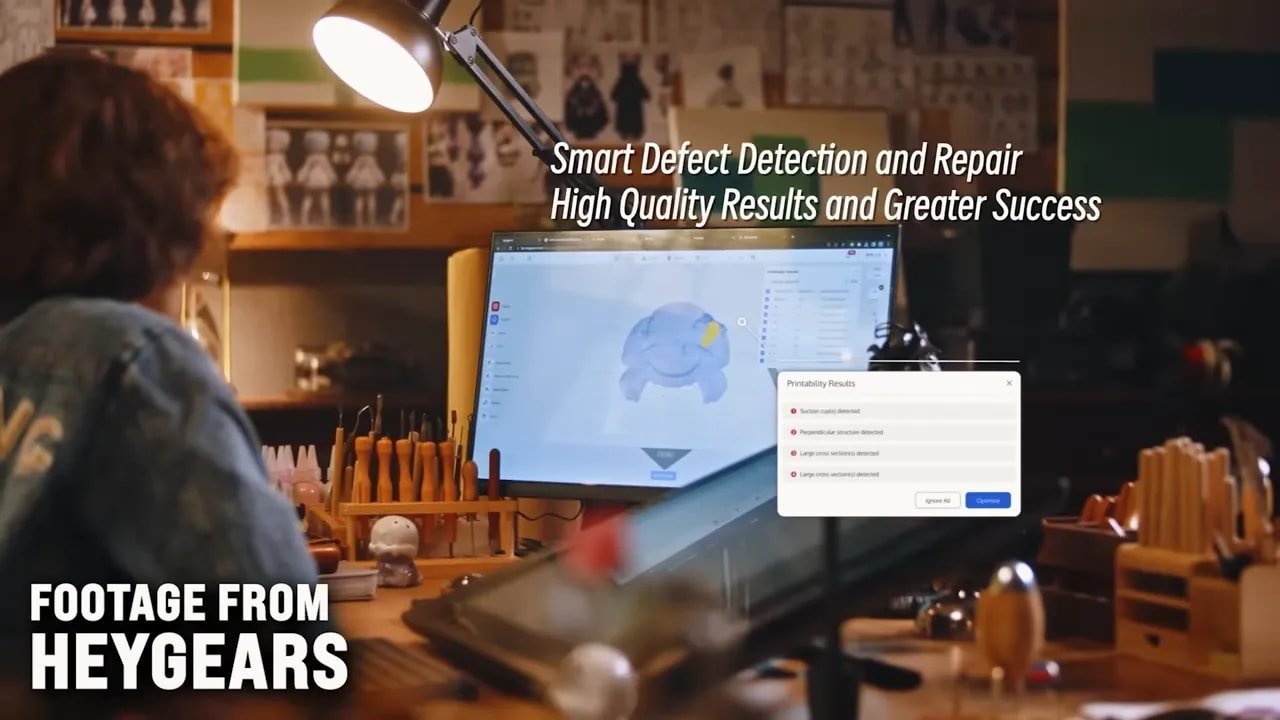
The auto supports are particularly important. With the HeyGears Reflex RS, support generation is not merely acceptable. It is one of the machine’s signature strengths. The support contact points can be incredibly small, and the system seems to create results that often leave less cleanup than manually supported files from other workflows.
That is a bold claim, but in a miniature-printing context it matters enormously. Less scarring, less sanding, less repair, and less time spent fussing over every contact point.
HeyGears Reflex RS – In-App Support and Why the Closed System Exists
There is one software feature on the HeyGears Reflex RS that deserves special attention: in-app print support.
Not just hardware troubleshooting. Actual print support.
If something goes wrong or quality is not what you expect, the slicer allows you to send the project, add your issue, attach photos, and receive direct guidance. And those responses can arrive quickly.
This is where the logic of the proprietary approach becomes strongest. If a company controls the machine, the slicer, the resin profiles, and much of the support strategy, then it can also provide targeted help in a way most resin brands simply cannot.
With open systems, the answer to a failed print is often a long forum thread, a social media group, or several evenings of experimentation. With the HeyGears Reflex RS, the answer can be built directly into the workflow.
That does not mean everyone should suddenly love closed ecosystems. It just means the advantage is real and worth acknowledging.
If you want a broader take on how opinions evolved over time, there is also a useful six-month follow-up on the machine that explores the ecosystem argument in more depth.
HeyGears Reflex RS – Sensors, Speed and the Reality Behind the Spec Sheet
Resin printer marketing often reduces machines to a handful of headline numbers: K-count, print speed, and little else. The HeyGears Reflex RS takes a different approach.
Instead of pushing a flashy maximum speed figure, the printer uses built-in sensors to manage print behaviour dynamically. There are force sensors, temperature sensors, humidity sensors, and more than one of several of these categories. The aim is not simply to print fast on paper. It is to print as fast as the current conditions safely allow.
That is a much more useful definition of speed.
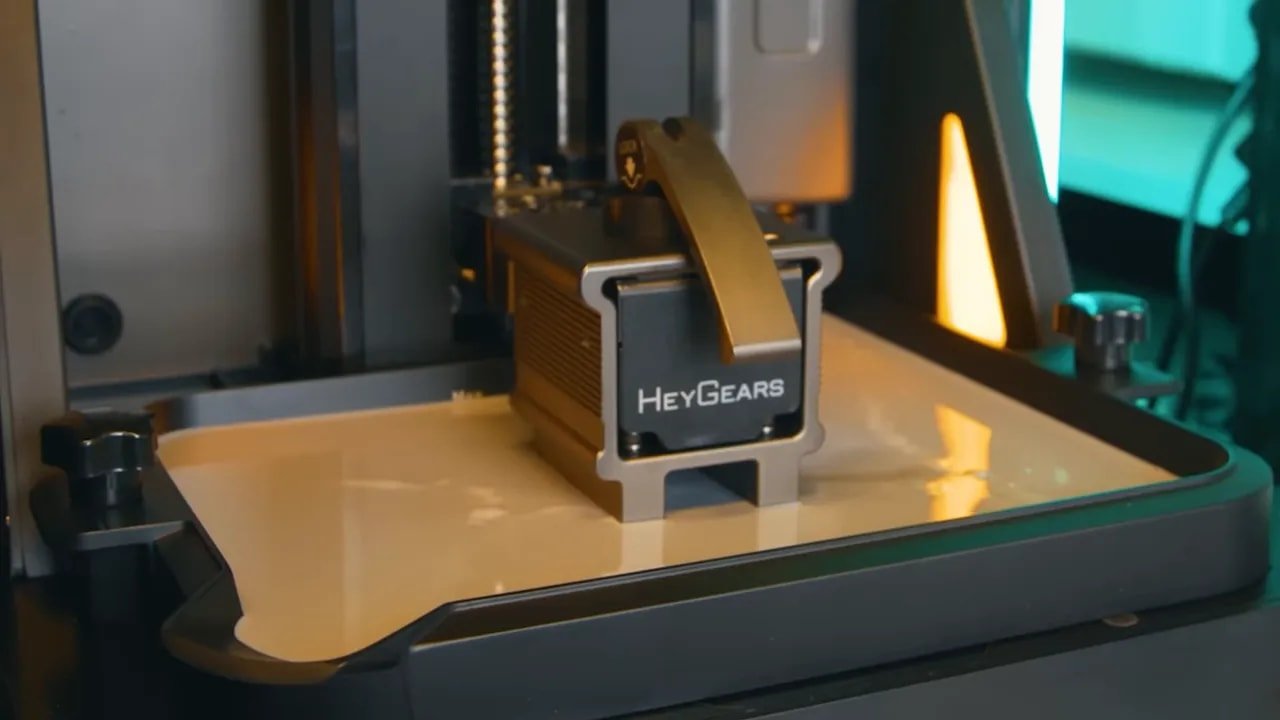
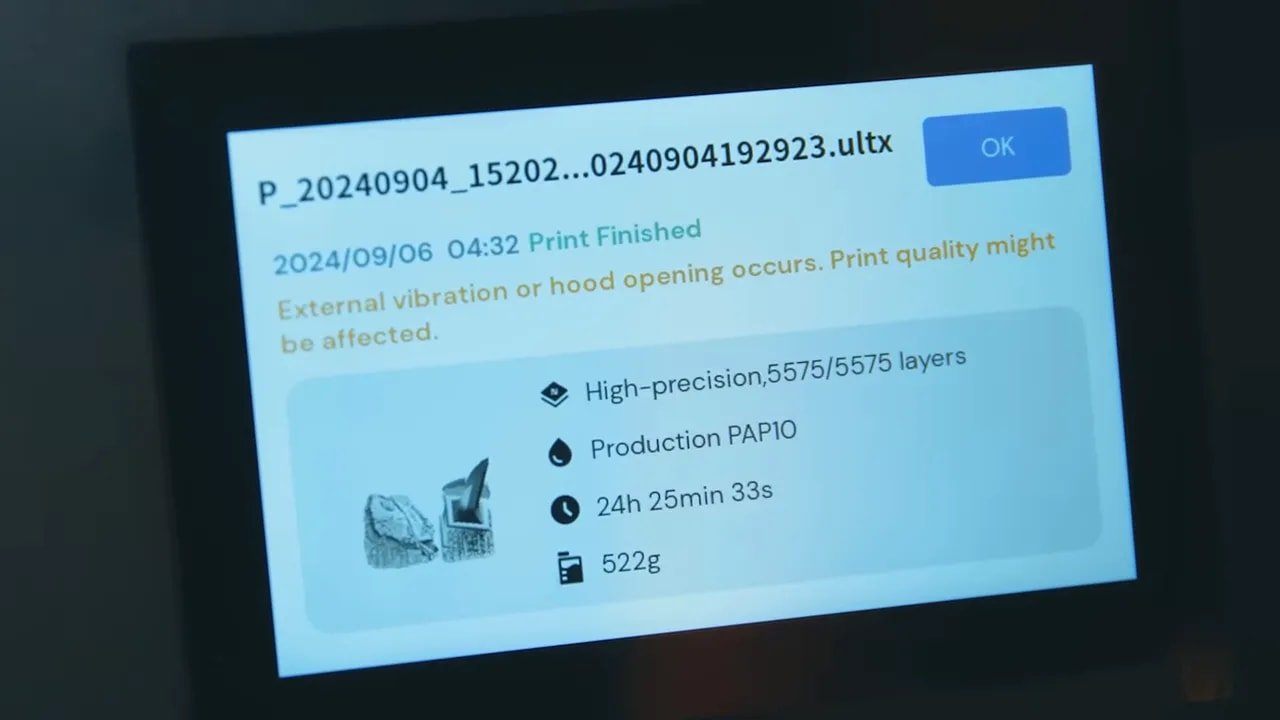
The printer can even detect unusual events. In one example, a print exception was traced back to a small external shock caused by closing the lid during a print. That suggests the machine is monitoring conditions with a level of sensitivity that goes well beyond most consumer resin printers.
This is another reason the HeyGears Reflex RS occupies a distinct place in the market. It is less about headline bragging rights and more about active print management.
HeyGears Reflex RS – Screen Resolution, Pixel Size and Why Bigger Numbers Are Not Everything
Now for the most hotly debated hardware point after the resin issue: screen resolution.
HeyGears did not make a big splash over the raw K-number. Instead, the confirmed pixel size is 29.7 microns, which works out to roughly 7484 x 4124 pixels over the available print area. In other words, just under what marketing departments would call 8K on a 10-inch class display.
At first glance, that may sound underwhelming in a market full of 10-inch “12K” machines.
But there is a very good argument for not chasing pixel count forever. As displays cram in more and more pixels, they also introduce more microscopic wiring between those pixels. That wiring blocks UV light, which can soften prints. So after a certain point, increasing resolution can actually work against crispness instead of improving it.
The implication is important: resin print quality is no longer just about chasing the highest pixel density. Light source quality and UV transmission through the LCD matter hugely too.
And the proof, ultimately, is in the output. The HeyGears Reflex RS appears to produce exceptionally sharp prints despite not leaning on a giant marketing number. That suggests the display choice was made for total print performance, not spec-sheet theatre.
HeyGears Reflex RS – Real Printing Experience
What makes the HeyGears Reflex RS so attractive is not any one single feature. It is the cumulative effect of all of them.
Good mechanics. Good support generation. Strong resin profiles. Smart sensors. Sensible UI. Integrated support. Reduced guesswork.
The result is a machine that genuinely sounds like a drag-drop-print device. Import the model, orient it, auto-support it, and print. That is the promise a lot of resin printing marketing has made over the years. The difference here is that the HeyGears Reflex RS seems much closer to actually delivering it.
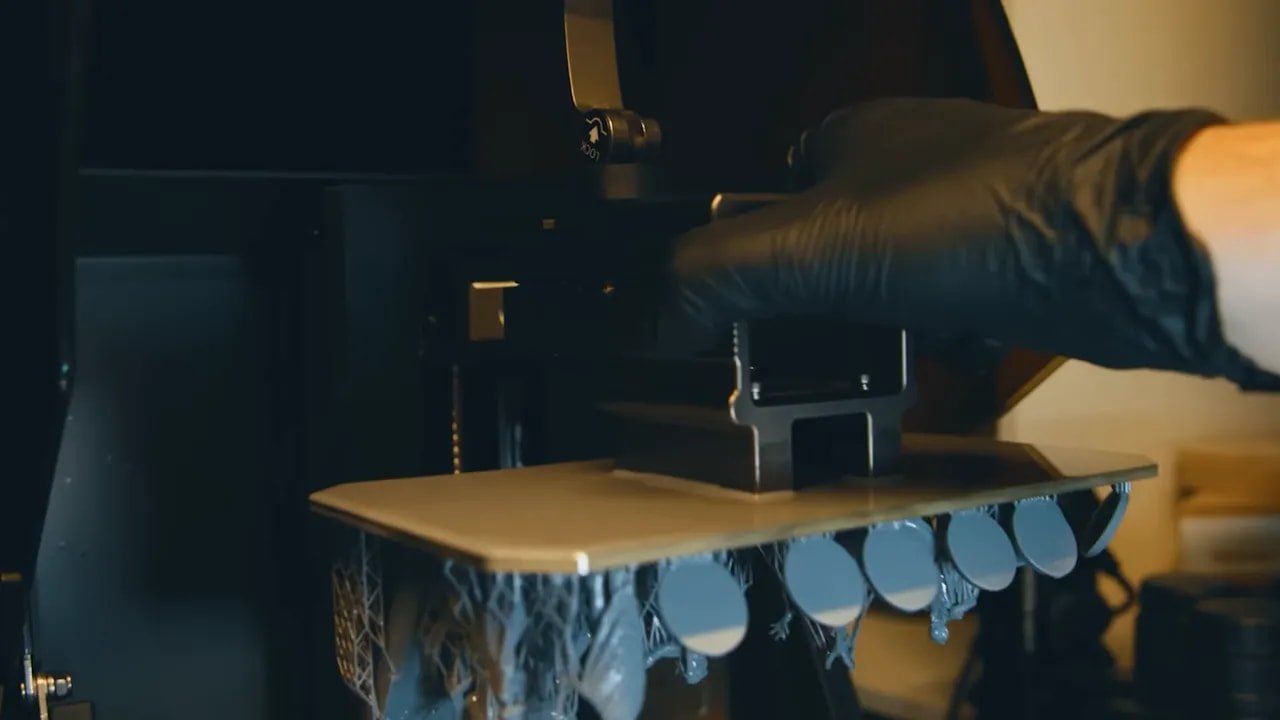
That is especially attractive if you are tired of constantly wondering whether your settings could be a bit better, whether your exposure is slightly off, or whether another half-hour of tweaking might squeeze out an extra 3% of quality. Some people enjoy that side of the hobby. Others absolutely do not.
los HeyGears Reflex RS is very clearly aimed at the second group.
HeyGears Reflex RS – Who Should Buy It and Who Should Avoid It
This is not a printer for everyone, and that is absolutely fine.
You should seriously consider the HeyGears Reflex RS if:
- you want premium print quality with minimal setup hassle
- you value consistency over experimentation
- you print miniatures, display pieces, or masters where cleanup and surface finish matter
- you are happy to pay more for a polished ecosystem
- you want a resin printer that feels closer to a professional tool
You should probably look elsewhere if:
- you strongly object to proprietary resin
- you enjoy tuning and testing multiple third-party resins
- you want the cheapest route to good-enough resin prints
- you prefer open systems even if they require more effort
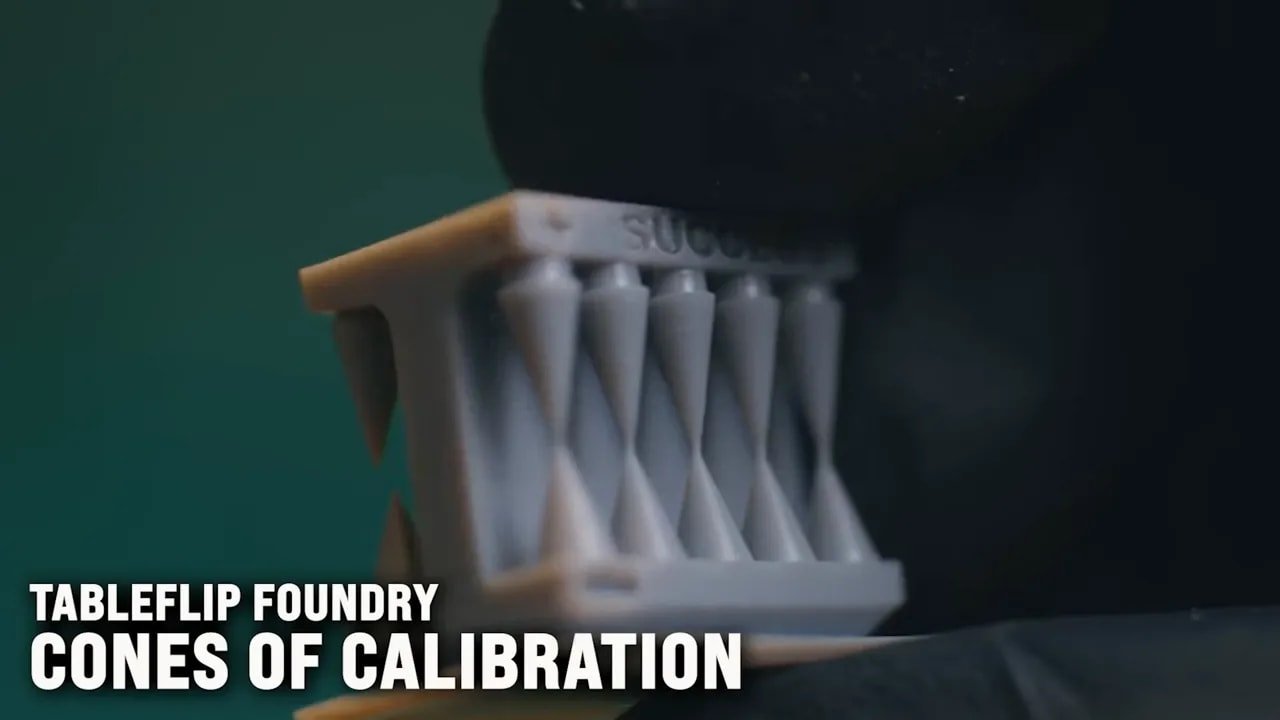
And that is really the key. There are plenty of cheaper printers that produce good results. If “good enough” and flexibility are your priorities, the HeyGears Reflex RS may feel like overkill. But if you want premium ease-of-use and premium output, the case for it becomes much stronger.
HeyGears Reflex RS – Resin Choices and Recommended Uses
Within the HeyGears material lineup, the resin mentioned most favourably for detailed work here is PAP10, especially for miniatures and sharp detail reproduction. There is also mention of another PAP10 option for miniature use, though the broader takeaway is that material selection is intended to be simple within the ecosystem: pick the resin that matches your application and let the printer and slicer handle the profile side.
That simplicity is, again, part of the value proposition.
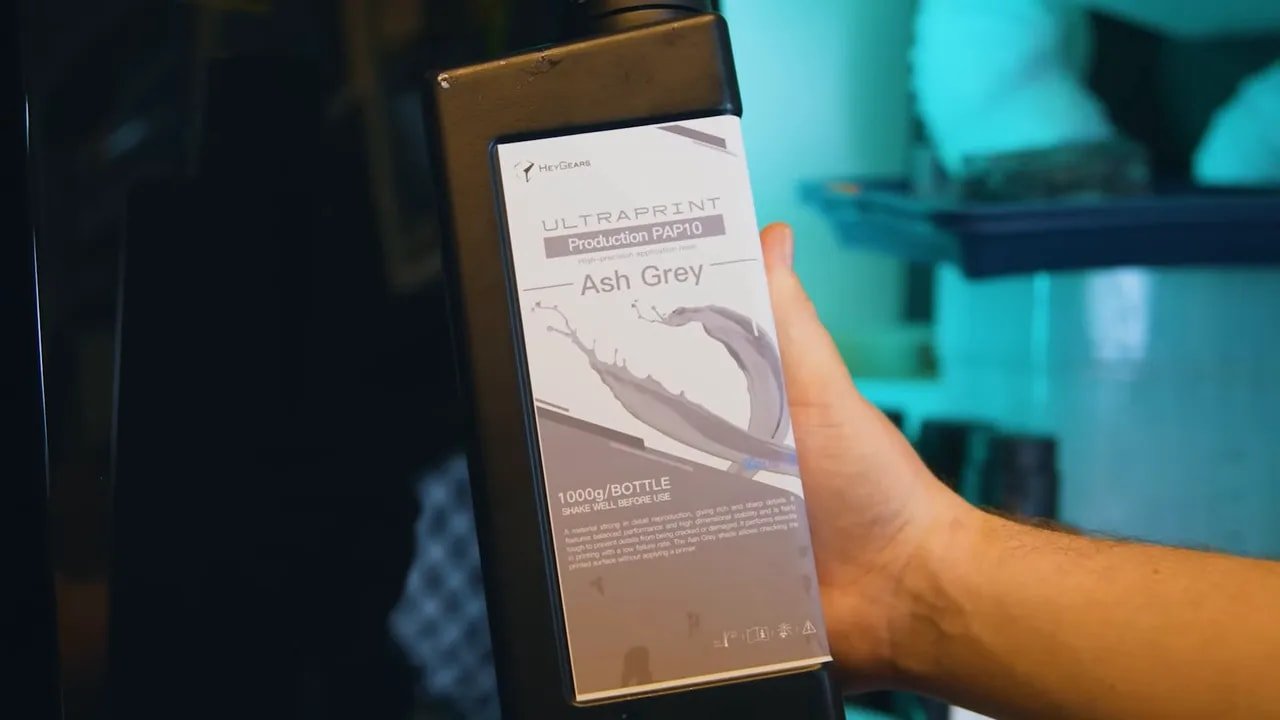
If you want to browse the official machine, resin range, and accessories for the HeyGears Reflex RS, the natural place to start is the HeyGears official store.
For anyone still learning the fundamentals of print setup and calibration in the wider hobby, the beginner resin printing guide y el Photonsters exposure range finder are both useful references, even if the HeyGears Reflex RS is designed to reduce how often you need them.
HeyGears Reflex RS – Professional-Level Output Examples
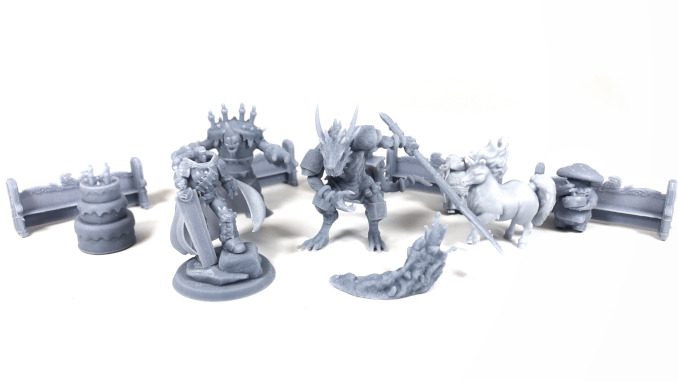
One of the strongest endorsements of the HeyGears Reflex RS is the kind of work it has already been trusted with. Professional-quality prints were produced for event display pieces, a custom base design for a Golden Demon entry, and masters for convention trophies and medals.
That is important because it places the printer in a more serious context than just casual hobby tinkering. These are the sorts of jobs where clean results, dependable detail, and predictable output really matter.
And the consistent thread running through those examples is that they were achieved without an exhausting amount of prep work. Import, orient, auto-support, print.
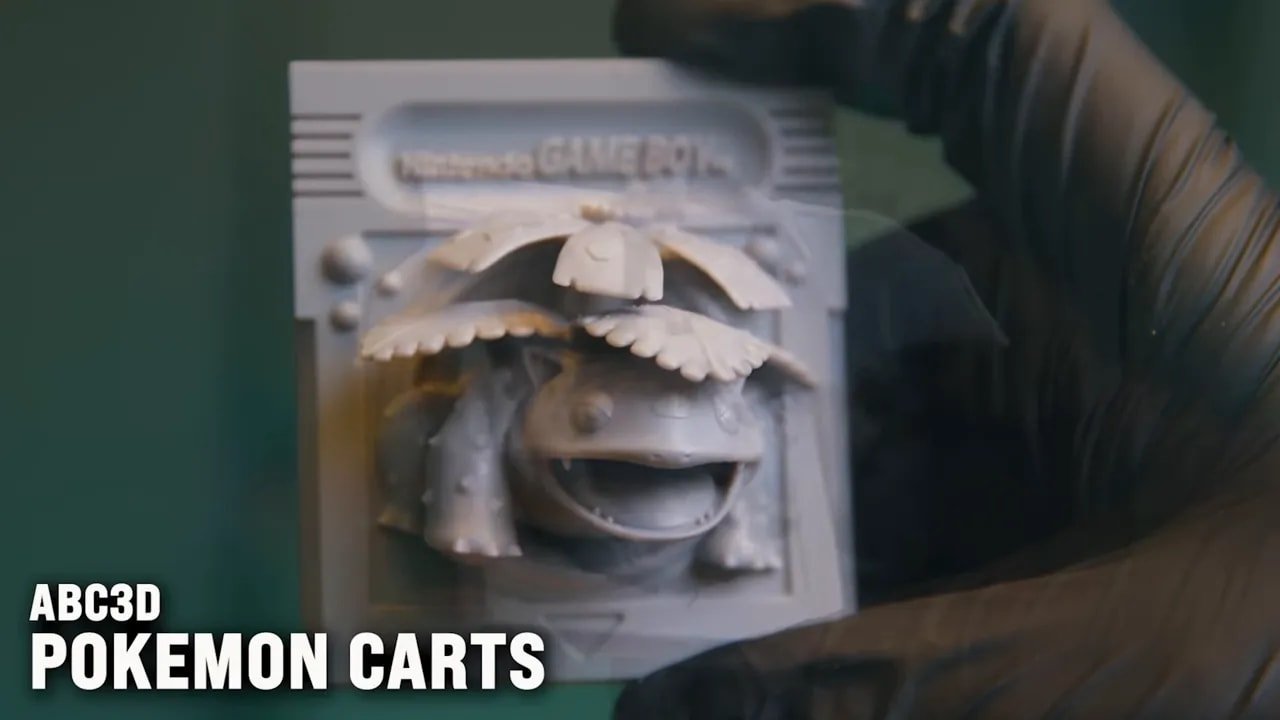
For miniature hobbyists, sculptors, painters, and small production users, that kind of reliability can be more valuable than any individual headline spec.
If you are still comparing options in this space, it is also worth having a look at this roundup of the best 3D printers for miniatures, como el HeyGears Reflex RS makes the most sense when viewed in context with what cheaper and more open machines offer.
HeyGears Reflex RS – Final Thoughts
los HeyGears Reflex RS is a genuinely impressive resin printer.
It is also a deeply opinionated product. It asks you to buy into a system, not just a machine. If that system aligns with what you want, the rewards appear to be substantial: excellent build quality, sharp and consistent prints, highly effective auto supports, polished software, in-app assistance, and a workflow that removes a huge amount of the usual resin-printing friction.
If that system does not align with what you want, none of those strengths will matter enough.
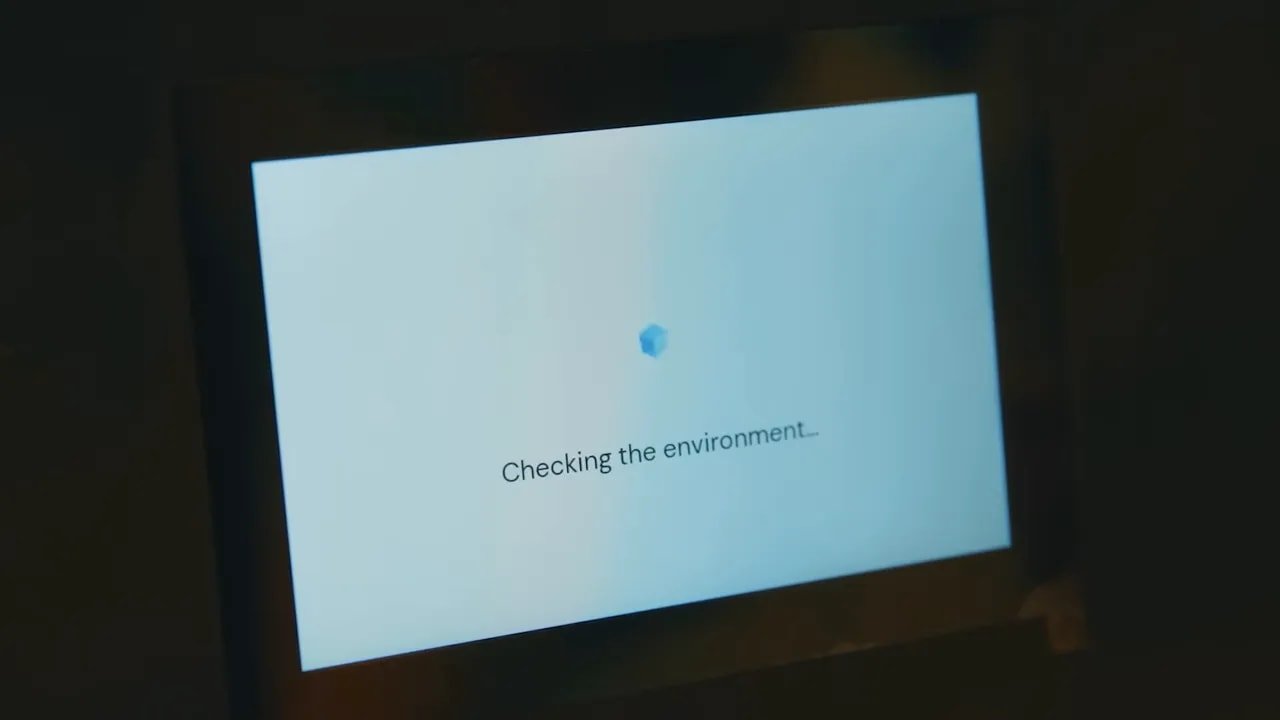
So no, the HeyGears Reflex RS is not automatically the printer everyone should buy. But for the right user, it may be one of the most satisfying consumer resin printers on the market. Not because it wins on every isolated spec, but because the total experience seems unusually coherent.
In a hobby full of half-finished software, vague resin profiles, and endless tinkering, there is something very appealing about a machine that simply aims to work beautifully every time.
HeyGears Reflex RS – Pros and Cons
Pros
- Exceptional build quality
- Highly polished UI and slicer workflow
- Excellent auto supports with very small contact points
- Strong sensor suite for active print management
- Very sharp print quality
- Useful optional upgrades like heated vat and PRM
- Integrated print support directly in the slicer
- Feels much closer to a professional tool than a hobby toy
Contras
- Locked to a proprietary resin ecosystem
- Premium pricing
- Build plate top lacks taper, so resin handling could be tidier
- Some small ergonomic and menu-layout quirks
- Optional extras may be necessary depending on your environment
HeyGears Reflex RS – Additional Resources
If the HeyGears Reflex RS has pushed you further into the wider hobby rabbit hole, a few related resources may also be useful.
- Fantasy STL library for fantasy printing projects
- Sci-fi STL library for science-fiction printing projects
- Free STL starter pack if you want some test files to print
- HeyGears IdeaShapers community for community discussion around the platform
- WARGAMER resin if you are comparing specialised miniature materials elsewhere
- silicone cleaning mat for tidier resin workspaces
- best airbrushes for miniatures if your printed models are heading straight to paint
- beginner airbrush guide if you are just getting started with finishing printed pieces
HeyGears Reflex RS – FAQ
Is the HeyGears Reflex RS good for miniatures?
Yes. The HeyGears Reflex RS appears especially well suited to miniatures and detail-heavy parts because of its strong auto-support system, sharp output, and reduced need for constant tuning.
Can the HeyGears Reflex RS use third-party resin?
No. The HeyGears Reflex RS is part of a locked-down ecosystem that uses HeyGears resin and software profiles.
Does the HeyGears Reflex RS have automatic resin refill?
Yes. The vat design supports a bottle-fed refill approach that keeps resin available up to the fill line in a clean and controlled way.
Does the HeyGears Reflex RS include a heated vat?
Not as standard. Heating is available through an optional upgraded vat, intended for users who need controlled resin temperature.
What makes the HeyGears Reflex RS different from cheaper resin printers?
The big difference is the complete ecosystem. The HeyGears Reflex RS combines premium hardware, sensors, slicer integration, validated resin settings, very strong auto supports, and direct in-app support to reduce user error and improve consistency.
Is the HeyGears Reflex RS worth the price?
If you value convenience, consistency, and polished workflow over openness and low initial cost, then yes, the HeyGears Reflex RS makes a strong case for itself. If you mainly want flexibility and affordability, a cheaper open-system printer may suit you better.
Tenga en cuenta: This site uses affiliate links. Our Affiliate Partners are shown below
(Affiliate links will result in compensation to the site on qualifying purchases)
Haga clic en este enlace y compre sus cosas de hobby en Element Games para el Reino Unido y Europa para admitir FauxHammer.com - Use el código "FAUX2768"En la caja para obtener puntos de recompensa doble.


Nuestros afiliados / tiendas de hobby
- REINO UNIDO: Juegos de elementos, El puesto avanzado, Juegos Wayland, Lancer poderoso, Juego de duendes, Forbidden Planet, Suministros para escenarios de modelos, eBay, Amazonas
- EE. UU. / Canadá: MTechCave, GameKastle, eBay (EE. UU.), eBay (CA), Amazonas
- Alemania: Taschengelddieb
- Europa: eBay (DE), eBay (FR), eBay (ES), eBay (IT), Amazonas
- Australia: eBay, Amazonas
- Global: Juegos de RedGrass, Colores de guerra
- Impresoras 3D: Congelado 3D, Elegoo, Anycubic


 Español
  English (UK)
  Deutsch
  Français
  Italiano